To connect a coaxial cable to an HDMI display, you need an active RF to HDMI converter, as a simple cable won’t work due to fundamental differences in signal types. Coaxial cables transmit analog radio frequency (RF) signals, while HDMI cables carry pure digital signals. The converter acts as a translator, decoding the analog RF signal and re-encoding it into a digital format compatible with modern HDMI ports, allowing older devices like VCRs or cable boxes to display content on new TVs.
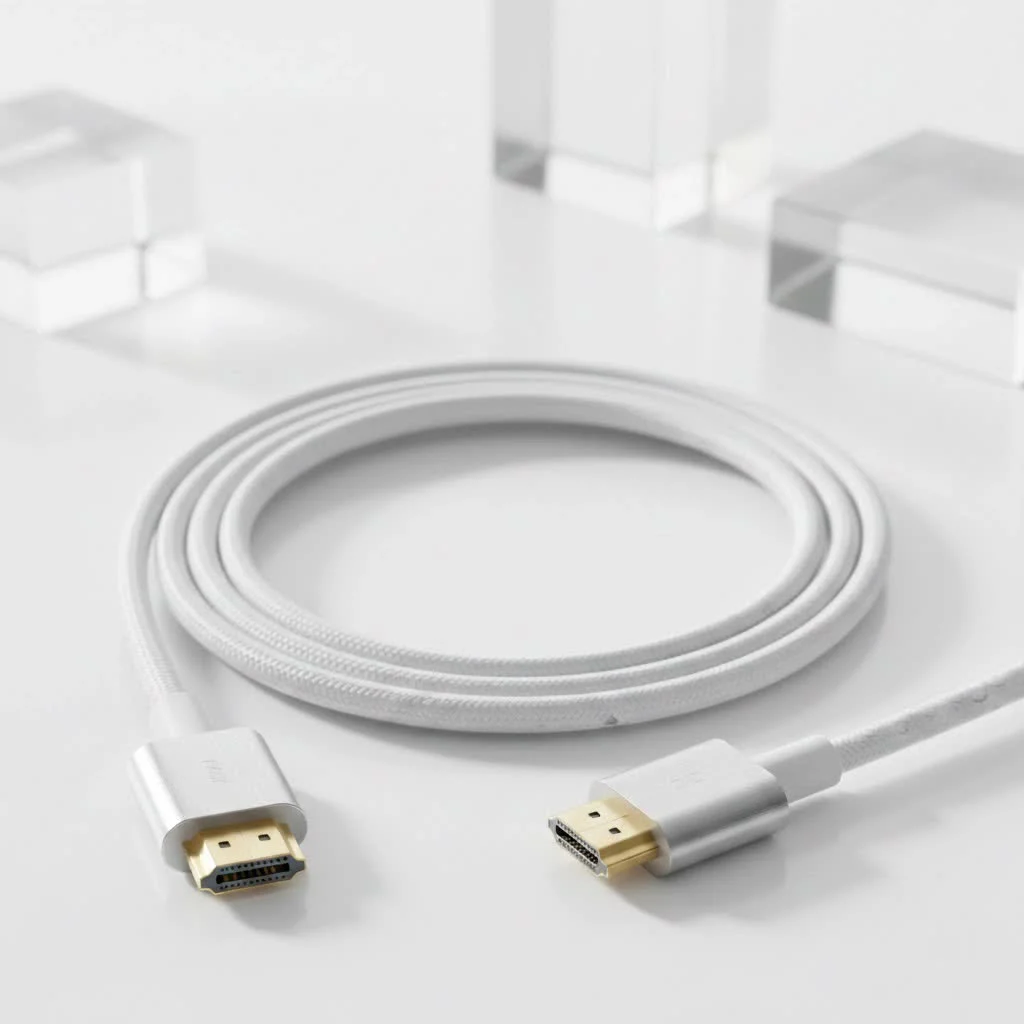
This guide explains the technology behind the conversion and provides a step-by-step process for connecting your vintage gear to modern displays.
Why Can’t You Just Use a Simple Cable?
The core issue is that coaxial and HDMI cables carry fundamentally different types of signals.
- Coaxial Cable (RF Signal): This cable carries an analog radio frequency (RF) signal, bundling video and audio information in a format older televisions understand.
- HDMI Cable (Digital Signal): HDMI (High-Definition Multimedia Interface) carries a pure digital signal, delivering pristine, uncompressed audio and video data as ones and zeros.
An analog signal and a digital signal are incompatible. Connecting them directly is impossible without a converter, which translates the signal.
The Solution: The RF to HDMI Converter
To connect a coaxial source to an HDMI display, you need an RF to HDMI Converter or an RF Modulator. This small, powered box translates the signal:
It takes the incoming analog RF signal from the coaxial cable, decodes it, and then re-encodes it into the digital format that your TV can understand and display via its HDMI port.
Home theater specialist Michael Carter notes, “People often underestimate the complexity of this conversion. They look for a cheap, passive cable, but that’s a dead end. An active, powered converter is essential because it’s not just adapting a plug shape; it’s performing a complex digital transformation of the entire signal. A powered unit ensures a stable, consistent picture without flicker or dropouts.”
How to Choose the Right Coaxial Cable to HDMI Converter
When selecting a converter, consider these features:
- Resolution Support: Most converters output at 720p or 1080p. While 720p is often sufficient for standard definition sources, a 1080p model offers better future-proofing and potentially improved upscaling.
- Included Cables: Verify if an HDMI cable and power adapter are included, as some budget models sell these separately.
- Power Source: All converters require power for signal translation, typically via a small AC power adapter plugged into a wall outlet.
- Build Quality and Brand Reputation: Check user reviews for reliability and longevity. Reputable electronics brands generally offer better support and more dependable products.
A Step-by-Step Guide to Connecting Your Devices
Once you have your RF to HDMI converter, the setup is straightforward.
- Disconnect Your Source: Disconnect your coaxial source (e.g., VCR, old cable box) from any existing connections.
- Connect Coaxial to Converter: Screw the coaxial cable from your source device into the port labeled “RF In,” “Coaxial In,” or “Antenna In” on the converter box.
- Connect HDMI to TV: Plug one end of an HDMI cable into the “HDMI Out” port on the converter. Connect the other end to an available HDMI port on your television, noting the port number (e.g., HDMI 1).
- Power Up the Converter: Plug the converter’s power adapter into the device and then into a wall outlet or power strip.
- Turn Everything On: Power on your source device and your television.
- Select the Correct Input: Use your TV remote to switch the input source to the HDMI port you connected the converter to in Step 3.
- Enjoy Your Content: Your analog device’s signal should now appear on your modern TV screen. Insert a tape into a VCR to test it.
Common Problems and How to Troubleshoot Them
If you encounter issues, here are common problems and solutions.
No Signal on the TV
|
Our Picks for the Best HDMI Cable in 2026
As an Amazon Associate I earn from qualifying purchases.
|
||
| Num | Product | Action |
|---|---|---|
| 1 | Highwings High Speed 8K 60Hz HDMI Cable 3.3FT/1M, 2.1 48Gbps HDMI Braided Cable-4K@120Hz 7680P,DTS:X,HDCP 2.2 & 2.3, HDR 10,eARC,Dynamic HDR,Compatible for Laptop, Monitor, Roku TV |

|
| 2 | 15 Pack of 10 Foot hdmi Cables |
|
| 3 | Highwings 8K@60 HDMI Cable 10FT/3M, 48Gbps 2.1 High Speed HDMI Braided Nylon 4K120 144Hz RTX 3090 eARC HDR10 4:4:4 HDCP 2.2&2.3 Compatible for PS5, PS4, UHD TV and PC |
|
| 4 | Short HDMI Cable 1 FT 2-Pack, 8K HDMI 2.1 48Gbps Ultra High Speed Braided HDMI Cords, 1 Foot HDMI Cable for Camera, Field Monitor, External Recorder, Laptop, PC |
|
| 5 | Highwings Long HDMI Cable 20 FT, 10K 8K 4K Ultra HD High Speed 2.1 HDMI Cable 48Gbps Braided Cord-4K@120Hz 8K@60Hz, DTS:X, HDCP 2.2&2.3, Dynamic HDR 10 Compatible with Roku TV/PS5/HDTV/Blu-ray |
|
| 6 | Anker HDMI Cable 8K@60Hz, 6FT Ultra HD 4K@120Hz HDMI Cord,48 Gbps Certified Ultra High-Speed,Compatible with PlayStation 5,Xbox,Samsung TVs,and More |
|
| 7 | Highwings 8K 10K 4K HDMI Cable 48Gbps 6.6FT/2M, Certified Ultra High Speed HDMI Cable Braided Cord-4K@120Hz 8K@60Hz, DTS:X, HDCP 2.2 & 2.3, HDR 10 Compatible with Roku TV/PS5/HDTV/Blu-ray |
|
| 8 | Highwings 4K HDMI Cable 6.6FT/2m - High-Speed HDMI 2.0 Quality Cord 4K@60Hz, Braided Nylon & Gold Connectors, HDR, Ethernet, ARC, 3D, HDCP 2.2, Compatible for PS-5/4/3/ HDTV/Monitor/DVD/Streaming |
|
| 9 | Highwings Long HDMI Cable 15 FT, 4K 8K 10K HDMI 2.1 Cord Ultra High Speed [in-Wall CL3 Rated, 8K@60Hz 4K@120Hz Video 48Gbps], Fit, Durable, Flexible, eARC, HDCP, Compatible for Ethernet SoundBar |
|
| 10 | 10K 8K HDMI 2.1 Cable 2-Pack 6.6FT, Highwings Certified 48Gbps Ultra High Speed Slim HDMI Cord,Support 4K@120Hz 8K@60Hz, HDCP 2.2&2.3, Dynamic HDR,eARC,DTS:X, Compatible with Roku TV/HDTV/PS5/Blu-ray |
|
- Check Your Inputs: Ensure you have selected the correct HDMI port on your TV (e.g., HDMI 1, HDMI 2).
- Confirm Power: Verify the converter is plugged in and its power indicator light is on.
- Secure Connections: Make sure both coaxial and HDMI cables are firmly connected at all points: source, converter, and TV.
Poor Picture Quality
A coaxial cable to HDMI converter translates the signal but cannot improve its original quality. Video from a VCR or old game console will remain standard definition.
- Check the Source: Picture quality is limited by the source device. Dirty VCR heads or worn-out tapes will result in poor video.
- Adjust TV Settings: Adjust your TV’s aspect ratio using your remote to cycle through settings like “4:3,” “16:9,” “Zoom,” or “Fit to Screen” for the best display.
Frequently Asked Questions (FAQ)
Will a coaxial to HDMI converter work for modern cable or satellite boxes?
No, this conversion process is specifically for older devices that only have a coaxial RF output. Modern cable and satellite boxes already use HDMI for high-definition output.
Can I connect an OTA (Over-the-Air) antenna to my HDMI-only TV with this?
Yes, this is a popular use case. If your TV lacks a built-in coaxial F-type connector, you can plug your antenna into the RF converter, which then connects to your TV’s HDMI port, functioning as an external TV tuner.
Does the length of the coaxial or HDMI cable matter?
For typical in-home setups, cable length is not a major concern. However, for optimal results, keep both coaxial and HDMI cables under 50 feet to prevent potential signal degradation.
Is there any audio delay or lag when using a converter?
For watching videos, any delay is usually imperceptible. For vintage gaming, most standard converters introduce minimal lag, unnoticeable to casual players. Hardcore retro gamers might prefer other solutions, but for most users, it is not an issue.
Can I go the other way, from HDMI to Coaxial?
Yes, but it requires a different device: an HDMI to RF modulator. This is used to send a modern signal (e.g., from a Blu-ray player) to a very old television that only has a coaxial input.
The Final Word
Connecting older technology to new displays is achievable and affordable. By using the correct RF to HDMI converter, you can revitalize classic VCRs, DVD players, and retro gaming consoles, integrating them into your modern home entertainment setup. The right coaxial cable to HDMI converter serves as an effective bridge between older tech and today’s screens.
Frequently Asked Questions
Will a coaxial to HDMI converter work for modern cable or satellite boxes?
No, a coaxial to HDMI converter is not designed for modern cable or satellite boxes. These devices already provide high-definition output via HDMI, so the conversion process is specifically for older equipment that exclusively features a coaxial RF output.
Can I connect an Over-the-Air (OTA) antenna to an HDMI-only TV using this converter?
Yes, you can connect an OTA antenna to an HDMI-only TV using an RF to HDMI converter. This is a very common application, allowing the converter to act as an external TV tuner for televisions without a built-in coaxial F-type connector.
Does the length of the coaxial or HDMI cable impact signal quality?
For typical in-home setups, cable length is generally not a major concern. However, for optimal performance and to prevent potential signal degradation, it is recommended to keep both coaxial and HDMI cables under 50 feet in length.
Is there any noticeable audio delay or lag when using an RF to HDMI converter?
For watching videos, any audio delay or lag introduced by the converter is usually imperceptible. For vintage gaming, most standard converters introduce a minimal amount of lag that is not noticeable to casual players, though hardcore retro gamers might prefer alternative solutions.
Is it possible to convert an HDMI signal to coaxial?
Yes, it is possible to convert an HDMI signal to coaxial, but it requires a different device called an HDMI to RF modulator. This type of converter is used when you need to send a modern digital signal, such as from a Blu-ray player, to a very old television that only has a coaxial input.
Get our weekly buyer guide
Practical specs, not advice. Unsubscribe anytime.
Finally, a clear explanation of why you can’t just use a simple cable! I’ve been trying to figure out how to get my old DVD player with a coaxial output to work on my new TV for ages. The step-by-step process for connecting vintage gear was exactly what I needed. Everything is working flawlessly now.
I was so confused about how to get my old VCR hooked up to my new smart TV. This guide really broke down the difference between analog RF and digital signals, which helped me understand why a simple cable wouldn’t work. The recommended RF to HDMI converter worked perfectly, and now I can watch all my old home movies again!
This was super helpful for connecting my vintage cable box to my new monitor. I appreciated the explanation about the signal types and why an active converter is essential. My only minor gripe is that the setup was a tiny bit more fiddly than I expected, but once it was all connected, the picture quality was surprisingly good for an old device.
I bought a converter based on the info here to connect an old gaming console. While it did work, the audio sometimes cuts out for a second or two, which is a bit annoying during gameplay. The video conversion is fine, but I was hoping for a more stable audio experience. Maybe it’s just my specific converter, but something to consider.