Do you have a classic gaming console, a beloved VCR, or an old DVD player collecting dust? You’ve probably looked at the back of your shiny new 4K TV and noticed a distinct lack of the familiar red, white, and yellow ports. It’s a common frustration in our high-definition world. But before you banish that retro tech to the attic, there’s a simple, elegant solution. Let’s talk about the magic little box that bridges the gap between analog nostalgia and digital clarity: the rca cable to hdmi converter. This guide will walk you through everything you need to know to bring your vintage electronics into the modern age.
What is an RCA to HDMI Converter, Exactly?
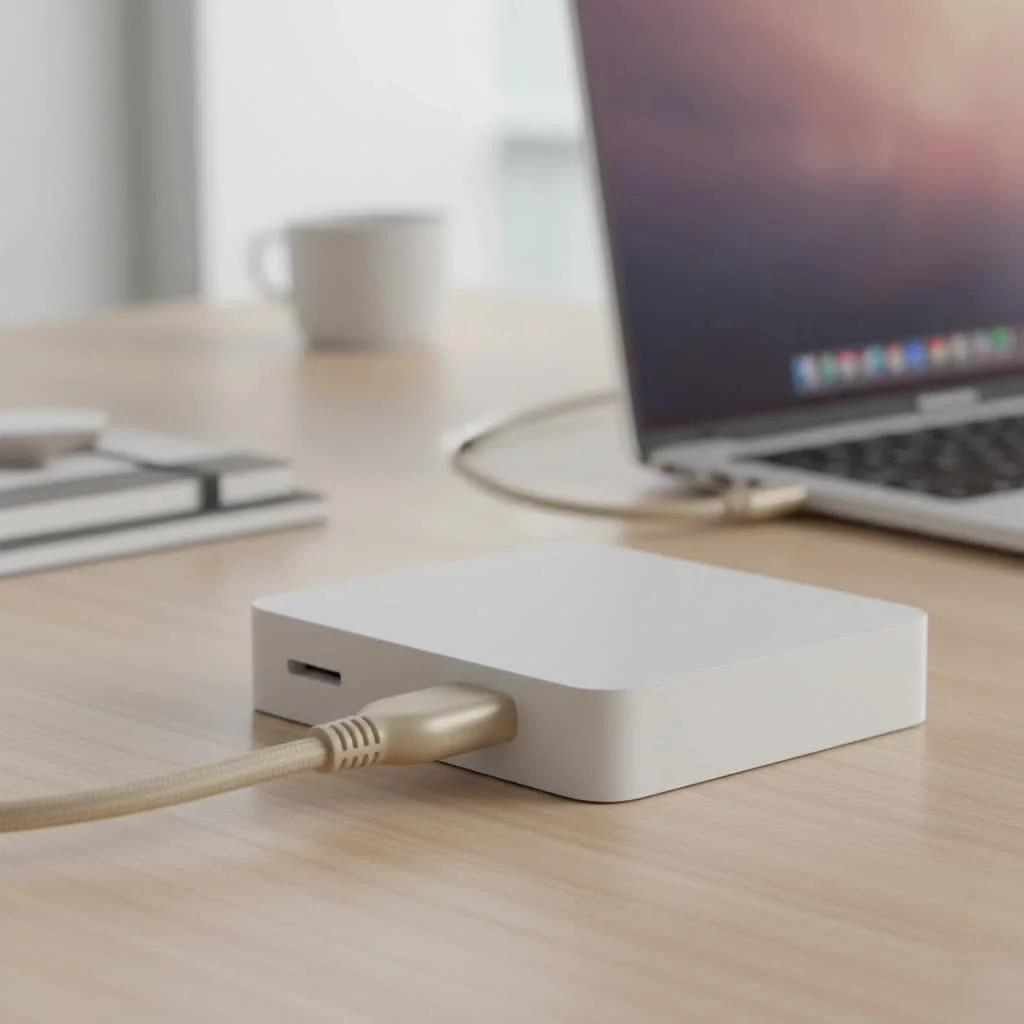
At its core, an RCA to HDMI converter is a compact device that serves as a translator. It takes the old-school analog signal from your legacy devices—the one carried by those three iconic colored cables—and converts it into a digital signal that your modern HDMI-equipped television or monitor can understand.
Think of it this way: your VCR speaks an older language (analog), while your new TV only understands a modern one (digital). The converter is the interpreter that allows them to communicate. It processes the composite video signal (from the yellow cable) and the stereo audio signals (from the red and white cables) and merges them into a single, convenient HDMI stream.
It’s crucial to understand that this is a one-way street. An RCA to HDMI converter takes an RCA signal in and sends an HDMI signal out. If you need to do the opposite—like connect a new streaming stick to an old tube TV—you would need a different device called an HDMI to RCA converter. Always check the direction of the conversion before you buy.
How Does the Conversion Process Work?
The converter’s job is a bit more complex than simply changing plug shapes. It actively digitizes the incoming analog information. But its most important function is something called “upscaling.”
Your old devices output a standard-definition signal, typically at a resolution of 480i. A modern HD or 4K TV has millions more pixels to fill. The converter upscales, or stretches, that 480i image to fit your TV’s 720p or 1080p screen.
A Word on Quality: It’s important to set realistic expectations. While the converter makes the connection possible, it cannot magically transform a standard-definition source into true high-definition. It’s a converter, not a time machine. The image will be softer and less vibrant than a native HD source, but it will be perfectly watchable and allow you to enjoy your classic media.
Step-by-Step Guide to Connecting Your Gear
Setting up your system is incredibly straightforward. You’ll be up and running in less than five minutes.
- Connect the RCA Cables: Plug the yellow, red, and white cables from your source device (like a Nintendo 64 or VCR) into the corresponding color-coded female inputs on the converter. Make sure they are snug.
- Hook Up the HDMI: Connect one end of a standard HDMI cable to the converter’s “HDMI Out” port. Plug the other end into an available HDMI port on your television or monitor.
- Power Up the Converter: Nearly all of these converters require external power to function. They typically come with a USB cable. You can plug this into a USB port on your TV or use a standard phone charger wall adapter. An indicator light will usually turn on to show it’s receiving power.
- Select Your Settings: Turn on your TV and your source device. Use your TV remote to switch to the correct HDMI input (e.g., HDMI 1, HDMI 2). Most converters have a small switch to select between 720p and 1080p output. If you’re unsure, start with 720p for the best compatibility.
Key Features to Look For When Buying
While most converters are similar, a few features can make a difference.
- Resolution Switch (720p/1080p): This is the most critical feature. It allows you to toggle the output resolution, which helps ensure maximum compatibility with different TV models.
- Power Source: Check if the converter includes just a USB cable or a full wall adapter. Having the adapter can be handy if your TV doesn’t have an easily accessible USB port.
- Build Quality: Look for a converter with a sturdy metal casing over a plastic one. It will be more durable and better at dissipating any minor heat generated during conversion.
- PAL/NTSC Support: The converter should automatically support both formats, which are the two main television standards used around the world. This is essential if you have devices from different regions.
Common Problems and Quick Fixes
Running into a snag? Don’t worry. Most issues are easy to resolve.
- No Signal on TV: This is the most common problem. First, double-check that your TV is on the correct HDMI input. Then, ensure the converter’s USB cable is plugged into a powered source. Finally, make sure all RCA and HDMI cables are securely seated.
- Flickering Video or Missing Colors: This almost always indicates a loose connection. Check that the yellow video cable is pushed in all the way on both the source device and the converter.
- No Sound: The solution is similar to the video issue. Verify that the red and white audio cables are firmly connected at both ends.
“In my years of setting up home entertainment systems, I can tell you that 90% of ‘converter not working’ issues are solved by simply unplugging everything and plugging it back in firmly,” advises tech specialist Michael Carter. “It sounds too simple, but it’s usually the answer.”
Frequently Asked Questions (FAQ)
Will an rca cable to hdmi converter improve my picture quality?
|
Our Picks for the Best HDMI Cable in 2026
As an Amazon Associate I earn from qualifying purchases.
|
||
| Num | Product | Action |
|---|---|---|
| 1 | Highwings 4K HDMI Cable 6.6FT/2m - High-Speed HDMI 2.0 Quality Cord 4K@60Hz, Braided Nylon & Gold Connectors, HDR, Ethernet, ARC, 3D, HDCP 2.2, Compatible for PS-5/4/3/ HDTV/Monitor/DVD/Streaming |

|
| 2 | Short HDMI Cable 1 FT 2-Pack, 8K HDMI 2.1 48Gbps Ultra High Speed Braided HDMI Cords, 1 Foot HDMI Cable for Camera, Field Monitor, External Recorder, Laptop, PC |
|
| 3 | Highwings 8K 10K 4K HDMI Cable 48Gbps 6.6FT/2M, Certified Ultra High Speed HDMI Cable Braided Cord-4K@120Hz 8K@60Hz, DTS:X, HDCP 2.2 & 2.3, HDR 10 Compatible with Roku TV/PS5/HDTV/Blu-ray |
|
| 4 | Highwings 8K@60 HDMI Cable 10FT/3M, 48Gbps 2.1 High Speed HDMI Braided Nylon 4K120 144Hz RTX 3090 eARC HDR10 4:4:4 HDCP 2.2&2.3 Compatible for PS5, PS4, UHD TV and PC |
|
| 5 | Anker HDMI Cable 8K@60Hz, 6FT Ultra HD 4K@120Hz HDMI Cord,48 Gbps Certified Ultra High-Speed,Compatible with PlayStation 5,Xbox,Samsung TVs,and More |
|
| 6 | Highwings High Speed 8K 60Hz HDMI Cable 3.3FT/1M, 2.1 48Gbps HDMI Braided Cable-4K@120Hz 7680P,DTS:X,HDCP 2.2 & 2.3, HDR 10,eARC,Dynamic HDR,Compatible for Laptop, Monitor, Roku TV |
|
| 7 | 10K 8K HDMI 2.1 Cable 2-Pack 6.6FT, Highwings Certified 48Gbps Ultra High Speed Slim HDMI Cord,Support 4K@120Hz 8K@60Hz, HDCP 2.2&2.3, Dynamic HDR,eARC,DTS:X, Compatible with Roku TV/HDTV/PS5/Blu-ray |
|
| 8 | 15 Pack of 10 Foot hdmi Cables |
|
| 9 | Highwings Long HDMI Cable 20 FT, 10K 8K 4K Ultra HD High Speed 2.1 HDMI Cable 48Gbps Braided Cord-4K@120Hz 8K@60Hz, DTS:X, HDCP 2.2&2.3, Dynamic HDR 10 Compatible with Roku TV/PS5/HDTV/Blu-ray |
|
| 10 | Highwings Long HDMI Cable 15 FT, 4K 8K 10K HDMI 2.1 Cord Ultra High Speed [in-Wall CL3 Rated, 8K@60Hz 4K@120Hz Video 48Gbps], Fit, Durable, Flexible, eARC, HDCP, Compatible for Ethernet SoundBar |
|
No, it will not improve the source quality. It converts the signal from analog to digital and upscales it to fit a modern screen. The quality will be limited by the original 480i resolution of your VCR tape or retro game.
Do I need to buy extra cables?
Most likely, yes. The converter box itself usually only includes a USB power cable. You will need to provide your own RCA cable (the red, white, and yellow one) and an HDMI cable.
Can I use this for my PS5 or modern Blu-ray player?
No. This device is specifically for connecting older devices with RCA outputs to newer displays with HDMI inputs. Modern consoles and players already use HDMI.
Does the converter get hot?
The converter may get slightly warm to the touch during operation, which is normal. A unit with a metal casing will typically dissipate this heat more effectively than a plastic one.
Is there a lag or delay when using this for gaming?
For most retro gaming, the signal processing introduces a negligible amount of lag that casual players won’t notice. Hardcore or competitive gamers might be more sensitive to it, but for enjoying classic titles, it works perfectly.
The Final Verdict: Breathe New Life into Old Tech
The rca cable to hdmi converter is more than just an adapter; it’s a bridge to the past. It’s an indispensable and affordable tool that unlocks a treasure trove of classic games, home movies, and films that would otherwise be incompatible with today’s technology. For a small investment, you can ensure your favorite memories and classic entertainment are not left behind in the digital revolution. So go ahead, dust off that old console, and get ready to relive the classics on your big screen.
Get our weekly buyer guide
Practical specs, not advice. Unsubscribe anytime.
I used this to connect my old DVD player to my new smart TV, and it worked perfectly. I appreciate how it bridges the gap between analog nostalgia and digital clarity. The picture is clear, and there’s no noticeable lag. Definitely recommend if you have older devices you want to keep using.
This little box is a game-changer for my VCR. I had so many old family tapes I wanted to watch, but my new TV didn’t have the red, white, and yellow ports. The setup was pretty straightforward, just as explained. I’m really happy I didn’t have to throw out my old player.
The converter works for my PS2, which is great, but I did notice a slight delay in the audio sometimes. It’s not constant, but it’s there. For the price, it’s a decent solution to connect my vintage electronics, but I wish the audio was perfectly synced all the time. Still, better than nothing.
I was so bummed thinking my old Nintendo 64 was just a relic, but this converter totally saved it! The guide here really helped me understand how it works and what to look for. Now I can play Mario Kart on my new 4K TV without any issues. The picture quality is surprisingly good for such an old console.