So, you’re setting up the ultimate home theater, a killer gaming station, or a professional conference room. You’ve got the stunning 4K TV or projector and the perfect source device, but they’re on opposite sides of the room. The solution seems simple: just get a long HDMI cable. But as you start shopping, you’re hit with a barrage of terms like “active,” “fiber optic,” “signal booster,” and warnings about signal degradation. Suddenly, a simple cable purchase feels incredibly complex.
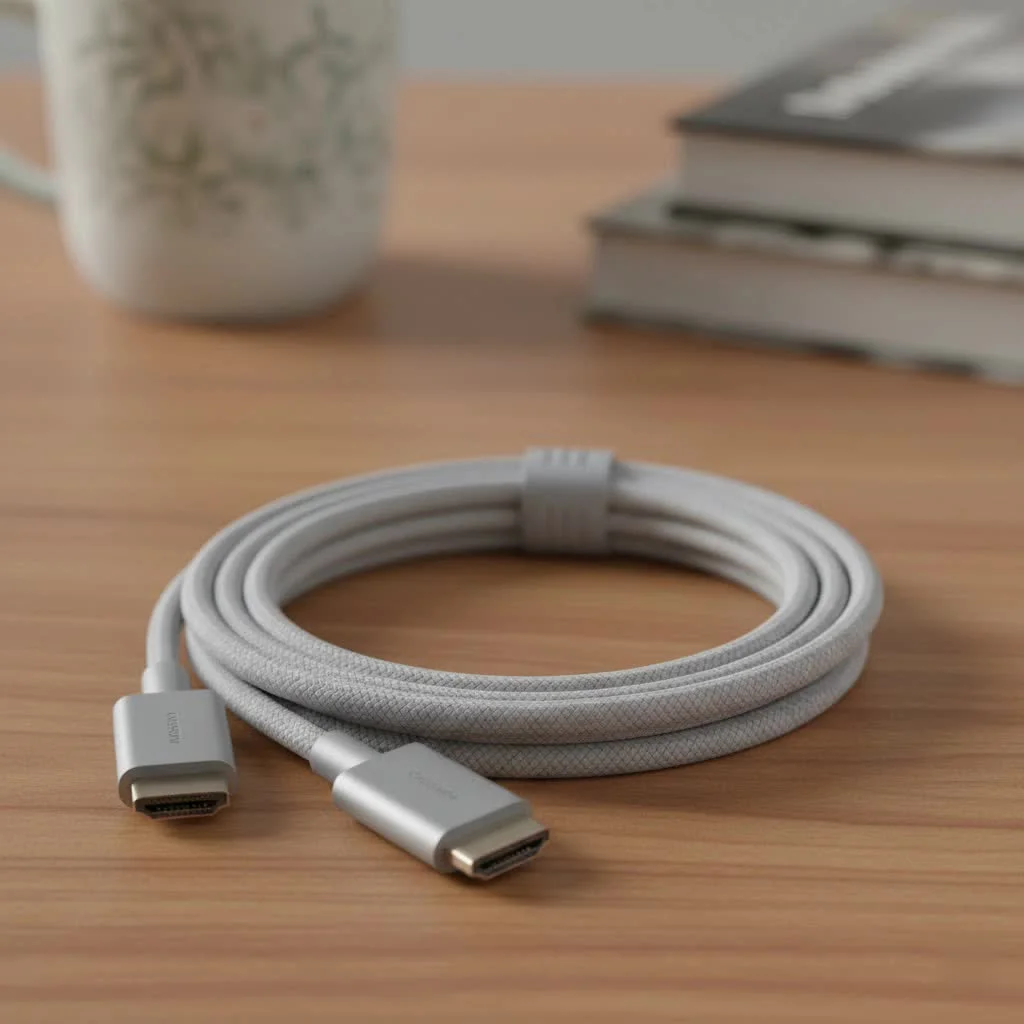
Welcome to the world of long-distance High-Definition Multimedia Interface. When you stretch HDMI beyond its typical 6-10 foot comfort zone, physics kicks in, and things can get tricky. But don’t worry. As the experts at Iecfl Tech, we’re here to untangle the confusion and guide you to the perfect connection, ensuring your picture and sound are as pristine at 50 feet as they are at 5. For expert hdmi cables reviews on this site.
Why Does Cable Length Even Matter for HDMI?
Have you ever tried to have a conversation with someone at the far end of a crowded hall? The further away they are, the more your voice fades, and the more background noise interferes. An HDMI signal traveling down a copper wire faces a similar challenge. This phenomenon is called attenuation.
Over a short distance, the digital ones and zeros that make up your video and audio signal arrive strong and clear. But as the cable length increases, that signal weakens. This can result in a range of frustrating issues:
- Sparkles or “snow”: Random white pixels flickering on the screen.
- HDCP handshake issues: Your devices fail to authenticate, resulting in a black screen.
- Lower resolution: Your 4K source might only display in 1080p because the full signal isn’t getting through.
- Complete signal loss: The dreaded “No Signal” message.
The demands of modern technology, especially 4K at 120Hz and 8K resolutions, require a massive amount of data to be transmitted flawlessly. A long HDMI cable must be specifically engineered to handle this data torrent without dropping a single bit.
The Contenders: Types of Long HDMI Cables
When you’re pushing past 15 feet, the standard, passive copper cable you got in the box with your Blu-ray player often won’t cut it. You need to upgrade to a specialized solution. Here are your main options.
Passive Copper HDMI Cables
These are your standard, everyday cables. They’re simple, reliable, and affordable. However, for high-bandwidth signals like 4K HDR, their reliable range typically tops out around 15-25 feet (about 4.5 to 7.5 meters). Pushing beyond this limit with a passive cable is a gamble.
Active (or “Booster”) HDMI Cables
|
Our Picks for the Best HDMI Cable in 2026
As an Amazon Associate I earn from qualifying purchases.
|
||
| Num | Product | Action |
|---|---|---|
| 1 | Short HDMI Cable 1 FT 2-Pack, 8K HDMI 2.1 48Gbps Ultra High Speed Braided HDMI Cords, 1 Foot HDMI Cable for Camera, Field Monitor, External Recorder, Laptop, PC |

|
| 2 | Anker HDMI Cable 8K@60Hz, 6FT Ultra HD 4K@120Hz HDMI Cord,48 Gbps Certified Ultra High-Speed,Compatible with PlayStation 5,Xbox,Samsung TVs,and More |
|
| 3 | Highwings Long HDMI Cable 15 FT, 4K 8K 10K HDMI 2.1 Cord Ultra High Speed [in-Wall CL3 Rated, 8K@60Hz 4K@120Hz Video 48Gbps], Fit, Durable, Flexible, eARC, HDCP, Compatible for Ethernet SoundBar |
|
| 4 | Highwings High Speed 8K 60Hz HDMI Cable 3.3FT/1M, 2.1 48Gbps HDMI Braided Cable-4K@120Hz 7680P,DTS:X,HDCP 2.2 & 2.3, HDR 10,eARC,Dynamic HDR,Compatible for Laptop, Monitor, Roku TV |
|
| 5 | Highwings 4K HDMI Cable 6.6FT/2m - High-Speed HDMI 2.0 Quality Cord 4K@60Hz, Braided Nylon & Gold Connectors, HDR, Ethernet, ARC, 3D, HDCP 2.2, Compatible for PS-5/4/3/ HDTV/Monitor/DVD/Streaming |
|
| 6 | Highwings 8K@60 HDMI Cable 10FT/3M, 48Gbps 2.1 High Speed HDMI Braided Nylon 4K120 144Hz RTX 3090 eARC HDR10 4:4:4 HDCP 2.2&2.3 Compatible for PS5, PS4, UHD TV and PC |
|
| 7 | 10K 8K HDMI 2.1 Cable 2-Pack 6.6FT, Highwings Certified 48Gbps Ultra High Speed Slim HDMI Cord,Support 4K@120Hz 8K@60Hz, HDCP 2.2&2.3, Dynamic HDR,eARC,DTS:X, Compatible with Roku TV/HDTV/PS5/Blu-ray |
|
| 8 | Highwings 8K 10K 4K HDMI Cable 48Gbps 6.6FT/2M, Certified Ultra High Speed HDMI Cable Braided Cord-4K@120Hz 8K@60Hz, DTS:X, HDCP 2.2 & 2.3, HDR 10 Compatible with Roku TV/PS5/HDTV/Blu-ray |
|
| 9 | 15 Pack of 10 Foot hdmi Cables |
|
| 10 | Highwings Long HDMI Cable 20 FT, 10K 8K 4K Ultra HD High Speed 2.1 HDMI Cable 48Gbps Braided Cord-4K@120Hz 8K@60Hz, DTS:X, HDCP 2.2&2.3, Dynamic HDR 10 Compatible with Roku TV/PS5/HDTV/Blu-ray |
|
Active HDMI cables look like their passive cousins but have a secret weapon: a built-in signal processing chip that boosts the signal. This chip draws a small amount of power from the HDMI port itself to actively amplify and equalize the signal, allowing it to travel much further.
- Pros: Can reliably extend high-speed HDMI signals up to 50-75 feet. More affordable than fiber optic options.
- Cons: They are directional. One end is labeled “Source” (for your PS5, PC, etc.) and the other “Display.” Plugging them in backward will result in no signal.
Fiber Optic HDMI Cables
This is the undisputed champion for long-distance HDMI. Instead of sending electrical signals down copper wires, these cables convert the HDMI signal into pulses of light that travel down flexible fiber optic strands. At the other end, the signal is converted back into a standard HDMI format.
- Pros:
- Incredible Distance: Can run for hundreds of feet with zero signal degradation.
- Immunity to Interference: Since they use light, they are completely immune to electromagnetic (EMI) and radio frequency (RFI) interference from other electronics.
- Thin and Flexible: They are often much thinner and lighter than their copper counterparts, making them easier to route through walls and conduit.
- Full Bandwidth: Easily handles the full 48Gbps bandwidth required for HDMI 2.1 features like 8K@60Hz and 4K@120Hz.
- Cons: Higher initial cost and can be more delicate than robust copper cables.
“In my 15 years of installing custom home theaters, the shift to fiber optic HDMI has been a game-changer. Five years ago, we were running bulky active copper for 4K projectors and hoping for the best. Today, for any run over 25 feet needing full 4K@120Hz or 8K support, fiber optic is the only professional choice. It eliminates signal headaches entirely.”
— Jonathan Miles, Certified Home Theater Designer
How to Choose the Right Long HDMI Cable for You
The “best” cable depends entirely on your specific setup. Let’s break it down by use case.
For the Ultimate Home Theater (4K/8K TVs & Projectors)
Your goal is uncompromising picture quality. You’ve invested in a high-end display and want to see every bit of detail and vibrant color from your 4K Blu-rays or streaming services.
- Distance 15-35 feet: A high-quality active HDMI cable is a solid choice. Ensure it is certified for the bandwidth you need (e.g., “Premium High Speed” for 18Gbps 4K@60Hz, or “Ultra High Speed” for 48Gbps 4K@120Hz).
- Distance 35+ feet: Don’t even hesitate. Go directly to a fiber optic HDMI cable. This is especially true for projector installations, which often involve long, in-wall runs. It’s the only way to guarantee a flawless, interference-free signal for the most demanding formats like Dolby Vision and HDR10+.
For High-Performance Gaming (PS5, Xbox Series X, PC)
Gamers have the most demanding needs. You require not just resolution and frame rate (like 4K@120Hz), but also critical features like Variable Refresh Rate (VRR) and Auto Low Latency Mode (ALLM). These all depend on the full 48Gbps bandwidth of the HDMI 2.1 specification.
- Up to 25 feet: You might get away with a top-tier, certified Ultra High Speed passive cable, but this is pushing the limit.
- 25 feet and beyond: A fiber optic HDMI 2.1 cable is strongly recommended. It ensures you have the bandwidth for every feature your next-gen console or high-end graphics card can throw at it, with zero added latency from signal boosters. An active copper cable might work, but fiber is the surefire bet.
For Conference Rooms and Professional Setups
In a business environment, reliability is paramount. A flickering screen during a major presentation is unacceptable. These setups often involve running cables through ceilings, walls, or under floors, where interference from power lines and other equipment is a real concern.
- Any distance over 20 feet: A fiber optic HDMI cable is the professional standard. Its immunity to EMI and its ability to cover long distances reliably make it the perfect choice.
- In-wall installation: Look for cables with a “plenum” (CMP) or “riser” (CMR) rating, which means their jackets are fire-resistant and meet building safety codes for running inside walls or air circulation spaces.
Frequently Asked Questions (FAQ)
Do long HDMI cables reduce picture quality?
A properly functioning long HDMI cable does not reduce quality. HDMI is a digital signal; it either works perfectly, or it fails. Failures manifest as sparkles, signal dropouts, or a black screen, not a “softer” or less colorful image like with old analog cables.
Can I just connect two shorter HDMI cables together with a coupler?
While technically possible, it’s a bad idea for long runs. Each connection point is a potential point of failure and signal loss. Using a single cable designed for the total distance you need is always the more reliable solution.
What’s the difference between an HDMI repeater and an active cable?
An HDMI repeater or extender is an external box that does the same job as the chip in an active cable: it boosts the signal. You place it between two separate cables. An active cable simply integrates that technology into the cable itself for a cleaner setup.
Are expensive long HDMI cables a scam?
Not necessarily, but price isn’t a direct indicator of quality. A certified, well-engineered active or fiber optic cable costs more to make than a simple passive one. However, avoid cables that make outlandish claims about “improving picture quality.” Focus on certification (like Ultra High Speed for 48Gbps) and the underlying technology (active vs. fiber) that meets your distance and bandwidth needs.
Do I need a power source for fiber optic HDMI cables?
Most modern fiber optic HDMI cables draw the small amount of power they need to perform the light conversion directly from the HDMI ports on your source and display devices. They typically do not require an external power adapter, making for a clean installation.
The Final Connection
Navigating the world of the long HDMI cable is about understanding one key principle: for long distances, you need to move beyond basic, passive copper and choose the right technology for the job. Don’t let distance compromise your AV experience. By evaluating your specific needs—whether it’s for cinematic 4K movies, competitive gaming, or a flawless business presentation—you can select a cable that delivers a perfect signal every time. Take a moment to measure your required distance, check your device specifications, and invest in the right active or fiber optic solution. Your eyes and ears will thank you.
Get our weekly buyer guide
Practical specs, not advice. Unsubscribe anytime.
