Tired of tripping over cables? Dreaming of a clean, minimalist entertainment center where wires don’t dictate your design? If you’ve ever wished you could mount your TV on a wall without a tangle of black cords ruining the aesthetic, the solution you’re looking for might be a wireless HDMI cable. This technology promises the same high-quality audio and video you expect from a physical connection, but with the freedom and flexibility of a wireless signal.
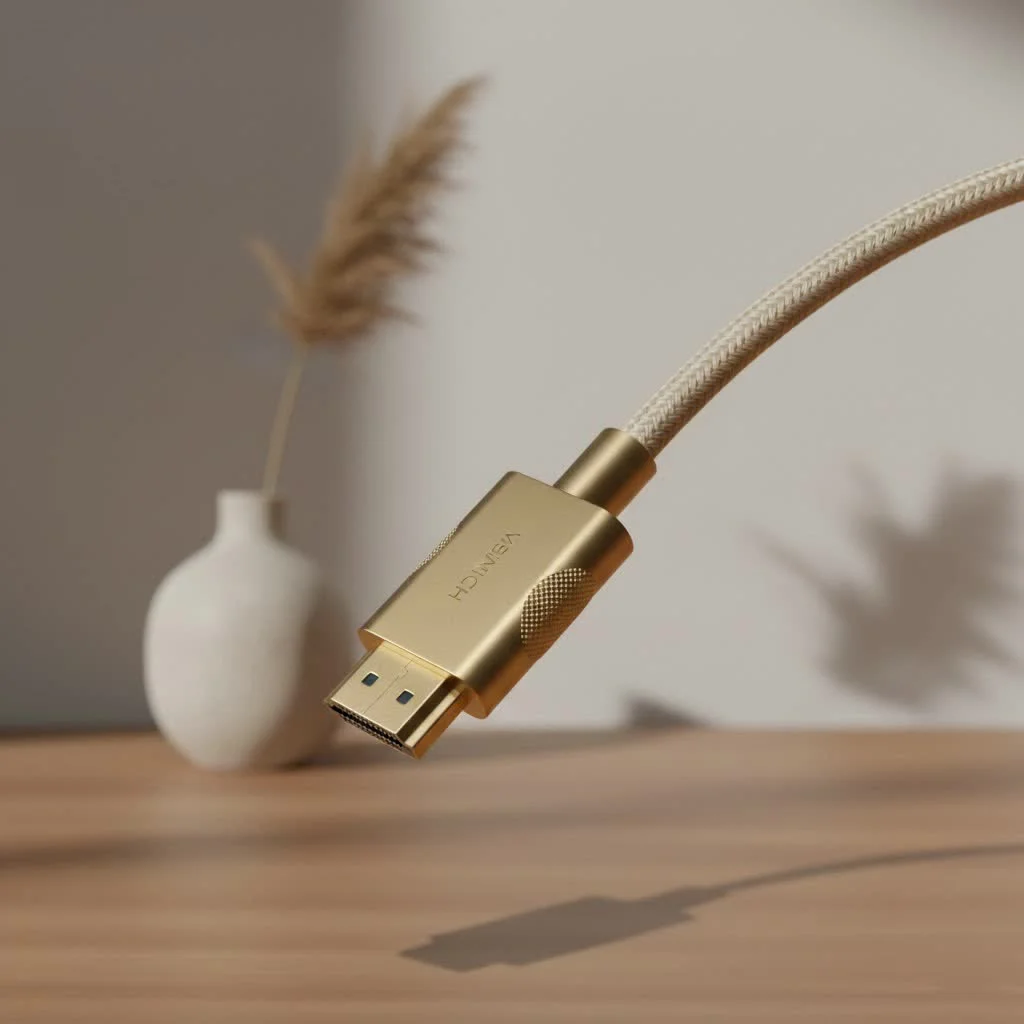
But what exactly is a wireless HDMI cable, and is it the right choice for your setup? As the experts at Iecfl Tech, we’re here to cut through the noise and give you the definitive guide. We’ll explore how this technology works, what to look for when buying, and whether it’s truly ready to replace its wired counterpart in your home.
What is a Wireless HDMI Cable and How Does It Work?
A wireless HDMI cable isn’t a single cable but a system, typically consisting of a transmitter and a receiver. The concept is straightforward: you plug the transmitter into the HDMI output of your source device (like a Blu-ray player, gaming console, or laptop) and the receiver into the HDMI input of your display (your TV, projector, or monitor).
The transmitter then converts the HDMI signal into a high-frequency radio signal and sends it through the air. The receiver picks up this signal, decodes it back into a standard HDMI format, and displays it on your screen. Think of it like a dedicated, high-speed Wi-Fi network just for your audio and video.
“The magic of wireless HDMI is its ability to replicate a high-bandwidth, wired connection without the physical tether,” explains electronics engineer Sarah Jenkins. “Modern systems use sophisticated compression and transmission protocols to minimize lag and maintain signal integrity, which is crucial for a good viewing experience.”
The Technology Behind the Signal
Several technologies power these devices, each with its own strengths:
- WHDI (Wireless Home Digital Interface): This is a popular standard that operates on the 5GHz frequency band, which is less crowded than the 2.4GHz band used by many Wi-Fi routers and Bluetooth devices. This helps reduce interference and provides a more stable connection.
- Proprietary Wi-Fi (Wi-Fi HaLow/802.11ay): Some systems use modified versions of Wi-Fi technology. These are engineered specifically for video streaming, prioritizing low latency and high bandwidth to handle demanding 4K content.
- Millimeter Wave (mmWave): This is the highest-performance option, capable of transmitting uncompressed 4K video with near-zero latency. However, its major drawback is that it requires a direct, unobstructed line of sight and has a very short range.
Is a Wireless HDMI System Right for You? The Pros and Cons
Deciding to go wireless involves a trade-off between convenience and performance. Let’s break down the key advantages and disadvantages.
Advantages of Going Wireless
|
Our Picks for the Best HDMI Cable in 2026
As an Amazon Associate I earn from qualifying purchases.
|
||
| Num | Product | Action |
|---|---|---|
| 1 | 15 Pack of 10 Foot hdmi Cables |

|
| 2 | Highwings Long HDMI Cable 20 FT, 10K 8K 4K Ultra HD High Speed 2.1 HDMI Cable 48Gbps Braided Cord-4K@120Hz 8K@60Hz, DTS:X, HDCP 2.2&2.3, Dynamic HDR 10 Compatible with Roku TV/PS5/HDTV/Blu-ray |
|
| 3 | Highwings 8K 10K 4K HDMI Cable 48Gbps 6.6FT/2M, Certified Ultra High Speed HDMI Cable Braided Cord-4K@120Hz 8K@60Hz, DTS:X, HDCP 2.2 & 2.3, HDR 10 Compatible with Roku TV/PS5/HDTV/Blu-ray |
|
| 4 | Highwings Long HDMI Cable 15 FT, 4K 8K 10K HDMI 2.1 Cord Ultra High Speed [in-Wall CL3 Rated, 8K@60Hz 4K@120Hz Video 48Gbps], Fit, Durable, Flexible, eARC, HDCP, Compatible for Ethernet SoundBar |
|
| 5 | Anker HDMI Cable 8K@60Hz, 6FT Ultra HD 4K@120Hz HDMI Cord,48 Gbps Certified Ultra High-Speed,Compatible with PlayStation 5,Xbox,Samsung TVs,and More |
|
| 6 | Highwings 8K@60 HDMI Cable 10FT/3M, 48Gbps 2.1 High Speed HDMI Braided Nylon 4K120 144Hz RTX 3090 eARC HDR10 4:4:4 HDCP 2.2&2.3 Compatible for PS5, PS4, UHD TV and PC |
|
| 7 | 10K 8K HDMI 2.1 Cable 2-Pack 6.6FT, Highwings Certified 48Gbps Ultra High Speed Slim HDMI Cord,Support 4K@120Hz 8K@60Hz, HDCP 2.2&2.3, Dynamic HDR,eARC,DTS:X, Compatible with Roku TV/HDTV/PS5/Blu-ray |
|
| 8 | Short HDMI Cable 1 FT 2-Pack, 8K HDMI 2.1 48Gbps Ultra High Speed Braided HDMI Cords, 1 Foot HDMI Cable for Camera, Field Monitor, External Recorder, Laptop, PC |
|
| 9 | Highwings High Speed 8K 60Hz HDMI Cable 3.3FT/1M, 2.1 48Gbps HDMI Braided Cable-4K@120Hz 7680P,DTS:X,HDCP 2.2 & 2.3, HDR 10,eARC,Dynamic HDR,Compatible for Laptop, Monitor, Roku TV |
|
| 10 | Highwings 4K HDMI Cable 6.6FT/2m - High-Speed HDMI 2.0 Quality Cord 4K@60Hz, Braided Nylon & Gold Connectors, HDR, Ethernet, ARC, 3D, HDCP 2.2, Compatible for PS-5/4/3/ HDTV/Monitor/DVD/Streaming |
|
- Unmatched Aesthetics and Flexibility: The most obvious benefit is eliminating clutter. You can place your components wherever you want without being limited by cable length. This is perfect for wall-mounted TVs, ceiling-mounted projectors, or multi-room setups.
- Easy Installation: Most wireless HDMI kits are “plug-and-play.” There’s no complex software to install or network configuration to worry about. You simply plug in the transmitter and receiver, and they automatically pair with each other.
- Great for Difficult Installations: Running a long HDMI cable through walls, ceilings, or across a large room can be a major construction project. A wireless system bypasses this hassle entirely, making it ideal for renters or anyone who wants to avoid drilling holes.
Potential Disadvantages to Consider
- Cost: High-quality wireless HDMI systems are significantly more expensive than a standard HDMI cable. You’re paying a premium for the convenience of wireless technology.
- Latency (Lag): While modern systems have drastically improved, some degree of latency is inherent in wireless transmission. For watching movies or TV shows, a few milliseconds of lag is unnoticeable. For competitive, fast-paced gaming, however, it could be the difference between winning and losing.
- Interference and Range: The signal can be affected by physical obstructions like walls, furniture, and even people. Other wireless devices, such as Wi-Fi routers and microwaves, can also cause interference. The effective range stated by the manufacturer is often based on ideal, line-of-sight conditions.
- Power Requirements: Unlike a standard cable, both the transmitter and receiver need a power source. This usually means connecting them to a USB port on your device or a separate wall adapter, which can add its own minor cable clutter.
How to Choose the Best Wireless HDMI Cable for Your Needs
Not all wireless HDMI systems are created equal. When shopping, you need to pay close attention to the specifications to ensure the device meets your specific requirements.
Key Features to Look For:
- Maximum Resolution and Refresh Rate:
- For general use with a 1080p TV, most standard models will suffice.
- If you have a 4K TV and want to stream UHD content, you must get a model that explicitly supports 4K resolution (e.g., 2160p at 30Hz or 60Hz). Make sure it also supports HDCP 2.2, which is required for protected 4K content from services like Netflix and Blu-ray discs.
- Signal Range:
- Consider the distance between your source device and your display.
- Manufacturers list a maximum range, but this is for an open space with a clear line of sight.
- Rule of Thumb: If you need to transmit through walls, choose a model with at least double the range you think you’ll need.
- Latency:
- For movies and general TV, anything under 100ms is generally acceptable.
- For gaming, look for models advertised as “low-latency” or “gaming-grade,” which typically offer latency under 30ms. The very best (and most expensive) systems can get close to 1ms.
- Inputs and Outputs:
- Does the system support multiple inputs? Some transmitters allow you to connect several devices and switch between them.
- Does it have an HDMI pass-through? This feature on the transmitter lets you connect a local TV in addition to the wireless display, which is useful if you have a TV and a projector in the same room.
A Quick Comparison for Different Use Cases
| Use Case | Recommended Resolution | Key Feature to Prioritize |
|---|---|---|
| Home Theater (Movies/Streaming) | 4K @ 60Hz with HDR | High-quality 4K support, HDCP 2.2 |
| Competitive Gaming (PS5, Xbox) | 1080p or 4K | Ultra-low latency (<20ms) |
| Presentations (Office/School) | 1080p | Reliability and ease of use |
| Multi-Room Setup | 1080p or 4K | Long-range and ability to penetrate walls |
Frequently Asked Questions (FAQ)
Can a wireless HDMI cable work through walls?
Yes, many models can transmit through walls, but the signal strength and quality will decrease. Drywall is easier to penetrate than brick or concrete. For best results, look for models that use the 5GHz frequency and have a long-range rating.
Is wireless HDMI as good as a wired cable?
For video quality, a high-end wireless system can be virtually indistinguishable from a cable for watching movies. However, for the absolute lowest latency and highest reliability, a high-quality wired HDMI 2.1 cable remains the gold standard, especially for high-refresh-rate 4K gaming.
Do I need Wi-Fi for a wireless HDMI extender to work?
No. Most wireless HDMI systems create their own direct, point-to-point connection between the transmitter and receiver. They do not connect to or rely on your home Wi-Fi network, which helps ensure a dedicated, interference-free signal.
Can I connect my phone or tablet wirelessly to my TV?
While some wireless HDMI transmitters can connect to a phone, it’s often easier to use built-in casting technologies like Chromecast or Apple AirPlay for mobile devices. Wireless HDMI systems are primarily designed to replace a physical cable between devices like a cable box, console, or computer and a TV or projector.
Does a wireless HDMI cable support ARC or eARC for soundbars?
Support for ARC (Audio Return Channel) or eARC is not common on most wireless HDMI kits. These systems typically send audio and video in one direction: from the transmitter to the receiver. If you rely on ARC/eARC for your soundbar, you will likely need to maintain a wired connection between your TV and your audio system.
The Final Verdict: Is It Time to Cut the Cord?
A wireless HDMI cable system is a fantastic piece of technology that solves a very real problem: unsightly cable clutter. For home theater enthusiasts, presenters, and anyone who values a clean setup, it’s a game-changer. It allows you to place your equipment where it makes the most sense, not just where the cables can reach.
However, it’s not a universal replacement for the traditional cable just yet. Serious gamers will still want the near-instantaneous response of a wired connection, and the technology comes at a premium price.
Before you buy, carefully assess your needs. Consider the distance, potential obstructions, and, most importantly, whether any potential for lag will impact your primary use case. By choosing the right model, you can successfully achieve a sleek, modern, and wire-free entertainment setup without sacrificing quality.
Get our weekly buyer guide
Practical specs, not advice. Unsubscribe anytime.
