A micro HDMI cable is a smaller, more compact version of the standard HDMI cable, specifically designed to transmit high-definition digital audio and video signals from portable devices like action cameras, tablets, and single-board computers to larger displays. Designated as “Type-D,” this connector measures a mere 6.4mm x 2.8mm, making it ideal for slim electronics where a full-sized HDMI port would be too bulky.
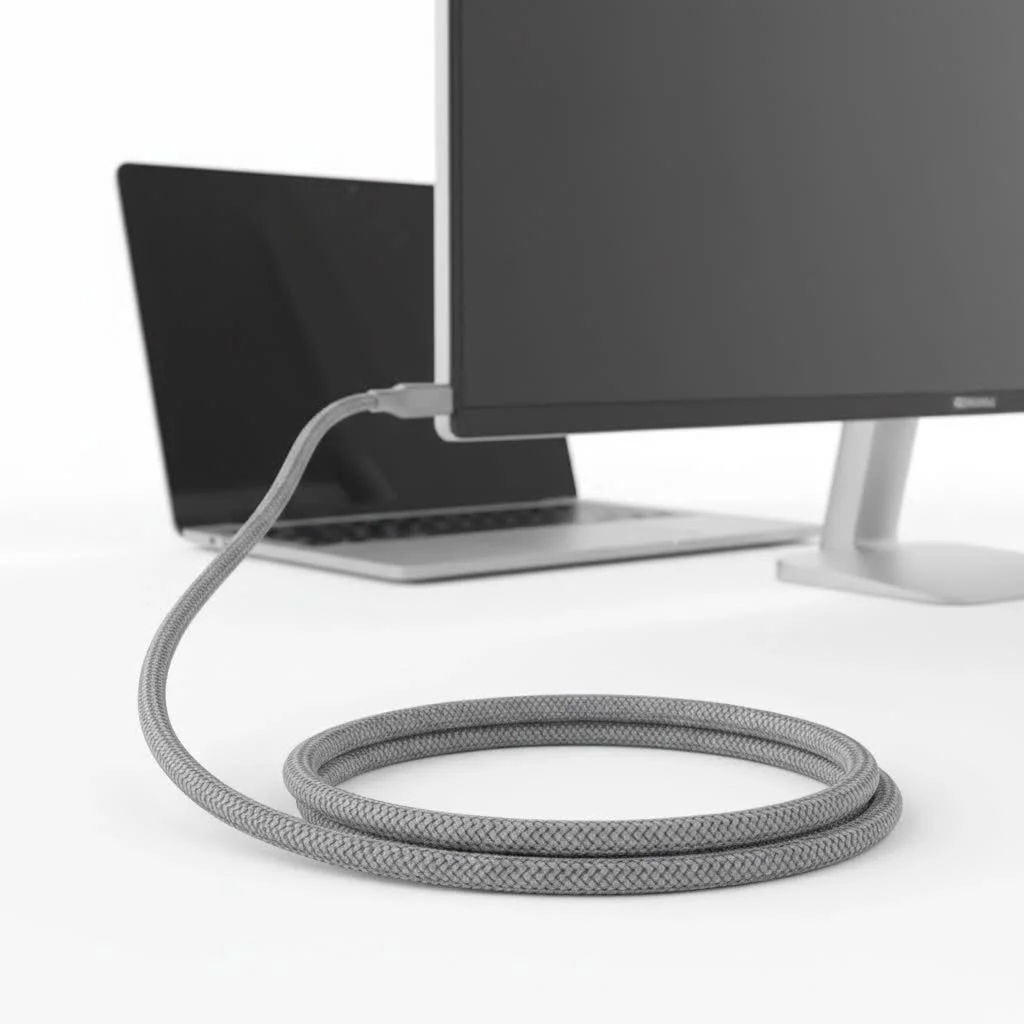
This guide will walk you through everything you need to know, from what a micro HDMI cable is to how to choose the perfect one for your needs. Let’s plug in and get started.
What Exactly Is a Micro HDMI Cable?
A micro HDMI cable is essentially a smaller, more compact version of the standard HDMI cable you use for your TV, gaming console, or Blu-ray player. It performs the exact same function: transmitting high-definition digital audio and video signals from a source device to a display. The only real difference is the size of the connector at one end.
Designated as “Type-D,” the micro HDMI connector measures a mere 6.4mm x 2.8mm. This tiny footprint makes it the ideal choice for manufacturers of slim, portable devices where a full-sized HDMI port (Type-A) would be too bulky. So, if you have a device with a micro HDMI port, you’ll need a specific cable to connect it, usually a micro HDMI to standard HDMI cable.
Micro HDMI vs. Mini HDMI vs. Standard HDMI
It’s easy to get the different HDMI types mixed up. While they all serve the same purpose, their physical sizes and common applications vary significantly. Understanding these differences is key to getting the right cable.
| Feature | Standard HDMI (Type-A) | Mini HDMI (Type-C) | Micro HDMI (Type-D) |
|---|---|---|---|
| Connector Size | 13.9mm x 4.45mm | 10.42mm x 2.42mm | 6.4mm x 2.8mm |
| Common Devices | TVs, Gaming Consoles, Laptops, Desktops, Projectors | DSLR Cameras, Camcorders, Larger Tablets | Action Cameras (GoPro), Smartphones, Smaller Tablets, Raspberry Pi |
| Primary Use Case | Stationary home entertainment setups | Portable devices requiring a robust connection | Ultra-portable and slim devices |
As our lead home theater installer, Mark Chen, often says, “The signal quality is identical; the only thing changing is the physical interface. Don’t let the small size fool you—a good micro HDMI cable can push 4K video just as well as its larger counterpart, provided it’s certified for the speed.”
What Devices Use a Micro HDMI Cable?
The primary driver for the creation of the micro HDMI port was the trend toward smaller and thinner consumer electronics. While some newer devices have shifted towards USB-C for video output, a vast number of gadgets still rely on the dedicated video-out capabilities of micro HDMI.
Here are some of the most common devices where you’ll find a micro HDMI port:
- Action Cameras: Brands like GoPro have frequently used micro HDMI ports to allow users to play back their footage directly on a TV.
- Digital Cameras & Camcorders: Many mirrorless and DSLR cameras include a micro HDMI port for photographers and videographers to preview their work on a larger monitor.
- Tablets: Certain models from brands like Microsoft (Surface), Lenovo, and ASUS have featured micro HDMI ports for presentations or media consumption.
- Single-Board Computers: The popular Raspberry Pi 4 and Raspberry Pi 5 models use micro HDMI ports to connect to a monitor, making them a favorite among hobbyists and developers.
- Smartphones: Although less common now, some older smartphones from Motorola and LG included this port for easy screen sharing.
How to Choose the Right Micro HDMI Cable
Picking a cable might seem straightforward, but a few key factors can impact performance, especially if you’re dealing with high-resolution video or gaming.
1. Check the HDMI Version and Speed
|
Our Picks for the Best HDMI Cable in 2026
As an Amazon Associate I earn from qualifying purchases.
|
||
| Num | Product | Action |
|---|---|---|
| 1 | Highwings 8K 10K 4K HDMI Cable 48Gbps 6.6FT/2M, Certified Ultra High Speed HDMI Cable Braided Cord-4K@120Hz 8K@60Hz, DTS:X, HDCP 2.2 & 2.3, HDR 10 Compatible with Roku TV/PS5/HDTV/Blu-ray |

|
| 2 | Highwings High Speed 8K 60Hz HDMI Cable 3.3FT/1M, 2.1 48Gbps HDMI Braided Cable-4K@120Hz 7680P,DTS:X,HDCP 2.2 & 2.3, HDR 10,eARC,Dynamic HDR,Compatible for Laptop, Monitor, Roku TV |
|
| 3 | Highwings 4K HDMI Cable 6.6FT/2m - High-Speed HDMI 2.0 Quality Cord 4K@60Hz, Braided Nylon & Gold Connectors, HDR, Ethernet, ARC, 3D, HDCP 2.2, Compatible for PS-5/4/3/ HDTV/Monitor/DVD/Streaming |
|
| 4 | Short HDMI Cable 1 FT 2-Pack, 8K HDMI 2.1 48Gbps Ultra High Speed Braided HDMI Cords, 1 Foot HDMI Cable for Camera, Field Monitor, External Recorder, Laptop, PC |
|
| 5 | Highwings Long HDMI Cable 20 FT, 10K 8K 4K Ultra HD High Speed 2.1 HDMI Cable 48Gbps Braided Cord-4K@120Hz 8K@60Hz, DTS:X, HDCP 2.2&2.3, Dynamic HDR 10 Compatible with Roku TV/PS5/HDTV/Blu-ray |
|
| 6 | Highwings 8K@60 HDMI Cable 10FT/3M, 48Gbps 2.1 High Speed HDMI Braided Nylon 4K120 144Hz RTX 3090 eARC HDR10 4:4:4 HDCP 2.2&2.3 Compatible for PS5, PS4, UHD TV and PC |
|
| 7 | 10K 8K HDMI 2.1 Cable 2-Pack 6.6FT, Highwings Certified 48Gbps Ultra High Speed Slim HDMI Cord,Support 4K@120Hz 8K@60Hz, HDCP 2.2&2.3, Dynamic HDR,eARC,DTS:X, Compatible with Roku TV/HDTV/PS5/Blu-ray |
|
| 8 | Highwings Long HDMI Cable 15 FT, 4K 8K 10K HDMI 2.1 Cord Ultra High Speed [in-Wall CL3 Rated, 8K@60Hz 4K@120Hz Video 48Gbps], Fit, Durable, Flexible, eARC, HDCP, Compatible for Ethernet SoundBar |
|
| 9 | 15 Pack of 10 Foot hdmi Cables |
|
| 10 | Anker HDMI Cable 8K@60Hz, 6FT Ultra HD 4K@120Hz HDMI Cord,48 Gbps Certified Ultra High-Speed,Compatible with PlayStation 5,Xbox,Samsung TVs,and More |
|
The version number (like 1.4, 2.0, or 2.1) corresponds to the cable’s data transfer capabilities, or bandwidth.
- Standard HDMI Cable: Suitable for older devices, supporting resolutions up to 720p or 1080i. These are rare now.
- High-Speed HDMI Cable: The most common type, supporting 1080p, 4K at 30Hz, and 3D video. This is sufficient for most cameras and tablets.
- Premium High-Speed HDMI Cable: Certified for reliable 4K at 60Hz performance, including support for HDR (High Dynamic Range).
- Ultra High-Speed HDMI Cable: The latest standard (HDMI 2.1), necessary for 4K at 120Hz and 8K at 60Hz. This is overkill for most current micro HDMI devices but offers future-proofing.
For most users, a High-Speed certified micro HDMI cable is the perfect balance of price and performance.
2. Consider Cable Length and Build Quality
While it’s tempting to buy a long cable for convenience, longer cables can be more susceptible to signal degradation. For high-resolution signals like 4K, it’s best to use the shortest cable that meets your needs, ideally under 15 feet (about 5 meters).
Look for cables with:
- Gold-plated connectors: These offer better corrosion resistance and ensure a reliable connection over time.
- Durable braiding: A nylon or fabric braided exterior protects the cable from physical wear and tear.
- Proper shielding: Good shielding prevents interference from other electronic devices, ensuring a clean signal.
3. Adapters vs. Direct Cables
You have two main options:
- A micro HDMI to standard HDMI cable: This is a single cable with the different connectors at each end. It provides the most reliable connection.
- A micro HDMI adapter: This small adapter plugs into your device’s port and allows you to use a standard HDMI cable. While convenient, adding an extra connection point can sometimes be a point of failure.
For a permanent or critical setup, we always recommend a direct cable. For on-the-go convenience, an adapter can be a good backup.
Common Problems and How to Fix Them
Even with the right cable, you might run into issues. Here are a few common problems and their solutions.
No Signal or “Flickering” Screen
This is the most frequent issue.
- Check the connection: The small micro HDMI connector can sometimes feel loose. Ensure it’s fully and securely inserted into the port on your device.
- Try a different port: Test the cable with a different HDMI port on your TV or monitor to rule out a faulty port.
- Reboot your devices: Turn both the source device and the display off, then turn them back on. This can often resolve handshake issues.
- Cable length: If you’re using a very long cable, it might be too long for the signal. Try a shorter one.
Incorrect Resolution or Colors
- Check display settings: Go into the display settings on your source device (camera, tablet, etc.) and make sure the output resolution is set correctly for your TV or monitor.
- Update drivers/firmware: Ensure your device has the latest software updates, as these can include fixes for video output.
Frequently Asked Questions (FAQ)
Q: Is micro HDMI the same as USB-C?A: No, they are completely different. A micro HDMI port is specifically for video and audio output, while USB-C is a more versatile port that can handle video (among many other things) but requires specific hardware support (like DisplayPort Alternate Mode). They are not physically compatible.
Q: Can a micro HDMI cable carry a 4K signal?A: Absolutely. As long as you have a cable rated as High-Speed or higher, it can transmit 4K video. The capability depends on the cable’s bandwidth rating, not the size of its connector.
Q: Do I need to buy an expensive micro HDMI cable?A: Not necessarily. For digital signals like HDMI, a cable either works or it doesn’t. An expensive cable won’t give you a better picture than a more affordable, properly certified one. Focus on getting a cable with the right speed certification and good build quality rather than a high price tag.
Q: My phone doesn’t have a micro HDMI port. Can I still connect it to my TV?A: Yes, most modern smartphones (especially Android) use their USB-C port for video output, often requiring a USB-C to HDMI adapter. iPhones use the Lightning port and require a Lightning Digital AV Adapter.
Q: Are micro HDMI ports durable?A: The micro HDMI connector is less robust than its larger counterparts due to its small size. It’s important to be gentle when plugging and unplugging the cable to avoid damaging the port on your device.
The Final Connection
The micro HDMI cable is a vital tool for connecting a wide range of portable devices to larger screens. By understanding what it is, how it differs from other HDMI types, and what to look for when buying one, you can easily bridge the gap between your compact gadgets and a big-screen viewing experience. Always remember to check your device’s specifications, choose a cable with the appropriate speed certification, and handle the small connector with care. Happy viewing
Frequently Asked Questions
What is the difference between micro HDMI and USB-C?
Micro HDMI and USB-C are completely different port types. A micro HDMI port is exclusively for video and audio output, while USB-C is a versatile port that can handle video, data, and power, but requires specific hardware support like DisplayPort Alternate Mode for video transmission. They are not physically compatible.
Can a micro HDMI cable support 4K video resolution?
Yes, a micro HDMI cable can absolutely carry a 4K signal. The ability to transmit 4K video depends on the cable's bandwidth rating (e.g., High-Speed or Ultra High-Speed certified), not the physical size of its connector. Many modern micro HDMI cables support 4K at 30Hz or 60Hz.
Is it necessary to purchase an expensive micro HDMI cable?
No, it is not necessary to buy an expensive micro HDMI cable. For digital signals like HDMI, a cable either functions correctly or it does not. An expensive cable will not provide a better picture quality than a more affordable, properly certified cable. Focus on appropriate speed certification and good build quality over a high price tag.
How can I connect my smartphone to a TV without a micro HDMI port?
Most modern smartphones, particularly Android devices, use their USB-C port for video output, often requiring a USB-C to HDMI adapter. iPhones, on the other hand, utilize the Lightning port and need a Lightning Digital AV Adapter to connect to a TV.
Are micro HDMI ports prone to damage due to their small size?
Yes, micro HDMI connectors are generally less robust than their larger counterparts (Type-A and Type-C) because of their compact size. It is crucial to handle the cable gently when plugging in or unplugging to prevent potential damage to the port on your device.
How to Choose the Right Micro HDMI Cable
Selecting the correct micro HDMI cable involves considering its version, length, build quality, and whether to use a direct cable or an adapter.
Determine the required HDMI version (e.g., 1.4, 2.0, 2.1) based on your device's capabilities and desired resolution. For most cameras and tablets, a High-Speed HDMI cable supporting 1080p and 4K at 30Hz is sufficient. For 4K at 60Hz or 8K, opt for Premium High-Speed or Ultra High-Speed cables, respectively.
Choose the shortest cable that meets your needs, ideally under 15 feet (5 meters) for high-resolution signals like 4K, to minimize signal degradation. Look for features such as gold-plated connectors for corrosion resistance, durable braided exteriors for protection, and proper shielding to prevent interference.
For the most reliable connection, especially in permanent or critical setups, choose a direct micro HDMI to standard HDMI cable. While micro HDMI adapters offer convenience for on-the-go use, they introduce an additional connection point that can sometimes be a source of failure.
Get our weekly buyer guide
Practical specs, not advice. Unsubscribe anytime.

The cable I got based on the advice here works okay for my tablet, but I noticed a slight flicker sometimes when I’m streaming movies. It’s not constant, but it’s a bit annoying. I might try a different brand next time to see if that solves the issue, even though the price range was good.
This was super helpful for understanding the different types of HDMI. I needed a cable for my Raspberry Pi to connect to a monitor, and the explanation of the 6.4mm x 2.8mm dimensions for micro HDMI was exactly what I needed to confirm I was getting the right size. Works perfectly for my single-board computer setup.
I’ve been looking for a reliable micro HDMI cable for my GoPro for ages, and this guide really helped me pick the right one. The picture quality on my TV is fantastic now, super clear and no lag. Definitely worth investing in a good quality Type-D connector for action cameras.
Finally, a clear explanation of micro HDMI! I was so confused trying to connect my older digital camera to my TV. This helped me understand why my standard HDMI cable wasn’t fitting and what to look for. The audio and video transmission is flawless now, really happy with my purchase.