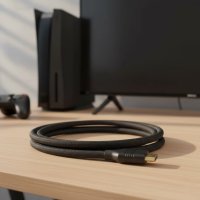
In today’s tech landscape, we’re constantly bombarded with the latest and greatest: 8K resolution, 120Hz refresh rates, and a dizzying array of acronyms. It’s easy to feel like you need the newest of everything to have a good experience. But what about the trusty old standards? Let’s talk about the hdmi 1.4 cable, a connector that once powered our high-definition dreams. Is it a relic of the past, or does it still hold a valuable place in your home entertainment setup?
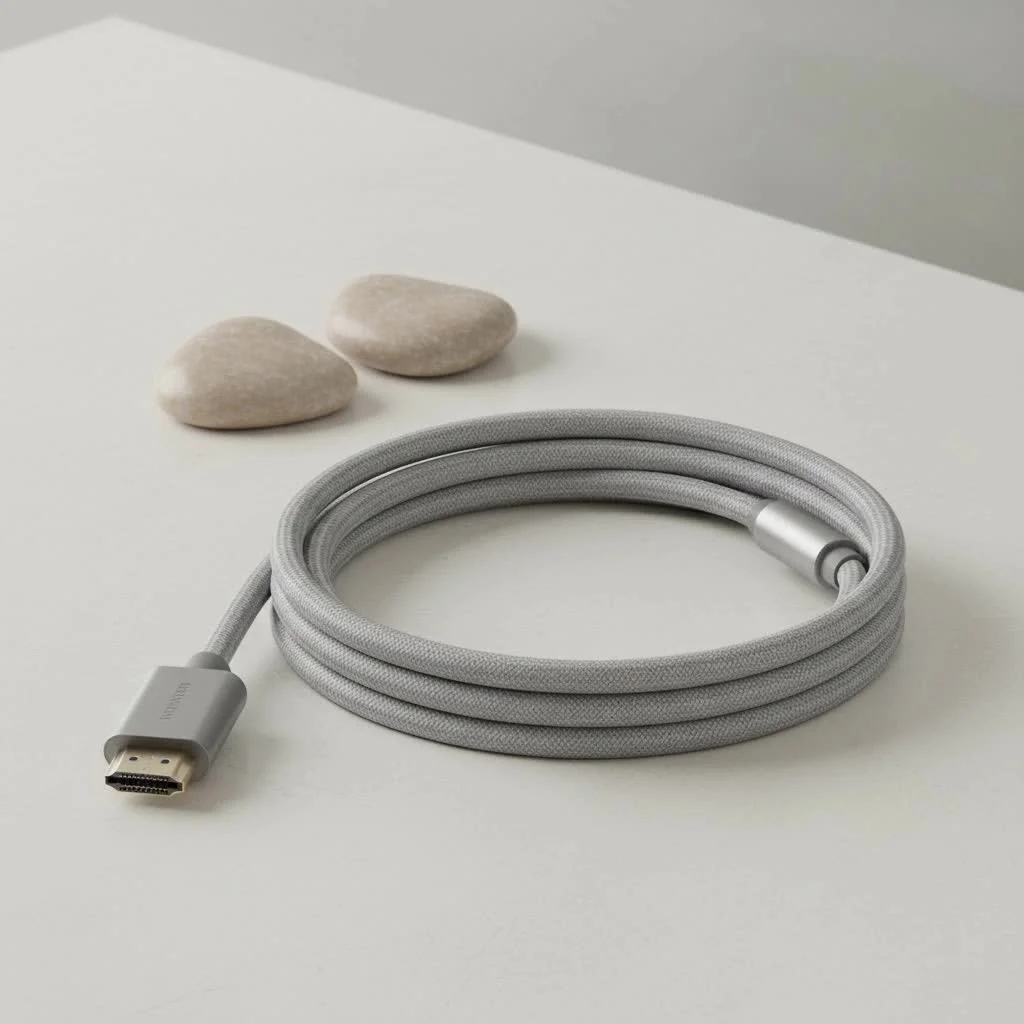
The truth is, while newer standards like HDMI 2.0 and 2.1 have stolen the spotlight, the HDMI 1.4 cable is far from obsolete. For millions of devices still in use today, it’s not just an option; it’s the perfect-fit, cost-effective solution. This guide will demystify HDMI 1.4, helping you understand its capabilities, limitations, and exactly when you should—and shouldn’t—reach for one.
What Are the Core Specs of an HDMI 1.4 Cable?
First, let’s get the technical details out of the way. An hdmi 1.4 cable, officially categorized as a High-Speed HDMI cable, was a significant leap forward when it was introduced. Its primary specification is its bandwidth capacity.
An HDMI 1.4 cable supports a maximum bandwidth of 10.2 Gbps (Gigabits per second). This pipeline is what determines the amount of video and audio data that can be transferred from your source device (like a Blu-ray player or game console) to your display (your TV or monitor).
This bandwidth translates to the following resolutions and refresh rates:
- 4K (3840 x 2160) at up to 30Hz
- 1080p (1920 x 1080) at up to 120Hz
While the 4K support might seem limited by today’s standards, its robust performance at 1080p made it the gold standard for years and is still perfectly sufficient for a huge range of applications.
Key Features Introduced with HDMI 1.4
HDMI 1.4 wasn’t just about more pixels; it introduced several groundbreaking features that are now commonplace in our home theater systems.
Audio Return Channel (ARC)
Before HDMI 1.4, if you wanted to send audio from your TV’s built-in apps (like Netflix) back to your soundbar or AV receiver, you needed a separate optical audio cable. ARC simplified this mess by allowing audio to travel “upstream” through the same HDMI cable that was sending video to the TV. This was a game-changer for reducing cable clutter.
HDMI Ethernet Channel (HEC)
This was a clever idea that allowed a single internet connection to be shared among multiple HDMI-connected devices. If your TV was connected to the internet via Ethernet, it could pass that connection along to your connected game console or Blu-ray player through the HDMI 1.4 cable, provided all devices supported HEC.
3D Video Support
|
Our Picks for the Best HDMI Cable in 2026
As an Amazon Associate I earn from qualifying purchases.
|
||
| Num | Product | Action |
|---|---|---|
| 1 | Highwings Long HDMI Cable 20 FT, 10K 8K 4K Ultra HD High Speed 2.1 HDMI Cable 48Gbps Braided Cord-4K@120Hz 8K@60Hz, DTS:X, HDCP 2.2&2.3, Dynamic HDR 10 Compatible with Roku TV/PS5/HDTV/Blu-ray |

|
| 2 | Highwings 8K@60 HDMI Cable 10FT/3M, 48Gbps 2.1 High Speed HDMI Braided Nylon 4K120 144Hz RTX 3090 eARC HDR10 4:4:4 HDCP 2.2&2.3 Compatible for PS5, PS4, UHD TV and PC |
|
| 3 | Highwings Long HDMI Cable 15 FT, 4K 8K 10K HDMI 2.1 Cord Ultra High Speed [in-Wall CL3 Rated, 8K@60Hz 4K@120Hz Video 48Gbps], Fit, Durable, Flexible, eARC, HDCP, Compatible for Ethernet SoundBar |
|
| 4 | Short HDMI Cable 1 FT 2-Pack, 8K HDMI 2.1 48Gbps Ultra High Speed Braided HDMI Cords, 1 Foot HDMI Cable for Camera, Field Monitor, External Recorder, Laptop, PC |
|
| 5 | Anker HDMI Cable 8K@60Hz, 6FT Ultra HD 4K@120Hz HDMI Cord,48 Gbps Certified Ultra High-Speed,Compatible with PlayStation 5,Xbox,Samsung TVs,and More |
|
| 6 | Highwings 8K 10K 4K HDMI Cable 48Gbps 6.6FT/2M, Certified Ultra High Speed HDMI Cable Braided Cord-4K@120Hz 8K@60Hz, DTS:X, HDCP 2.2 & 2.3, HDR 10 Compatible with Roku TV/PS5/HDTV/Blu-ray |
|
| 7 | Highwings High Speed 8K 60Hz HDMI Cable 3.3FT/1M, 2.1 48Gbps HDMI Braided Cable-4K@120Hz 7680P,DTS:X,HDCP 2.2 & 2.3, HDR 10,eARC,Dynamic HDR,Compatible for Laptop, Monitor, Roku TV |
|
| 8 | 10K 8K HDMI 2.1 Cable 2-Pack 6.6FT, Highwings Certified 48Gbps Ultra High Speed Slim HDMI Cord,Support 4K@120Hz 8K@60Hz, HDCP 2.2&2.3, Dynamic HDR,eARC,DTS:X, Compatible with Roku TV/HDTV/PS5/Blu-ray |
|
| 9 | Highwings 4K HDMI Cable 6.6FT/2m - High-Speed HDMI 2.0 Quality Cord 4K@60Hz, Braided Nylon & Gold Connectors, HDR, Ethernet, ARC, 3D, HDCP 2.2, Compatible for PS-5/4/3/ HDTV/Monitor/DVD/Streaming |
|
| 10 | 15 Pack of 10 Foot hdmi Cables |
|
Remember the 3D TV craze? HDMI 1.4 was the standard that made it possible, defining the resolutions and formats needed to deliver stereoscopic 3D content into living rooms.
When is an HDMI 1.4 Cable Still a Good Choice?
This is the most important question. With faster cables available, why would you still use an hdmi 1.4 cable? The answer comes down to matching the cable to your hardware. Using a more advanced cable than your equipment can support offers zero benefit.
Here are the perfect scenarios for an HDMI 1.4 cable:
- 1080p TVs and Monitors: If your display has a maximum resolution of 1080p, an HDMI 1.4 cable can handle everything you throw at it, including high refresh rates up to 120Hz for smooth motion.
- Older Game Consoles: The PlayStation 4, Xbox One, and Nintendo Switch all perform perfectly with an HDMI 1.4 cable. These consoles were designed with the 10.2 Gbps bandwidth in mind and cannot take advantage of the higher bandwidth of newer cables.
- Basic 4K Viewing: If you have an early 4K TV that only supports 4K at 30Hz, or you primarily watch movies and TV shows in 4K (which are often filmed at 24 frames per second), an HDMI 1.4 cable will work just fine.
- Connecting Laptops and PCs: For connecting a laptop to a secondary monitor or a conference room projector for presentations, an HDMI 1.4 cable is a reliable and inexpensive choice.
“We see clients overspending on cables all the time,” notes James Peterson, a home theater installation veteran with over 15 years of experience. “They’ll buy an 8K-rated cable for a 1080p cable box. An HDMI 1.4 cable is a workhorse. For a massive amount of AV gear out there, it delivers 100% of the device’s quality with no compromises.”
HDMI 1.4 vs. HDMI 2.0 and 2.1: The Showdown
To understand where HDMI 1.4 fits, it’s crucial to see how it compares to its successors. The primary difference is bandwidth, which unlocks higher resolutions, refresh rates, and more advanced features.
| Feature | HDMI 1.4 (High-Speed) | HDMI 2.0 (Premium High-Speed) | HDMI 2.1 (Ultra High-Speed) |
|---|---|---|---|
| Max Bandwidth | 10.2 Gbps | 18 Gbps | 48 Gbps |
| Max Resolution | 4K at 30Hz | 4K at 60Hz | 8K at 60Hz, 4K at 120Hz |
| HDR Support | No | Static HDR (HDR10) | Dynamic HDR (HDR10+, Dolby Vision) |
| Audio Return | ARC | ARC | eARC (Enhanced ARC) |
| Gaming Features | Limited | Limited | VRR, ALLM, QFT |
Why You Might Need to Upgrade
You should consider an HDMI 2.0 or 2.1 cable if you own any of the following:
- PlayStation 5 or Xbox Series X/S: To get 4K at 120Hz gaming, you absolutely need an HDMI 2.1 cable.
- Modern 4K/8K TVs: To take advantage of 4K at 60Hz, HDR (High Dynamic Range), and eARC for higher-quality audio formats like Dolby Atmos, you need at least an HDMI 2.0 cable.
- High-End PC Graphics Cards: Gamers with powerful GPUs who want to play at 4K with high refresh rates will need HDMI 2.1.
Frequently Asked Questions (FAQ)
Can an HDMI 1.4 cable do 4K?
Yes, but with a major limitation. An hdmi 1.4 cable can transmit 4K video, but only at a maximum refresh rate of 30Hz. This is fine for watching movies, but it will result in choppy motion for gaming and can feel sluggish for general desktop use.
Will using an HDMI 1.4 cable on a PS5 cause damage?
No, it will not cause any damage. However, it will severely limit the console’s performance. The PS5 will detect the cable’s limitations and restrict the output to 4K at 30Hz or 1080p at 60Hz, meaning you’ll miss out on the smooth 4K/120Hz gameplay the console is capable of.
Are all HDMI 1.4 cables the same?
Physically, yes. A cable certified as “High-Speed” meets the HDMI 1.4 specification. You do not need to buy expensive, gold-plated cables. A well-made, certified cable will perform just as well as a pricey one for transmitting a digital signal.
Can I use a newer HDMI 2.1 cable on an older device?
Absolutely. HDMI cables are backward compatible. You can use an HDMI 2.1 cable to connect a device that only has an HDMI 1.4 port. The connection will simply operate at the lower HDMI 1.4 standard.
What is the maximum recommended length for an HDMI 1.4 cable?
For a standard passive cable, you can reliably run a signal up to 50 feet (about 15 meters). Beyond that, you risk signal degradation. For longer runs, you will need an active cable with a built-in signal booster.
The Verdict: A Trusty Tool for the Right Job
The hdmi 1.4 cable may no longer be the king of the hill, but it remains a vital and incredibly useful part of the technology world. It’s a reminder that “newer” doesn’t always mean “necessary.” Before you spend extra money on the latest cable standard, take a moment to look at your equipment.
If you’re running a 1080p setup or connecting older devices, an HDMI 1.4 cable is not only sufficient—it’s the smart choice. It delivers every bit of performance your hardware can produce without costing a fortune. Save the high-end cables for the high-end gear that can truly harness their power. By matching your cables to your components, you ensure a flawless viewing experience and a healthier wallet.
Get our weekly buyer guide
Practical specs, not advice. Unsubscribe anytime.