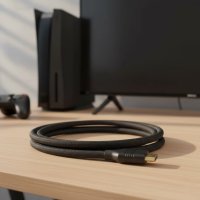
So, you’ve got a shiny new streaming stick, laptop, or gaming console, but your trusty old television is from an era before sleek, all-in-one HDMI ports. It has those classic red, white, and yellow RCA inputs. Your first thought is probably to find a simple HDMI to RCA cable to bridge the gap. It sounds straightforward, but here’s the crucial fact you need to know: a simple cable for this job doesn’t really exist, and for a very good reason.
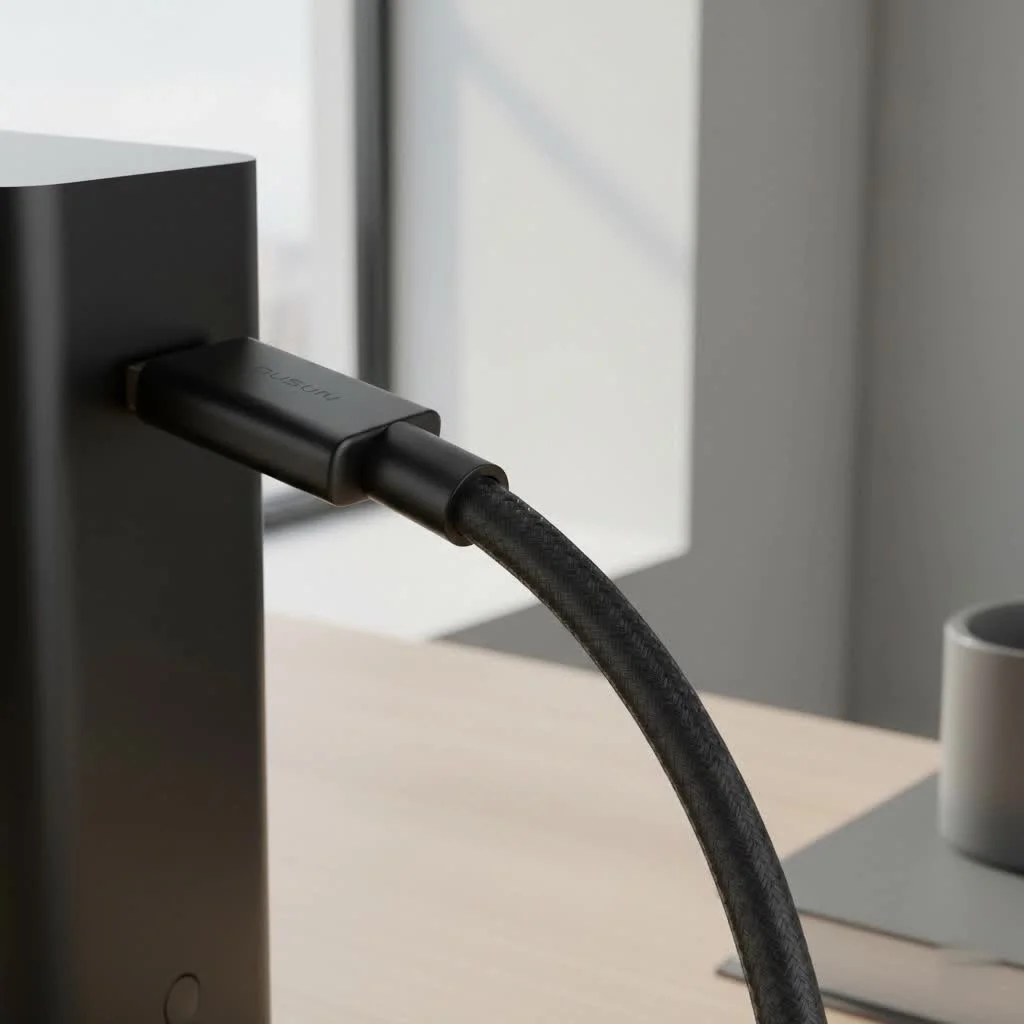
Connecting modern and vintage technology is about more than just matching plug shapes. It’s about translating languages. Think of it as trying to play a modern Blu-ray disc on a vinyl record player. You can’t just place the disc on the turntable; you need a special machine to read the digital data and convert it into the analog sound waves the record player understands. This is the exact challenge with HDMI and RCA.
Why a Simple HDMI to RCA Cable Won’t Work
The fundamental barrier between these two standards is the type of signal they carry. It’s a classic case of digital versus analog.
- HDMI (High-Definition Multimedia Interface): This is a modern, digital standard. It transmits video and audio as a stream of ones and zeros. This digital information is pristine, carrying high-definition (HD) or even 4K resolution, multiple channels of audio, and other data in a single, compact cable.
- RCA (Radio Corporation of America): This is a much older, analog standard. It sends signals as continuous electrical waves. It requires separate cables for different parts of the signal: one for composite video (the yellow plug) and two for stereo audio (the red and white plugs).
A simple cable is just a passive set of wires. It can’t actively process and change a signal from digital to analog. Plugging an HDMI source into an RCA input with just a cable would be like sending a complex email to an old-fashioned telephone—the receiving end simply wouldn’t have the capability to understand the information.
The Real Solution: The HDMI to RCA Converter
To make this connection happen, you don’t need a cable; you need a converter. This is a small, powered device that acts as a translator, officially called a Digital-to-Analog Converter (DAC).
An HDMI to RCA converter box takes the digital signal from your source device (like a Roku or PlayStation 5) and actively processes it. Inside this little box, a dedicated chipset reads the digital ones and zeros, converts them into analog waves, and then outputs them through the separate red, white, and yellow RCA ports. Because this conversion process requires energy, these converters almost always need to be plugged into a power source, usually via a mini-USB port.
A Quick Word on Picture Quality
|
Our Picks for the Best HDMI Cable in 2026
As an Amazon Associate I earn from qualifying purchases.
|
||
| Num | Product | Action |
|---|---|---|
| 1 | Anker HDMI Cable 8K@60Hz, 6FT Ultra HD 4K@120Hz HDMI Cord,48 Gbps Certified Ultra High-Speed,Compatible with PlayStation 5,Xbox,Samsung TVs,and More |

|
| 2 | Highwings Long HDMI Cable 20 FT, 10K 8K 4K Ultra HD High Speed 2.1 HDMI Cable 48Gbps Braided Cord-4K@120Hz 8K@60Hz, DTS:X, HDCP 2.2&2.3, Dynamic HDR 10 Compatible with Roku TV/PS5/HDTV/Blu-ray |
|
| 3 | 10K 8K HDMI 2.1 Cable 2-Pack 6.6FT, Highwings Certified 48Gbps Ultra High Speed Slim HDMI Cord,Support 4K@120Hz 8K@60Hz, HDCP 2.2&2.3, Dynamic HDR,eARC,DTS:X, Compatible with Roku TV/HDTV/PS5/Blu-ray |
|
| 4 | 15 Pack of 10 Foot hdmi Cables |
|
| 5 | Short HDMI Cable 1 FT 2-Pack, 8K HDMI 2.1 48Gbps Ultra High Speed Braided HDMI Cords, 1 Foot HDMI Cable for Camera, Field Monitor, External Recorder, Laptop, PC |
|
| 6 | Highwings High Speed 8K 60Hz HDMI Cable 3.3FT/1M, 2.1 48Gbps HDMI Braided Cable-4K@120Hz 7680P,DTS:X,HDCP 2.2 & 2.3, HDR 10,eARC,Dynamic HDR,Compatible for Laptop, Monitor, Roku TV |
|
| 7 | Highwings 8K@60 HDMI Cable 10FT/3M, 48Gbps 2.1 High Speed HDMI Braided Nylon 4K120 144Hz RTX 3090 eARC HDR10 4:4:4 HDCP 2.2&2.3 Compatible for PS5, PS4, UHD TV and PC |
|
| 8 | Highwings Long HDMI Cable 15 FT, 4K 8K 10K HDMI 2.1 Cord Ultra High Speed [in-Wall CL3 Rated, 8K@60Hz 4K@120Hz Video 48Gbps], Fit, Durable, Flexible, eARC, HDCP, Compatible for Ethernet SoundBar |
|
| 9 | Highwings 8K 10K 4K HDMI Cable 48Gbps 6.6FT/2M, Certified Ultra High Speed HDMI Cable Braided Cord-4K@120Hz 8K@60Hz, DTS:X, HDCP 2.2 & 2.3, HDR 10 Compatible with Roku TV/PS5/HDTV/Blu-ray |
|
| 10 | Highwings 4K HDMI Cable 6.6FT/2m - High-Speed HDMI 2.0 Quality Cord 4K@60Hz, Braided Nylon & Gold Connectors, HDR, Ethernet, ARC, 3D, HDCP 2.2, Compatible for PS-5/4/3/ HDTV/Monitor/DVD/Streaming |
|
It is critical to set your expectations. The entire purpose of an HDMI to RCA converter is compatibility, not a quality upgrade. Your HD or 4K signal will be downscaled to standard definition (SD), which is typically 480i resolution. The picture will be softer and less detailed than you’re used to seeing on a modern display. You are successfully getting a picture on your old screen, but you are limited by the screen’s own analog capabilities.
“I often help clients who want to get a few more years out of a beloved older TV or projector,” notes James Caldwell, a professional home theater installer. “The HDMI to RCA converter is a fantastic little problem-solver. As long as the client understands they’ll be watching in standard definition, they’re always thrilled to see their old gear working with new streaming services.”
How to Choose the Right HDMI to RCA Converter
When shopping for a converter, most look identical, but a few key features can make a big difference in performance and compatibility.
Power Source is Non-Negotiable
Look for a converter that includes a USB power cable. Unpowered or passive “cable” versions are notoriously unreliable because the HDMI standard doesn’t provide enough power to run the conversion chipset properly. A stable power source from a USB wall adapter or a USB port on your source device is essential for a consistent signal.
Resolution and Framerate Support
While the output will always be standard definition, check what input resolutions the converter can handle. Most modern converters will accept a 720p or 1080p input signal, which is perfect for most streaming sticks, consoles, and laptops.
NTSC vs. PAL Switch
You might see a small switch on the converter labeled “NTSC” and “PAL.” These are the two dominant analog television standards used around the world.
- NTSC: The standard for North America, Japan, and parts of South America.
- PAL: The standard for Europe, Australia, Africa, and most of Asia.
If you get a black-and-white or rolling picture, flipping this switch is often the solution. Ensure you have it set to the correct standard for your region and your television.
Step-by-Step Guide: How to Set It Up
Connecting your new device to an old TV using a converter is a breeze. Just follow these simple steps:
- Connect the HDMI Source: Plug your HDMI cable from the source device (e.g., Chromecast, laptop) into the HDMI input port on the converter box.
- Connect the RCA Cables: Plug the red, white, and yellow RCA cables into their corresponding color-coded output ports on the converter. Connect the other end to the inputs on your TV.
- Provide Power: Connect the included USB cable to the power port on the converter. Plug the other end into a USB wall adapter or an available USB port.
- Turn Everything On: Power on your TV and your source device.
- Select the Right Input: On your TV, use the “Input” or “Source” button to switch to the AV or Video input you used for the RCA cables. You should now see the picture from your HDMI device.
Frequently Asked Questions (FAQ)
Do I need an HDMI to RCA cable or a converter?
You absolutely need a converter. A simple cable cannot translate the digital HDMI signal into an analog RCA signal. The converter box contains the necessary active electronics to perform this conversion.
Why does my HDMI to RCA converter need USB power?
The process of converting a digital signal to an analog one requires energy. The chipset inside the converter needs this power to function. An external USB power source ensures the converter has enough consistent energy to provide a stable, reliable picture and sound.
Will an HDMI to RCA converter improve my TV’s picture quality?
No, it will do the opposite. The converter’s job is to make the signal compatible, which involves downscaling the high-definition digital signal to the standard-definition analog format your TV can understand. The picture quality will be limited to 480i resolution.
My screen is black and white. How do I fix it?
A black-and-white picture is the most common symptom of an incorrect NTSC/PAL setting. Locate the small switch on the side of your converter and flip it to the other position. The color should appear immediately.
Can I use this same device to connect an old VCR to my new HDMI TV?
No, that is a different process. This device converts HDMI to RCA. To connect an RCA source (like a VCR) to an HDMI input, you need the opposite device: an RCA to HDMI converter. These devices work by upscaling the analog signal to a digital one.
Conclusion: Giving Your Old Tech a New Lease on Life
While the dream of a simple, single HDMI to RCA cable isn’t a reality, the solution is both affordable and effective. An HDMI to RCA converter is the essential key to unlocking modern content on your classic, time-tested displays. It’s a perfect bridge between decades of technology, allowing you to enjoy streaming movies on a nostalgic CRT television or connect a modern laptop to a vintage projector. By understanding that you’re choosing compatibility over pure quality, you can breathe new life into your old electronics and keep them useful for years to come.
Get our weekly buyer guide
Practical specs, not advice. Unsubscribe anytime.