Walking down the electronics aisle at Target can feel overwhelming. You see a wall of black, braided, and colorful cables, all promising the best picture and sound. You just bought a new 4K TV or a PlayStation 5, and the last thing you want is to be paralyzed by choice over a simple cable. You need a Target Hdmi Cable, but which one is the right one? Relax. This guide will untangle the tech jargon and help you walk out with the perfect cable for your needs without overspending.
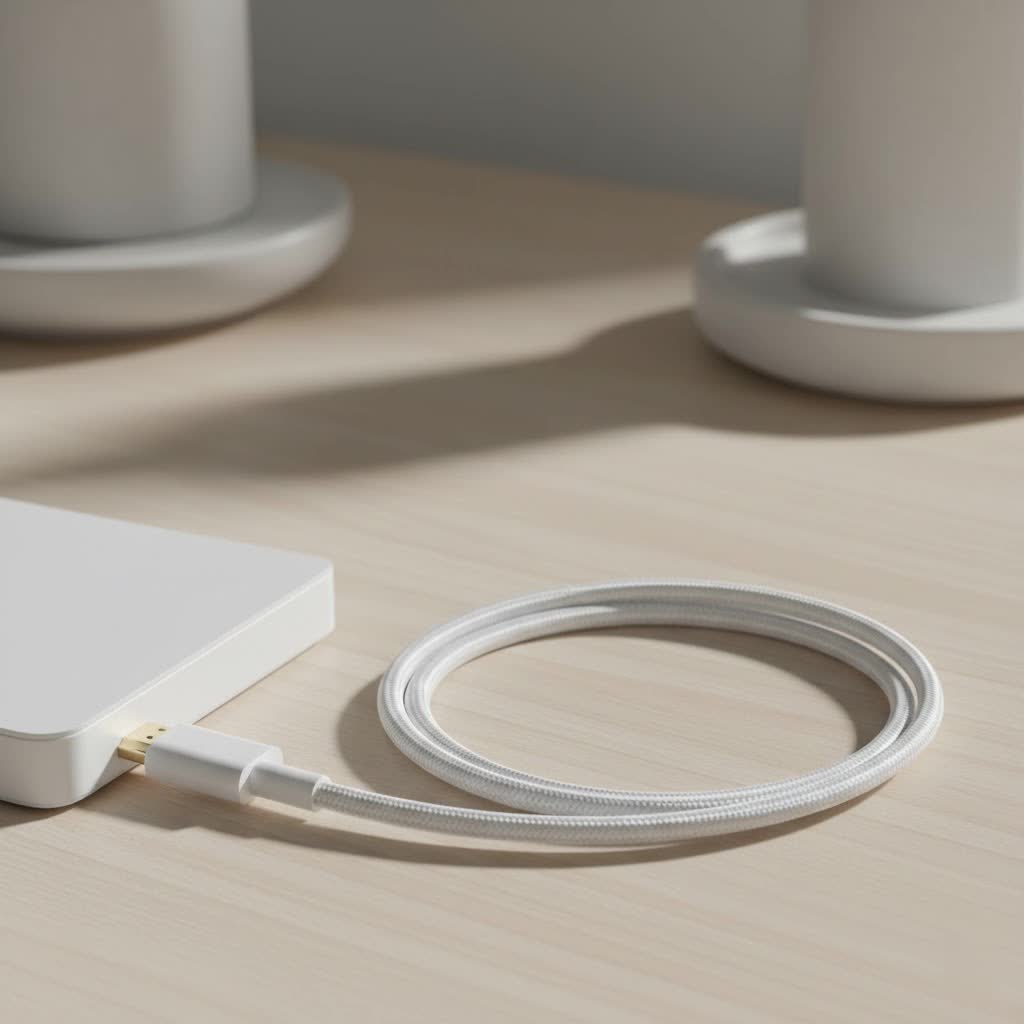
At Iecfl Tech, we believe that understanding your technology is the first step toward making a great purchase. An HDMI (High-Definition Multimedia Interface) cable is the digital superhighway that connects your devices, carrying video and audio signals from a source like a Blu-ray player, gaming console, or streaming box to your TV or projector. The right cable ensures that the picture and sound quality you paid for actually make it to your screen and speakers.
Before You Go: What Does Your Gear Actually Need?
The most important rule in buying an HDMI cable is this: the cable doesn’t create quality, it preserves it. Your cable only needs to be as good as your source device and your display. A fancy, expensive cable won’t make your 1080p laptop output a 4K picture on your new OLED TV. Conversely, using an old, outdated cable can bottleneck your high-end gear, preventing you from seeing the stunning 4K HDR picture or experiencing the smooth 120Hz gameplay your new console is capable of.
Before you head to the store, take a quick inventory of what you’re connecting.
- What is the source? (e.g., PS5, Apple TV 4K, Nintendo Switch, a soundbar)
- What is the display? (e.g., 4K HDR TV, 8K QLED TV, 1080p monitor)
Knowing this simple information is half the battle.
Decoding the Specs on a Target HDMI Cable Box
The packaging for HDMI cables is filled with terms like “4K,” “8K,” “High-Speed,” and “HDR.” It’s easier to understand than it looks. It all boils down to bandwidth—how much data the cable can carry at once.
HDMI 2.0 vs. HDMI 2.1: The Biggest Difference
The version number is the most critical spec. Today, you’ll mostly see HDMI 2.0 and HDMI 2.1.
- HDMI 2.0: This has been the standard for years. It has enough bandwidth (18 Gbps) for a 4K resolution signal at 60 frames per second (Hz). This is perfect for most streaming devices like the Apple TV 4K, Roku Ultra, and for consoles like the PlayStation 4 Pro.
- HDMI 2.1: This is the new champion. It offers a massive bandwidth increase (48 Gbps), which is necessary for 8K resolution at 60Hz or, more importantly for many, 4K resolution at a buttery-smooth 120Hz. This is a must-have for taking full advantage of the PlayStation 5 and Xbox Series X. HDMI 2.1 also enables advanced features like eARC (Enhanced Audio Return Channel) for uncompressed soundbar audio and VRR (Variable Refresh Rate) for tear-free gaming.
|
Our Picks for the Best HDMI Cable in 2026
As an Amazon Associate I earn from qualifying purchases.
|
||
| Num | Product | Action |
|---|---|---|
| 1 | Short HDMI Cable 1 FT 2-Pack, 8K HDMI 2.1 48Gbps Ultra High Speed Braided HDMI Cords, 1 Foot HDMI Cable for Camera, Field Monitor, External Recorder, Laptop, PC |

|
| 2 | Highwings Long HDMI Cable 20 FT, 10K 8K 4K Ultra HD High Speed 2.1 HDMI Cable 48Gbps Braided Cord-4K@120Hz 8K@60Hz, DTS:X, HDCP 2.2&2.3, Dynamic HDR 10 Compatible with Roku TV/PS5/HDTV/Blu-ray |
|
| 3 | 10K 8K HDMI 2.1 Cable 2-Pack 6.6FT, Highwings Certified 48Gbps Ultra High Speed Slim HDMI Cord,Support 4K@120Hz 8K@60Hz, HDCP 2.2&2.3, Dynamic HDR,eARC,DTS:X, Compatible with Roku TV/HDTV/PS5/Blu-ray |
|
| 4 | Anker HDMI Cable 8K@60Hz, 6FT Ultra HD 4K@120Hz HDMI Cord,48 Gbps Certified Ultra High-Speed,Compatible with PlayStation 5,Xbox,Samsung TVs,and More |
|
| 5 | Highwings 8K@60 HDMI Cable 10FT/3M, 48Gbps 2.1 High Speed HDMI Braided Nylon 4K120 144Hz RTX 3090 eARC HDR10 4:4:4 HDCP 2.2&2.3 Compatible for PS5, PS4, UHD TV and PC |
|
| 6 | 15 Pack of 10 Foot hdmi Cables |
|
| 7 | Highwings 8K 10K 4K HDMI Cable 48Gbps 6.6FT/2M, Certified Ultra High Speed HDMI Cable Braided Cord-4K@120Hz 8K@60Hz, DTS:X, HDCP 2.2 & 2.3, HDR 10 Compatible with Roku TV/PS5/HDTV/Blu-ray |
|
| 8 | Highwings Long HDMI Cable 15 FT, 4K 8K 10K HDMI 2.1 Cord Ultra High Speed [in-Wall CL3 Rated, 8K@60Hz 4K@120Hz Video 48Gbps], Fit, Durable, Flexible, eARC, HDCP, Compatible for Ethernet SoundBar |
|
| 9 | Highwings 4K HDMI Cable 6.6FT/2m - High-Speed HDMI 2.0 Quality Cord 4K@60Hz, Braided Nylon & Gold Connectors, HDR, Ethernet, ARC, 3D, HDCP 2.2, Compatible for PS-5/4/3/ HDTV/Monitor/DVD/Streaming |
|
| 10 | Highwings High Speed 8K 60Hz HDMI Cable 3.3FT/1M, 2.1 48Gbps HDMI Braided Cable-4K@120Hz 7680P,DTS:X,HDCP 2.2 & 2.3, HDR 10,eARC,Dynamic HDR,Compatible for Laptop, Monitor, Roku TV |
|
What is High-Speed vs. Ultra High-Speed?
To simplify things, the official HDMI organization created speed-based names. This is often the clearest indicator on the box.
- High-Speed HDMI Cable: This corresponds to HDMI 2.0 capabilities. It’s certified to handle 4K at 60Hz, HDR, and ARC. For most non-gaming, 4K setups, this is all you need.
- Ultra High-Speed HDMI Cable: This is the only cable certified for all HDMI 2.1 features. If you have a PS5, Xbox Series X, or an 8K TV, you absolutely need an “Ultra High-Speed” cable to unlock their full potential. Look for the official certification label on the box.
Do You Need 4K, 8K, and HDR Support?
These terms describe the video signal, not the cable itself. A High-Speed cable supports 4K and HDR. An Ultra High-Speed cable supports 8K and all forms of HDR. Just match the cable speed (High-Speed or Ultra High-Speed) to your TV’s resolution and your source device’s capabilities.
A Look at Target’s HDMI Cable Brands
Target offers a curated selection, focusing on their in-house brands and a few trusted names. You don’t need to sift through dozens of obscure online brands.
Heyday: Style and Affordability
Heyday is Target’s trendy, electronics-focused brand. Their HDMI cables often come in various colors and braided designs. They are an excellent, budget-friendly choice that meets all the necessary specifications. Whether you need a High-Speed cable for your streaming stick or an Ultra High-Speed one for your new console, Heyday provides reliable options that get the job done without breaking the bank.
Rocketfish: The Reliable Workhorse
While technically a Best Buy brand, Rocketfish products are frequently sold at Target. They have a reputation for being no-nonsense, reliable cables. They are well-built and often feature robust connectors. Like Heyday, they are fully certified, and you can trust that a Rocketfish Ultra High-Speed cable will deliver the 48 Gbps bandwidth promised on the box.
Other Brands on the Shelf
You might also see brands like Philips or Monster. These are legacy brands that have been in the cable game for a long time. They work perfectly well, but their primary advantage is brand recognition. Functionally, a certified Philips cable will perform identically to a certified Heyday or Rocketfish cable.
The Perfect Target HDMI Cable for Your Setup
Let’s put it all together. Here’s a simple guide to choosing your cable based on your gear.
- For 4K Streaming (Apple TV, Roku, Fire Stick): A High-Speed Target HDMI cable is perfect. Your streaming device will likely max out at 4K 60Hz, so there’s no need for anything more. A 6-foot Heyday or Rocketfish High-Speed cable will serve you well.
- For Next-Gen Gaming (PS5, Xbox Series X): Do not compromise here. You need an Ultra High-Speed Target HDMI cable to get 4K at 120Hz and other gaming features. Look for the “Ultra High-Speed” certification on the packaging.
- For Soundbars with eARC: If your TV and soundbar both support eARC for high-fidelity audio formats like Dolby Atmos, you’ll need an HDMI cable that supports this feature. While many High-Speed cables work, an Ultra High-Speed cable is your safest bet to guarantee compatibility and performance.
Common Mistakes When Buying HDMI Cables at Target
- Overspending on “Gold-Plated” Marketing: HDMI is a digital signal. It either works or it doesn’t. Gold plating offers marginal corrosion resistance but provides zero benefit to picture or sound quality. A $15 certified cable will give you the exact same digital picture as a $75 cable with fancy marketing.
- Buying a Cable That’s Too Long or Too Short: Measure the distance between your devices before you go to the store. A cable that’s too short is useless, and a cable that’s excessively long can be messy and, in rare cases over extreme distances (25+ feet), can cause signal degradation. A 6-foot cable is a safe default for most TV stand setups.
- Grabbing an Old Cable for a New 4K TV: If you’re upgrading your TV, upgrade your main HDMI cable. That old cable from your 1080p setup a decade ago is likely a “Standard” speed cable and won’t have the bandwidth for a 4K HDR signal, leading to flickering, “no signal” errors, or a washed-out picture.
“Pay for the certification, not the marketing hype,” advises James Peterson, a professional AV installer with over 15 years of experience. “An Ultra High-Speed certified cable for fifteen dollars will give you the exact same 8K picture as one for fifty dollars. The bits are bits. Just make sure the box has that official speed certification.”
Frequently Asked Questions (FAQ)
What’s the best HDMI cable at Target for a PS5?
The best choice is any cable that is explicitly labeled as “Ultra High-Speed” and supports 48 Gbps bandwidth. This will enable 4K gaming at 120Hz. Both the Heyday and Rocketfish brands offer certified Ultra High-Speed options.
Are expensive HDMI cables from Target better?
No. For a digital signal, as long as a cable meets the certified speed standard (e.g., Ultra High-Speed), it will perform identically to a more expensive one of the same certification. The extra cost goes toward marketing, thicker sheathing, or gold plating, which don’t improve picture quality.
What length HDMI cable should I get?
A 6-foot cable is ideal for most setups where the source device is near the TV. For wall-mounted TVs where you need to run the cable through the wall or around furniture, a 10 or 15-foot cable might be necessary. Measure first to be sure.
Can I use my old Target HDMI cable for a new 4K TV?
You might be able to, but it’s not recommended. If it’s a “High-Speed” cable from the last 5-7 years, it will likely work for 4K streaming. However, if it’s an older “Standard” speed cable, it will not have enough bandwidth. For a few dollars, getting a new, properly certified cable is the best way to ensure performance.
Is there a difference between the Heyday and Rocketfish HDMI cables?
In terms of performance and certification, there is no functional difference. A Heyday Ultra High-Speed cable will perform the same as a Rocketfish Ultra High-Speed cable. The choice between them comes down to price, length availability, and aesthetic preference (e.g., braided vs. smooth finish).
Your Shopping Checklist is Complete
Choosing the right Target HDMI cable is simple when you know what to look for. Ignore the flashy marketing and focus on two things: the speed certification you need (High-Speed for most 4K TVs, Ultra High-Speed for next-gen gaming and 8K) and the length that fits your setup. By matching the cable to your hardware, you ensure that every pixel and every sound wave arrives perfectly, just as the creator intended. Now you can walk into that electronics aisle with confidence.
