A standard HDMI cable remains relevant in a 4K world for connecting older devices that output 720p or 1080i resolution, such as DVD players, basic cable boxes, and older HDTVs. These cables, also known as Category 1, have a bandwidth of up to 4.95 Gbps and are perfectly suitable for transmitting basic HD video and audio without the need for more expensive, higher-bandwidth alternatives like Ultra High-Speed HDMI cables.
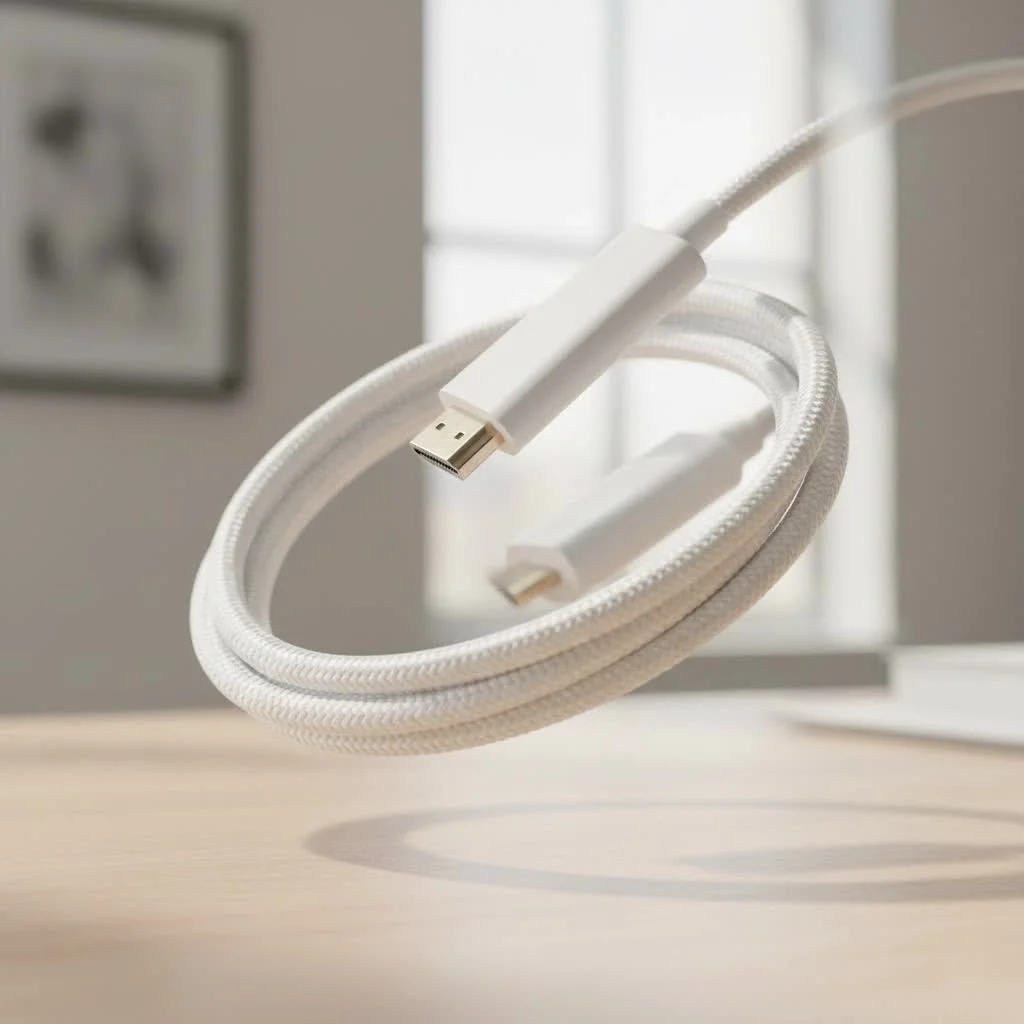
The truth is, not every device needs the fire-breathing bandwidth of an HDMI 2.1 cable. Understanding the capabilities and limitations of a standard HDMI cable can save you money and help you make smarter connections. At Iecfl Tech, we believe in empowering you with knowledge, and that starts with the fundamentals. For expert hdmi cables reviews on this site.
What Exactly Is a Standard HDMI Cable?
When we talk about a “Standard HDMI Cable,” we are referring to the original category of cable certified by the HDMI Licensing Administrator, Inc. This classification, also known as Category 1, was designed for the early generations of high-definition technology.
These cables were built to handle the demands of the initial HDMI specifications, primarily versions 1.0 through 1.2. Their core purpose was to reliably transmit a 720p or 1080i signal—the HD resolutions of the time.
A standard HDMI cable has a tested bandwidth of up to 4.95 Gbps (gigabits per second). While that was impressive back in 2002, it’s a far cry from the 18 Gbps or even 48 Gbps cables available today. Physically, it uses the same familiar 19-pin Type-A connector that we still use on nearly every TV, computer, and gaming console.
The Evolution of HDMI: Standard vs. The Rest
To appreciate the role of the standard cable, it helps to see how the technology has evolved. Each new certification was created to support higher resolutions, faster refresh rates, and new features.
| Cable Category | Bandwidth | Max Resolution (Commonly) | Key Features Supported |
|---|---|---|---|
| Standard HDMI | 4.95 Gbps | 720p / 1080i @ 60Hz | Basic HD video and audio |
| High-Speed HDMI | 10.2 Gbps | 1080p @ 60Hz, 4K @ 30Hz | Full HD, 3D, ARC, Deep Color |
| Premium High-Speed | 18 Gbps | 4K @ 60Hz | 4K HDR, expanded color spaces |
| Ultra High-Speed | 48 Gbps | 4K @ 120Hz, 8K @ 60Hz | eARC, VRR, ALLM for gaming |
As you can see, the leap from Standard to High-Speed was significant. High-Speed HDMI, introduced around the HDMI 1.3/1.4 specification, became the new baseline for years, capable of handling the Full HD 1080p resolution that became the gold standard.
So, When Is a Standard HDMI Cable Good Enough?
With its limited bandwidth, you might think a standard HDMI cable is completely obsolete. Not so fast. There are still plenty of scenarios where it works perfectly fine, and using a more expensive cable won’t provide any benefit.
Here’s where a standard HDMI cable is still a perfectly suitable choice:
- Older HDTVs: If you have a TV that has a maximum resolution of 720p or 1080i, a standard cable is all you need.
- DVD Players and Older Blu-ray Players: Most standard DVD players output at 480p, and many early Blu-ray players were designed for 720p/1080i output.
- Basic Cable and Satellite Boxes: Many non-4K cable boxes from providers still broadcast primarily in 720p or 1080i.
- Connecting Audio Receivers for Basic Audio: If you’re simply sending a standard Dolby Digital 5.1 or DTS signal, the bandwidth is more than sufficient.
“People often overspend on cables they don’t need,” notes Johnathan Miles, a professional home theater installer with over 15 years of experience. “For a guest room TV with an old cable box or a workshop DVD player, a standard HDMI cable does the job flawlessly. The key is to match the cable to the capabilities of your source and display device.”
When You Absolutely Need an Upgrade
|
Our Picks for the Best HDMI Cable in 2026
As an Amazon Associate I earn from qualifying purchases.
|
||
| Num | Product | Action |
|---|---|---|
| 1 | Highwings 8K@60 HDMI Cable 10FT/3M, 48Gbps 2.1 High Speed HDMI Braided Nylon 4K120 144Hz RTX 3090 eARC HDR10 4:4:4 HDCP 2.2&2.3 Compatible for PS5, PS4, UHD TV and PC |

|
| 2 | Anker HDMI Cable 8K@60Hz, 6FT Ultra HD 4K@120Hz HDMI Cord,48 Gbps Certified Ultra High-Speed,Compatible with PlayStation 5,Xbox,Samsung TVs,and More |
|
| 3 | Short HDMI Cable 1 FT 2-Pack, 8K HDMI 2.1 48Gbps Ultra High Speed Braided HDMI Cords, 1 Foot HDMI Cable for Camera, Field Monitor, External Recorder, Laptop, PC |
|
| 4 | Highwings 4K HDMI Cable 6.6FT/2m - High-Speed HDMI 2.0 Quality Cord 4K@60Hz, Braided Nylon & Gold Connectors, HDR, Ethernet, ARC, 3D, HDCP 2.2, Compatible for PS-5/4/3/ HDTV/Monitor/DVD/Streaming |
|
| 5 | Highwings High Speed 8K 60Hz HDMI Cable 3.3FT/1M, 2.1 48Gbps HDMI Braided Cable-4K@120Hz 7680P,DTS:X,HDCP 2.2 & 2.3, HDR 10,eARC,Dynamic HDR,Compatible for Laptop, Monitor, Roku TV |
|
| 6 | Highwings Long HDMI Cable 20 FT, 10K 8K 4K Ultra HD High Speed 2.1 HDMI Cable 48Gbps Braided Cord-4K@120Hz 8K@60Hz, DTS:X, HDCP 2.2&2.3, Dynamic HDR 10 Compatible with Roku TV/PS5/HDTV/Blu-ray |
|
| 7 | Highwings 8K 10K 4K HDMI Cable 48Gbps 6.6FT/2M, Certified Ultra High Speed HDMI Cable Braided Cord-4K@120Hz 8K@60Hz, DTS:X, HDCP 2.2 & 2.3, HDR 10 Compatible with Roku TV/PS5/HDTV/Blu-ray |
|
| 8 | Highwings Long HDMI Cable 15 FT, 4K 8K 10K HDMI 2.1 Cord Ultra High Speed [in-Wall CL3 Rated, 8K@60Hz 4K@120Hz Video 48Gbps], Fit, Durable, Flexible, eARC, HDCP, Compatible for Ethernet SoundBar |
|
| 9 | 10K 8K HDMI 2.1 Cable 2-Pack 6.6FT, Highwings Certified 48Gbps Ultra High Speed Slim HDMI Cord,Support 4K@120Hz 8K@60Hz, HDCP 2.2&2.3, Dynamic HDR,eARC,DTS:X, Compatible with Roku TV/HDTV/PS5/Blu-ray |
|
| 10 | 15 Pack of 10 Foot hdmi Cables |
|
It’s equally important to know when a standard cable will become a bottleneck. Using one in the wrong situation will lead to problems like a blank screen (no signal), “sparkles” or visual artifacts, or being locked out of certain resolution and feature settings.
You must use a High-Speed cable or better for:
- Full HD 1080p Content: This is the most common reason to upgrade. Standard cables are not certified to handle the bandwidth required for 1080p.
- Modern Gaming Consoles: PlayStation 4, Xbox One, and anything newer requires at least a High-Speed cable.
- 4K and HDR TVs: To get the resolution and vibrant colors you paid for, a Premium High-Speed (for 4K60) or Ultra High-Speed (for 4K120) cable is essential.
- Advanced Audio Features: Features like ARC (Audio Return Channel) and especially eARC (Enhanced Audio Return Channel) require the higher bandwidth of newer cables.
How Can You Tell What Kind of HDMI Cable You Have?
This is the tricky part. For a long time, manufacturers weren’t required to print the category on the cable itself. A plain black HDMI cable from 2008 looks identical to one from 2018.
Here are a few tips to identify your cable:
- Look for Markings: Newer cables are often labeled. Look for text printed on the cable jacket that explicitly says “High Speed” or “Ultra High Speed.” If it has no markings, it’s safest to assume it’s a standard cable.
- The “With Ethernet” Clue: If your cable says “High Speed HDMI Cable with Ethernet,” you know it’s at least a High-Speed model. Standard cables also had an optional “with Ethernet” variant, but it was less common.
- Test It: The ultimate test is to use it. Connect it between a reliable 1080p source (like a modern laptop or Blu-ray player) and your TV. If you can select 1080p resolution and the picture is stable, it’s likely a High-Speed cable. If you get flickering, artifacts, or no signal, it’s probably a standard cable.
Frequently Asked Questions (FAQ)
Can a standard HDMI cable transmit audio?
Yes. All HDMI cables, including the standard version, are designed to carry both digital video and multi-channel digital audio signals over a single cable.
Will using a standard HDMI cable on my 4K TV cause damage?
No, it will not damage your equipment. However, it will prevent your TV from displaying a 4K signal from your source device. The connection will likely default to a much lower resolution that the cable can handle, or it may not display an image at all.
Is there a difference in picture quality between a cheap standard cable and an expensive one?
For a standard HDMI cable transmitting a 720p signal, there is no difference in picture quality based on price. The signal is digital, meaning it either works or it doesn’t. As long as the cable is built to the minimum specification, it will deliver the same image as a high-priced one.
What about cable length? Does it matter?
Yes, length matters. Signal degradation increases with distance. For a standard HDMI cable, it’s best to keep the length under 50 feet (about 15 meters) to avoid signal issues. Longer runs may require an active cable with a built-in signal booster.
Is “HDMI 1.2 cable” the same as a standard HDMI cable?
Yes. The “Standard” category certification covers the technical requirements laid out in the HDMI 1.0, 1.1, and 1.2 specifications. It was certified to reliably pass signals from devices built to those standards.
The Final Verdict
The standard HDMI cable is far from dead—it has simply settled into its retirement job. While it’s no longer the star player for your main 4K home theater, it remains a reliable and cost-effective choice for countless older and less demanding devices.
Before you rush out to buy the most expensive cable on the shelf, take a moment to check your equipment. Match the cable to the task at hand. For that secondary TV, old game console, or trusty DVD player, that old standard HDMI cable is likely all you’ll ever need. Understanding your connections is the first step to building a smarter, more efficient tech life.
Get our weekly buyer guide
Practical specs, not advice. Unsubscribe anytime.
It’s refreshing to see someone explain that not every device needs the ‘fire-breathing bandwidth’ of an HDMI 2.1. I’ve been telling my friends this for ages! My old gaming console, which only outputs 720p, works flawlessly with a standard HDMI cable. No point in spending extra when the bandwidth of up to 4.95 Gbps is more than enough.
I was about to buy a super expensive HDMI 2.1 cable for my old DVD player, thinking I needed the latest and greatest. Glad I read up on this first! A standard HDMI cable works perfectly for my 720p TV and DVD player. The picture and sound are crystal clear, and I saved a bunch of money. Definitely recommend checking your device’s needs before overspending.
This was really helpful for understanding why my basic cable box didn’t need a fancy new cable. I had an old Category 1 cable lying around and decided to try it based on the info here. It works great for transmitting the 1080i signal without any issues. No need for those Ultra High-Speed HDMI cables for older gear.
I got a standard HDMI cable for my older HDTV, and while it works for the basic HD video, I did notice a slight delay when switching inputs compared to a newer cable I have on another TV. It’s not a huge deal, but something to be aware of if you’re sensitive to that. For the price, it’s fine, but I might upgrade later.