The PlayStation 5 (PS5) includes an Ultra High Speed HDMI cable, which is an HDMI 2.1 certified cable, essential for unlocking the console’s full potential. This cable supports advanced features like 4K resolution at a 120Hz refresh rate, Variable Refresh Rate (VRR), and Auto Low Latency Mode (ALLM), ensuring optimal visual and responsive gameplay right out of the box.
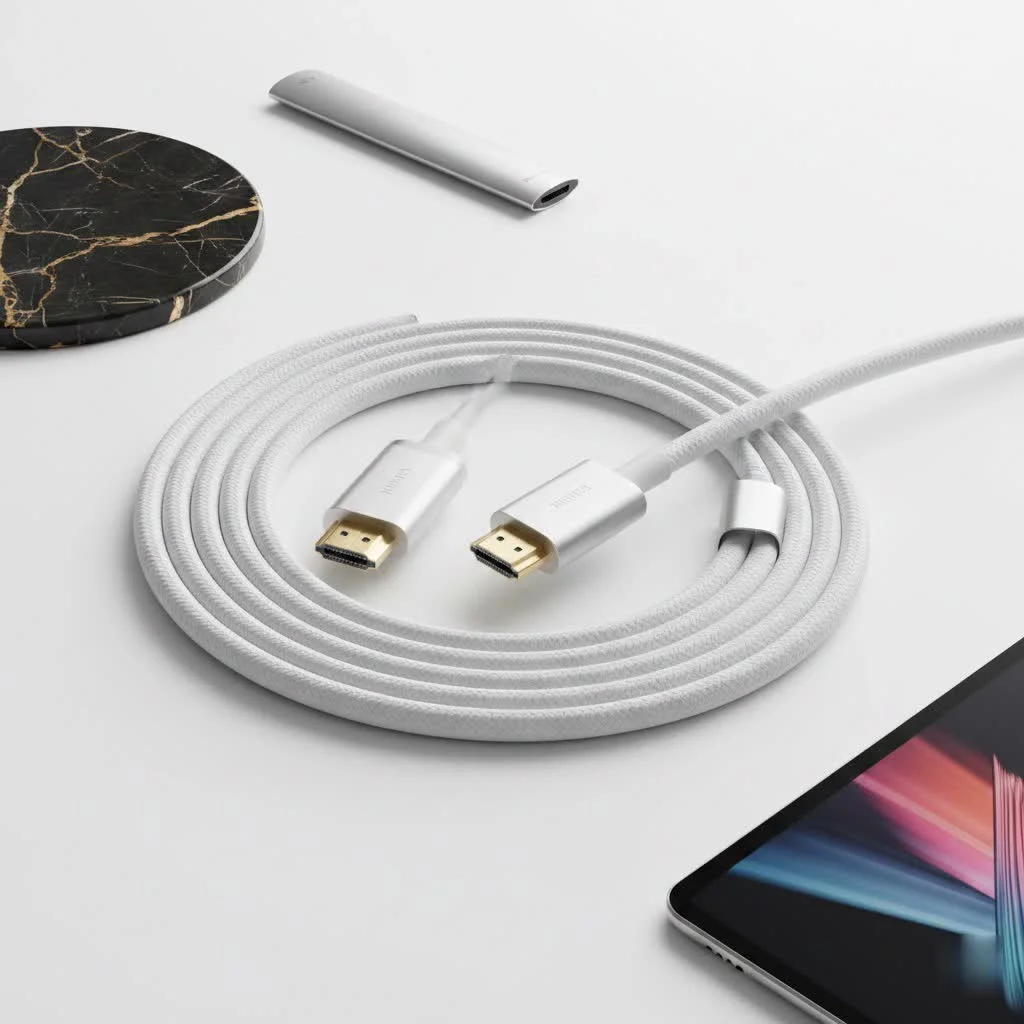
Many gamers often overlook this crucial accessory, mistakenly believing any HDMI cable will suffice. However, the PS5 is a sophisticated piece of hardware that demands a specific connection type to deliver its most impressive features. This guide will detail everything you need to know, from the specifications of the included cable to what to consider if you ever need a replacement. For expert hdmi cables reviews on this site.
What HDMI Cable Actually Comes with the PS5?
The PlayStation 5 ships with a high-quality Ultra High Speed HDMI cable. This is excellent news because it is precisely the type of cable required to access every feature the console offers. Specifically, it is an HDMI 2.1 certified cable.
For the vast majority of users, the cable included in the box is perfect. It is built to the highest current standard, ensuring you can enjoy 4K resolution at a 120Hz refresh rate, along with other next-gen features, immediately. There is no immediate need to purchase a third-party alternative, as Sony has already provided the necessary hardware.
Why HDMI 2.1 is a major upgrade for Your PlayStation 5
The term “HDMI 2.1” is frequently mentioned, but what does it truly mean for your gaming sessions? This standard represents a significant advancement from its predecessor, HDMI 2.0. Its primary benefit is increased data capacity. HDMI 2.1 supports a substantial bandwidth of up to 48Gbps, which is crucial for transmitting the vast amount of information required for the PS5’s most demanding visual features.
Blazing-Fast Frame Rates: 4K at 120Hz
One of the PS5’s standout features is its capability to run games at 4K resolution with a 120Hz refresh rate (or 120 frames per second). This results in incredibly fluid motion, providing a competitive advantage in fast-paced games and creating a more immersive overall experience. This achievement is only possible with the high bandwidth provided by an HDMI 2.1 connection.
Future-Proofing with 8K Resolution
While 8K gaming is still emerging and 8K displays are not yet widespread, the PS5 is technically capable of outputting an 8K signal. The included Ultra High Speed PS5 HDMI cable ensures that when the time comes, your hardware will be ready to handle the next resolution revolution.
Tearing-Free Gaming: Variable Refresh Rate (VRR)
|
Our Picks for the Best HDMI Cable in 2026
As an Amazon Associate I earn from qualifying purchases.
|
||
| Num | Product | Action |
|---|---|---|
| 1 | Anker HDMI Cable 8K@60Hz, 6FT Ultra HD 4K@120Hz HDMI Cord,48 Gbps Certified Ultra High-Speed,Compatible with PlayStation 5,Xbox,Samsung TVs,and More |

|
| 2 | Highwings Long HDMI Cable 15 FT, 4K 8K 10K HDMI 2.1 Cord Ultra High Speed [in-Wall CL3 Rated, 8K@60Hz 4K@120Hz Video 48Gbps], Fit, Durable, Flexible, eARC, HDCP, Compatible for Ethernet SoundBar |
|
| 3 | Highwings High Speed 8K 60Hz HDMI Cable 3.3FT/1M, 2.1 48Gbps HDMI Braided Cable-4K@120Hz 7680P,DTS:X,HDCP 2.2 & 2.3, HDR 10,eARC,Dynamic HDR,Compatible for Laptop, Monitor, Roku TV |
|
| 4 | 15 Pack of 10 Foot hdmi Cables |
|
| 5 | Highwings 8K 10K 4K HDMI Cable 48Gbps 6.6FT/2M, Certified Ultra High Speed HDMI Cable Braided Cord-4K@120Hz 8K@60Hz, DTS:X, HDCP 2.2 & 2.3, HDR 10 Compatible with Roku TV/PS5/HDTV/Blu-ray |
|
| 6 | 10K 8K HDMI 2.1 Cable 2-Pack 6.6FT, Highwings Certified 48Gbps Ultra High Speed Slim HDMI Cord,Support 4K@120Hz 8K@60Hz, HDCP 2.2&2.3, Dynamic HDR,eARC,DTS:X, Compatible with Roku TV/HDTV/PS5/Blu-ray |
|
| 7 | Highwings Long HDMI Cable 20 FT, 10K 8K 4K Ultra HD High Speed 2.1 HDMI Cable 48Gbps Braided Cord-4K@120Hz 8K@60Hz, DTS:X, HDCP 2.2&2.3, Dynamic HDR 10 Compatible with Roku TV/PS5/HDTV/Blu-ray |
|
| 8 | Highwings 8K@60 HDMI Cable 10FT/3M, 48Gbps 2.1 High Speed HDMI Braided Nylon 4K120 144Hz RTX 3090 eARC HDR10 4:4:4 HDCP 2.2&2.3 Compatible for PS5, PS4, UHD TV and PC |
|
| 9 | Highwings 4K HDMI Cable 6.6FT/2m - High-Speed HDMI 2.0 Quality Cord 4K@60Hz, Braided Nylon & Gold Connectors, HDR, Ethernet, ARC, 3D, HDCP 2.2, Compatible for PS-5/4/3/ HDTV/Monitor/DVD/Streaming |
|
| 10 | Short HDMI Cable 1 FT 2-Pack, 8K HDMI 2.1 48Gbps Ultra High Speed Braided HDMI Cords, 1 Foot HDMI Cable for Camera, Field Monitor, External Recorder, Laptop, PC |
|
Variable Refresh Rate synchronizes your TV’s refresh rate with the PS5’s graphical output in real-time. This eliminates unsightly screen tearing and stuttering, particularly when frame rates fluctuate. The result is a consistently smooth visual experience, a benefit exclusive to the HDMI 2.1 standard.
Instant Response: Auto Low Latency Mode (ALLM)
Tired of navigating your TV’s settings to find “Game Mode”? Auto Low Latency Mode (ALLM) handles it automatically. When your PS5 is detected, it instructs your display to switch to its lowest latency setting, minimizing input lag without any manual intervention. This quality-of-life feature ensures you always experience the most responsive gameplay possible.
Do You Need to Buy a Different PS5 HDMI Cable?
This is the most common question. For most people, the answer is a simple no. The cable Sony provides is certified and fully capable. However, there are a few specific scenarios where you might need to purchase a new one:
- You Lost or Damaged the Original: Accidents happen. If your original cable is missing or damaged, you will need a replacement.
- You Need a Longer Cable: The included cable is approximately 1.5 meters (or 5 feet) long. While suitable for many setups, if your console is far from your TV or projector, a longer cable will be necessary.
“The cable in the PS5 box is top-notch, but its length can be a limitation in larger entertainment setups,” notes James Peterson, a professional home theater installer. “If you need to go beyond 6 feet, it’s absolutely critical to buy a certified Ultra High Speed cable. Anything less, and you risk signal degradation and losing those key 2.1 features.”
How to Choose the Right Replacement HDMI Cable for PS5
If you need to buy a new cable, the market can be overwhelming. It is filled with technical jargon and marketing buzzwords. Follow these simple rules to ensure you get a cable that performs perfectly with your console.
1. Look for the “Ultra High Speed” Certification
This is the most critical factor. To be officially certified, a cable must pass rigorous testing by the HDMI Licensing Administrator. Certified cables feature a special label on the packaging with a QR code. You can scan this code with the official HDMI Cable Certification app to verify its authenticity. This certification guarantees the cable meets the full 48Gbps specification required for HDMI 2.1.
2. Check the Bandwidth: 48Gbps is Key
The product packaging or description should explicitly state that the cable supports 48Gbps bandwidth. This is the capacity that enables features like 4K@120Hz and VRR. Do not opt for “High-Speed” cables, as these are designed for the older HDMI 2.0 standard and will be limited to 18Gbps, preventing access to the PS5’s best visual modes.
3. Don’t Fall for Marketing Hype
You will encounter cables advertised with features like “gold-plated connectors,” “nitrogen-injected,” or “triple-shielded.” While some shielding is beneficial, most of these are marketing gimmicks intended to justify a higher price. For a digital signal like HDMI, the cable either functions or it does not. As long as it is certified, an affordable Ultra High Speed cable will perform identically to an expensive one over standard distances.
4. Consider Cable Length and Quality
For runs up to 10-15 feet, a standard, passive certified cable will work perfectly. However, longer cables increase the risk of signal degradation. If you need to run a PS5 HDMI cable 20 feet or more, consider an active optical HDMI cable. These use fiber optics to transmit the signal over long distances with zero quality loss, but they are significantly more expensive.
Frequently Asked Questions (FAQ)
Q1: Can I use an old HDMI 2.0 cable with my PS5?
Yes, you can. The PS5 will function with an older HDMI 2.0 cable, but you will be limited to 4K at 60Hz. You will not be able to access features like 4K@120Hz or VRR.
Q2: Will a better HDMI cable improve my PS5’s graphics?
No. HDMI cables transmit a digital signal. As long as the cable is certified for the required bandwidth, the picture quality will be identical. A more expensive “premium” cable will not make your games look sharper or more colorful than a certified budget-friendly one.
Q3: How long is the HDMI cable that comes with the PS5?
The stock PS5 HDMI cable is approximately 1.5 meters, which is about 5 feet long.
Q4: How do I know if my TV has an HDMI 2.1 port?
You will need to check your TV model’s specifications. Most manufacturers label HDMI 2.1 ports on the back of the TV, often marked as “4K@120Hz” or simply “2.1.” Consult your TV’s manual or the manufacturer’s website for confirmation.
Q5: Is an expensive PS5 HDMI cable worth it?
Generally, no. As long as a cable has the official Ultra High Speed certification, it will deliver maximum performance. Price does not equate to performance for digital cables. Focus on the certification, not the price tag.
The Final Connection
Your PS5 HDMI cable is more than just a wire; it is the bridge to the next generation of gaming. Sony provided consumers with a fully capable Ultra High Speed HDMI 2.1 cable right in the box. For most gamers, this is the only cable you will ever need. It unlocks smooth 120Hz frame rates, eliminates screen tearing with VRR, and prepares you for an 8K future.
Should you need a replacement or a longer cable, ignore confusing marketing and focus on one thing: the official Ultra High Speed certification. By making an informed choice, you ensure that every pixel and every frame is delivered from your console to your screen exactly as the game developers intended. Now, go check your setup and make sure you are getting the incredible experience you paid for.
Get our weekly buyer guide
Practical specs, not advice. Unsubscribe anytime.

This guide was super helpful! I didn’t realize the included cable was already an HDMI 2.1 certified one. I was about to buy a new one thinking I needed an upgrade, but now I know I’m good to go. Saved me some money and a headache.
I always just used whatever HDMI cable I had lying around, but after reading about the 4K 120Hz refresh rate, I decided to upgrade. The difference is actually noticeable, especially in fast-paced games. My old cable was definitely bottlenecking my PS5’s performance.
Spot on! I’ve seen so many people complain about their PS5 graphics, and it’s almost always because they’re not using the right cable. The Ultra High Speed HDMI cable really is essential for getting the most out of the console. Don’t skimp on this!
I appreciate the info on VRR and ALLM, but I wish there were more specific brand recommendations for replacement cables. It’s still a bit overwhelming trying to pick one out from all the options. The included cable is great, but I need a longer one for my setup.