Are you tired of that flickering screen, annoying signal dropouts, or the dreaded “no signal” message, especially when running a long cable to your new 4K projector or high-refresh-rate gaming monitor? You’ve likely hit the limits of traditional copper cables. It’s time to step into the future of high-fidelity connection with a fiber optic HDMI cable, the unsung hero of modern home entertainment and gaming setups.
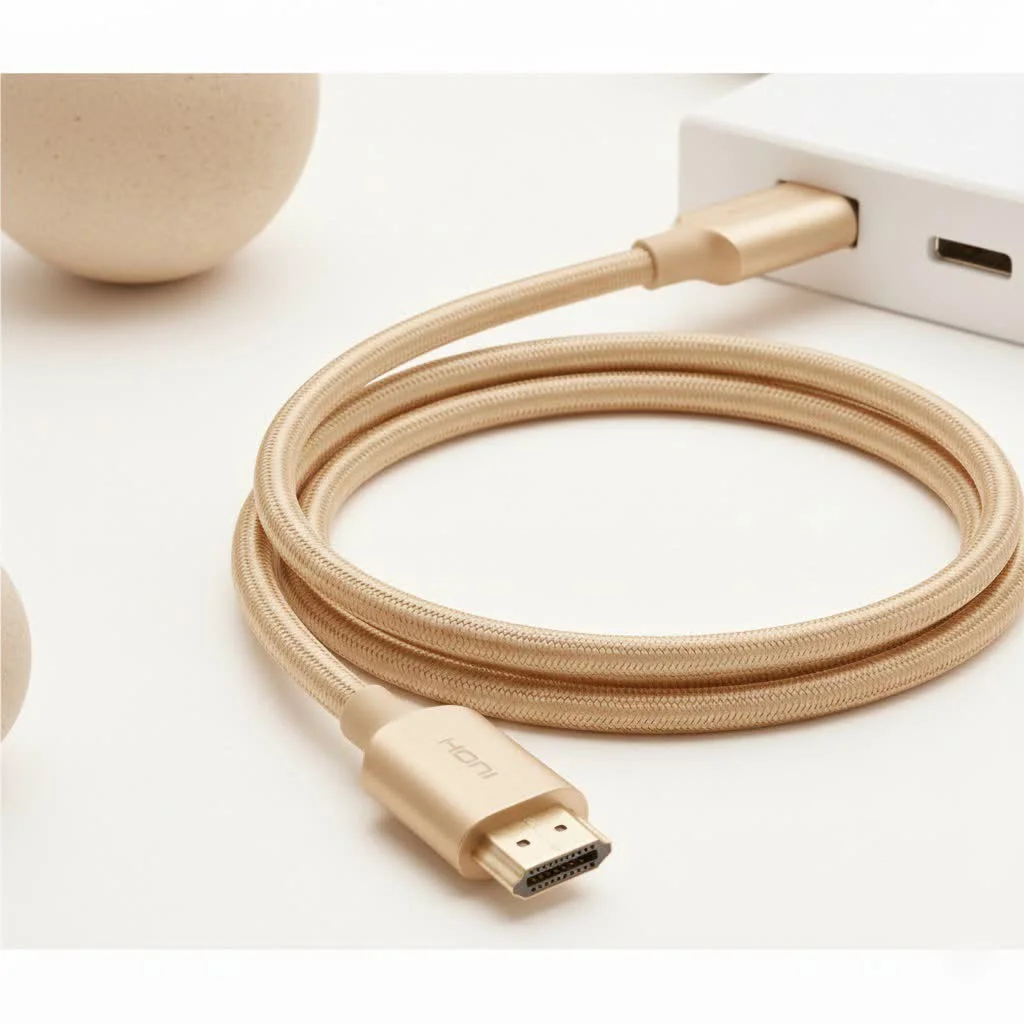
For years, we’ve relied on standard copper HDMI cables. They’ve served us well, but as technology leaps forward with 8K TVs, 4K gaming at 120Hz, and complex home theater systems, the limitations of copper are becoming glaringly obvious. Signal degradation over long distances is the primary villain. A fiber optic HDMI cable solves this problem by transmitting data using light, ensuring a flawless, full-bandwidth signal over distances that would make a copper cable weep.
What Exactly is a Fiber Optic HDMI Cable?
At its core, a fiber optic HDMI cable, sometimes called an AOC (Active Optical Cable), does the same job as a regular HDMI cable: it transmits high-definition audio and video from a source (like a gaming console, Blu-ray player, or PC) to a display (like a TV or projector). The magic is in how it does it.
Instead of sending electrical signals down copper wires, a fiber optic cable converts the HDMI signal into pulses of light. These light pulses travel along incredibly thin strands of glass fiber. At the other end, another chip converts the light back into an electrical HDMI signal for your display. This process allows for:
- Perfect Signal Integrity: The signal doesn’t weaken or degrade, even over hundreds of feet.
- Immunity to Interference: Since it uses light, it’s completely immune to electromagnetic and radio frequency interference (EMI/RFI) from nearby power cables, appliances, or Wi-Fi routers.
- Thinner and Lighter Profile: The internal glass fibers are much smaller than copper wires, making the cables thinner, more flexible, and easier to route through walls and conduit.
“The moment we switched a client’s 75-foot projector run from a copper cable with a booster to a single fiber optic HDMI cable, it solved a year’s worth of intermittent handshake issues. For long distances, it’s not just an option; it’s the only professional solution.” – Jonathan Reid, Certified Home Theater Installer
Copper vs. Fiber Optic HDMI: The Ultimate Showdown
Choosing between copper and fiber optic isn’t always straightforward. For a short, 6-foot run from your PS5 to your TV, a certified copper Ultra High Speed cable is perfectly fine and more economical. But as the distance and data demands increase, fiber optic quickly becomes the champion.
| Feature | Standard Copper HDMI Cable | Fiber Optic HDMI Cable |
|---|---|---|
| Max Effective Distance | ~25 feet for 4K@60Hz; much less for 4K@120Hz/8K | 300+ feet with zero signal loss |
| Signal Integrity | Prone to degradation and data errors over distance | Flawless, bit-for-bit signal transmission |
| EMI/RFI Immunity | Susceptible to interference from other electronics | Completely immune |
| Size & Weight | Thicker, heavier, and more rigid | Thinner, lighter, and more flexible |
| Power Requirement | Draws power from the HDMI port | Draws power from the HDMI port (no external power needed) |
| Cost | Less expensive for short lengths | More expensive, but cost-effective for long runs |
| Directionality | Bidirectional (works either way) | Unidirectional (must be plugged in correctly) |
When Do You Absolutely Need a Fiber Optic HDMI Cable?
You might be wondering if the extra cost is justified for your setup. You definitely need to invest in a fiber optic HDMI cable if you find yourself in one of these situations:
- Long Cable Runs: This is the number one reason. If you need to connect a device that is more than 25 feet away, fiber is the only way to guarantee a stable, full-bandwidth signal. This is common for ceiling-mounted projectors, multi-room AV setups, or connecting a gaming PC to a living room TV.
- High-End Gaming: To get the full, uncompressed 48Gbps bandwidth required for 4K at 120Hz or 8K at 60Hz from a PlayStation 5, Xbox Series X, or high-end PC graphics card, a fiber optic cable ensures you’re not leaving any performance on the table, especially for longer connections.
- 4K/8K Home Theaters: Projectors and high-end OLED or QLED TVs demand a pristine signal to deliver the best possible picture quality, including features like HDR10+, Dolby Vision, and full 4:4:4 chroma subsampling. Fiber optic delivers it without compromise.
- Installations with High Interference: In commercial settings, or even homes with a lot of “dirty” power and wireless signals, a fiber optic cable’s immunity to EMI ensures your picture and sound remain crystal clear.
How to Choose the Right Fiber Optic HDMI Cable
Not all fiber optic cables are created equal. Making the right choice is crucial to avoid headaches down the line.
1. Verify HDMI 2.1 Certification
|
Our Picks for the Best HDMI Cable in 2026
As an Amazon Associate I earn from qualifying purchases.
|
||
| Num | Product | Action |
|---|---|---|
| 1 | Highwings 4K HDMI Cable 6.6FT/2m - High-Speed HDMI 2.0 Quality Cord 4K@60Hz, Braided Nylon & Gold Connectors, HDR, Ethernet, ARC, 3D, HDCP 2.2, Compatible for PS-5/4/3/ HDTV/Monitor/DVD/Streaming |

|
| 2 | Anker HDMI Cable 8K@60Hz, 6FT Ultra HD 4K@120Hz HDMI Cord,48 Gbps Certified Ultra High-Speed,Compatible with PlayStation 5,Xbox,Samsung TVs,and More |
|
| 3 | Short HDMI Cable 1 FT 2-Pack, 8K HDMI 2.1 48Gbps Ultra High Speed Braided HDMI Cords, 1 Foot HDMI Cable for Camera, Field Monitor, External Recorder, Laptop, PC |
|
| 4 | Highwings 8K@60 HDMI Cable 10FT/3M, 48Gbps 2.1 High Speed HDMI Braided Nylon 4K120 144Hz RTX 3090 eARC HDR10 4:4:4 HDCP 2.2&2.3 Compatible for PS5, PS4, UHD TV and PC |
|
| 5 | Highwings Long HDMI Cable 20 FT, 10K 8K 4K Ultra HD High Speed 2.1 HDMI Cable 48Gbps Braided Cord-4K@120Hz 8K@60Hz, DTS:X, HDCP 2.2&2.3, Dynamic HDR 10 Compatible with Roku TV/PS5/HDTV/Blu-ray |
|
| 6 | Highwings High Speed 8K 60Hz HDMI Cable 3.3FT/1M, 2.1 48Gbps HDMI Braided Cable-4K@120Hz 7680P,DTS:X,HDCP 2.2 & 2.3, HDR 10,eARC,Dynamic HDR,Compatible for Laptop, Monitor, Roku TV |
|
| 7 | Highwings 8K 10K 4K HDMI Cable 48Gbps 6.6FT/2M, Certified Ultra High Speed HDMI Cable Braided Cord-4K@120Hz 8K@60Hz, DTS:X, HDCP 2.2 & 2.3, HDR 10 Compatible with Roku TV/PS5/HDTV/Blu-ray |
|
| 8 | Highwings Long HDMI Cable 15 FT, 4K 8K 10K HDMI 2.1 Cord Ultra High Speed [in-Wall CL3 Rated, 8K@60Hz 4K@120Hz Video 48Gbps], Fit, Durable, Flexible, eARC, HDCP, Compatible for Ethernet SoundBar |
|
| 9 | 15 Pack of 10 Foot hdmi Cables |
|
| 10 | 10K 8K HDMI 2.1 Cable 2-Pack 6.6FT, Highwings Certified 48Gbps Ultra High Speed Slim HDMI Cord,Support 4K@120Hz 8K@60Hz, HDCP 2.2&2.3, Dynamic HDR,eARC,DTS:X, Compatible with Roku TV/HDTV/PS5/Blu-ray |
|
For future-proofing, always choose a cable rated as “Ultra High Speed.” This certification ensures it can handle the full 48Gbps bandwidth required for all HDMI 2.1 features, including 8K resolutions, high frame rates, and eARC (Enhanced Audio Return Channel).
2. Pay Attention to Directionality
This is the most common mistake users make. Fiber optic HDMI cables are unidirectional. The connectors are clearly labeled “Source” and “Display.”
- Source: Plugs into your PS5, Xbox, PC, or AV Receiver.
- Display: Plugs into your TV, monitor, or projector.
Plugging them in backward will result in no signal. Always double-check the labels before running the cable through a wall.
3. Check In-Wall Safety Ratings (CL2/CL3)
If you plan to run the cable inside a wall or ceiling, it must have a fire-safety rating. Look for cables marked as CL2 or CL3, which means the jacket is treated to be fire-resistant and safe for in-wall installation.
4. Invest in Build Quality
Look for high-quality, durable connectors (often zinc-alloy) and a robust yet flexible cable jacket. While the glass fiber inside is delicate, a well-constructed cable is designed to withstand the rigors of a typical installation. Just avoid sharp, 90-degree bends.
Frequently Asked Questions (FAQ)
Is a fiber optic HDMI cable really worth the money?
For short distances (under 15 feet), a certified Ultra High Speed copper cable is usually sufficient and more cost-effective. However, for long distances or to guarantee the absolute best performance for 4K@120Hz/8K gaming, it is absolutely worth it.
Do fiber optic HDMI cables support eARC?
Yes, as long as you purchase a certified HDMI 2.1 fiber optic cable, it will fully support eARC. This allows you to send high-resolution audio, including Dolby Atmos and DTS:X, from your TV back to your AV receiver or soundbar.
How much can you bend a fiber optic HDMI cable?
While more flexible than many thick copper cables, you should avoid sharp bends or kinks. The internal glass fibers can break under extreme stress. A gentle, sweeping curve is always safe. Most manufacturers specify a minimum bend radius.
Are fiber optic HDMI cables better for gaming?
For gamers, a fiber optic cable can be a game-changer, especially if your console or PC isn’t right next to your display. It guarantees you’re getting the full, uncompressed signal for the highest frame rates and lowest latency, with zero risk of signal dropouts during an intense match.
Do these cables need an external power source?
No, modern fiber optic HDMI cables are designed to draw all the power they need directly from the HDMI ports on your source and display devices. There are no extra power adapters or injectors to worry about.
The Final Verdict
The era of compromising on your audio-video setup is over. While traditional copper HDMI cables still have their place, the fiber optic HDMI cable has emerged as the definitive solution for high-bandwidth, long-distance connections. It is the invisible backbone of the modern home theater and the competitive gamer’s secret weapon.
If you are investing thousands in an 8K TV, a new projector, or a top-tier gaming rig, don’t let a subpar cable be the weak link in your chain. Assess your needs, measure your distance, and make the smart upgrade to fiber optic. You’ll be rewarded with a flawless, uninterrupted, and breathtakingly clear window into your favorite content.
Get our weekly buyer guide
Practical specs, not advice. Unsubscribe anytime.
