So, you need to connect a projector in the back of the room or snake a video signal to another part of the house. The idea of a single, tidy 100 Foot Hdmi Cable sounds like the perfect, simple solution. But hold on—when you’re dealing with distances this long, it’s not quite as simple as “plug and play.” Standard HDMI cables that work perfectly across a few feet will fail spectacularly at 100 feet, leaving you with a blank screen, annoying digital “sparkles,” or no signal at all.
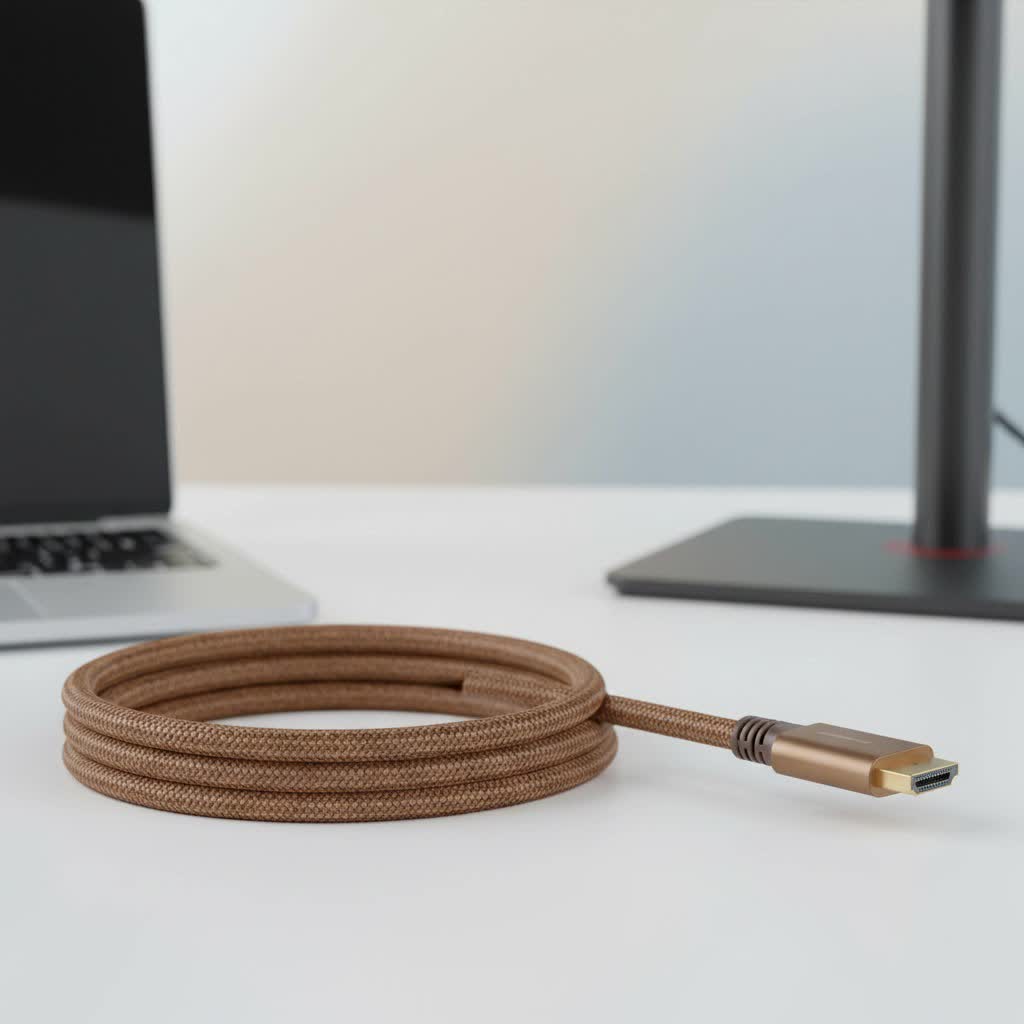
Don’t worry, we’ve got you covered. At Iecfl Tech, we live and breathe this stuff. This guide will break down everything you need to know about successfully running a video signal over a 100 foot HDMI cable, ensuring you get the pristine picture quality you paid for. We’ll explore why length is such a challenge and what technology you need to overcome it.
Why Distance is the Enemy of HDMI
A standard (or “passive”) HDMI cable is essentially a bundle of copper wires. It transmits an incredibly complex, high-bandwidth digital signal between your source device (like a gaming console or Blu-ray player) and your display (a TV or projector). Over short distances, this works flawlessly.
However, as the cable gets longer, the signal starts to degrade. This phenomenon, called attenuation, is a bit like trying to shout to a friend across a massive field—the further away they are, the fainter your voice becomes. At 100 feet, the digital signal becomes so weak and distorted that your TV can’t make sense of it. This results in common issues:
- No Picture: The most common failure. The display doesn’t detect a signal at all.
- HDCP Handshake Issues: The anti-piracy protocol fails, preventing copyrighted content from playing.
- “Sparkles” or Artifacts: You might see flickering white pixels on the screen, which is a clear sign of data loss.
- Resolution Drop: Your 4K device might only be able to negotiate a 1080p connection, or worse.
For modern signals like 4K at 60Hz, a passive copper cable can start to fail at lengths as short as 15-25 feet. At 100 feet, it’s a non-starter.
The Right Tech for the Job: Types of 100 Foot HDMI Cables
To conquer the distance, you need a cable with some built-in intelligence. Simply buying a thicker gauge copper cable won’t cut it. Here are the technologies that actually work.
Active “Booster” HDMI Cables
An active HDMI cable looks just like a regular one but includes a small integrated circuit—a signal booster or equalizer—built into one of the connector heads. This chip takes the incoming signal, cleans it up, and boosts it so it has the strength to make the full 100-foot journey.
Crucial Note: Active cables are directional. One end is labeled “Source” (or “Input”) and the other is “Display” (or “Output”). You must plug the correct end into the corresponding device, or it will not work.
- Best For: 1080p signals, or 4K at lower refresh rates (30Hz).
- Pros: Most affordable long-distance solution.
- Cons: Can be less reliable for the highest bandwidth signals like 4K at 60Hz with HDR.
|
Our Picks for the Best HDMI Cable in 2026
As an Amazon Associate I earn from qualifying purchases.
|
||
| Num | Product | Action |
|---|---|---|
| 1 | 15 Pack of 10 Foot hdmi Cables |

|
| 2 | Highwings Long HDMI Cable 15 FT, 4K 8K 10K HDMI 2.1 Cord Ultra High Speed [in-Wall CL3 Rated, 8K@60Hz 4K@120Hz Video 48Gbps], Fit, Durable, Flexible, eARC, HDCP, Compatible for Ethernet SoundBar |
|
| 3 | Highwings 8K@60 HDMI Cable 10FT/3M, 48Gbps 2.1 High Speed HDMI Braided Nylon 4K120 144Hz RTX 3090 eARC HDR10 4:4:4 HDCP 2.2&2.3 Compatible for PS5, PS4, UHD TV and PC |
|
| 4 | Anker HDMI Cable 8K@60Hz, 6FT Ultra HD 4K@120Hz HDMI Cord,48 Gbps Certified Ultra High-Speed,Compatible with PlayStation 5,Xbox,Samsung TVs,and More |
|
| 5 | 10K 8K HDMI 2.1 Cable 2-Pack 6.6FT, Highwings Certified 48Gbps Ultra High Speed Slim HDMI Cord,Support 4K@120Hz 8K@60Hz, HDCP 2.2&2.3, Dynamic HDR,eARC,DTS:X, Compatible with Roku TV/HDTV/PS5/Blu-ray |
|
| 6 | Highwings High Speed 8K 60Hz HDMI Cable 3.3FT/1M, 2.1 48Gbps HDMI Braided Cable-4K@120Hz 7680P,DTS:X,HDCP 2.2 & 2.3, HDR 10,eARC,Dynamic HDR,Compatible for Laptop, Monitor, Roku TV |
|
| 7 | Highwings 8K 10K 4K HDMI Cable 48Gbps 6.6FT/2M, Certified Ultra High Speed HDMI Cable Braided Cord-4K@120Hz 8K@60Hz, DTS:X, HDCP 2.2 & 2.3, HDR 10 Compatible with Roku TV/PS5/HDTV/Blu-ray |
|
| 8 | Highwings Long HDMI Cable 20 FT, 10K 8K 4K Ultra HD High Speed 2.1 HDMI Cable 48Gbps Braided Cord-4K@120Hz 8K@60Hz, DTS:X, HDCP 2.2&2.3, Dynamic HDR 10 Compatible with Roku TV/PS5/HDTV/Blu-ray |
|
| 9 | Short HDMI Cable 1 FT 2-Pack, 8K HDMI 2.1 48Gbps Ultra High Speed Braided HDMI Cords, 1 Foot HDMI Cable for Camera, Field Monitor, External Recorder, Laptop, PC |
|
| 10 | Highwings 4K HDMI Cable 6.6FT/2m - High-Speed HDMI 2.0 Quality Cord 4K@60Hz, Braided Nylon & Gold Connectors, HDR, Ethernet, ARC, 3D, HDCP 2.2, Compatible for PS-5/4/3/ HDTV/Monitor/DVD/Streaming |
|
Fiber Optic HDMI Cables: The Gold Standard
This is the undisputed champion for long-distance HDMI. A 100 foot HDMI cable built with fiber optics doesn’t send the electrical signal directly. Instead, it converts the HDMI signal into pulses of light to send down the thin glass fiber, then converts it back to an electrical HDMI signal at the other end.
As veteran home theater installer, Michael Chen, puts it, “For any run over 50 feet, especially for 4K video, we don’t even consider copper anymore. Fiber optic HDMI is the only way to guarantee a perfect, drop-out-free picture for our clients. It completely eliminates the problem of signal degradation and interference.”
- Best For: 4K at 60Hz or 120Hz, 8K resolutions, HDR gaming, and any situation where perfect reliability is a must.
- Pros:
- No signal loss or degradation over 100 feet.
- Immune to electromagnetic interference (EMI).
- Thinner and more flexible than heavy copper cables.
- Cons: More expensive than active copper cables. The fiber inside is glass, so it can’t be bent at sharp 90-degree angles.
HDMI over Ethernet (HDBaseT Extenders)
While not a single cable, an HDMI extender is another robust professional-grade solution. This system uses a transmitter box and a receiver box connected by a standard Cat6 or Cat7 Ethernet cable. The transmitter converts the HDMI signal to run over the Ethernet cable, and the receiver converts it back. This method can reliably send a 4K signal for 100 feet and often much further.
- Best For: Permanent in-wall installations, professional AV setups, and situations where you might need to run the signal even further than 100 feet in the future.
- Pros: Extremely reliable, leverages common and inexpensive Ethernet cabling.
- Cons: Requires two power outlets (one for each box) and is a more complex installation than a single cable.
How to Choose the Right 100 Foot HDMI Cable
So, which one is right for you? It boils down to your specific needs and budget.
| Use Case | 1080p Projector | 4K Home Theater (Movies) | 4K/8K Gaming (PS5, Xbox, PC) |
|---|---|---|---|
| Recommended Cable Type | Active HDMI Cable | Fiber Optic HDMI | Fiber Optic HDMI |
| Why? | A good quality active cable can reliably handle the lower bandwidth of a 1080p signal. | To ensure full 4K resolution at 60Hz with HDR, fiber optic is the most reliable choice to avoid issues. | For high refresh rates (120Hz) and zero lag, fiber optic is the only solution that guarantees performance. |
Don’t Forget In-Wall Ratings
If you plan to run your 100 foot HDMI cable inside a wall, you absolutely must use a cable with the proper safety rating. Look for cables marked CL2 or CL3. These ratings indicate that the cable’s outer jacket is designed to be fire-resistant, which is required by most electrical codes for in-wall installation.
Frequently Asked Questions (FAQ)
Does a 100 foot HDMI cable reduce quality?
A standard, passive 100 foot HDMI cable will not just reduce quality—it likely won’t work at all. However, a high-quality active or fiber optic HDMI cable is designed to transmit the signal perfectly over that distance with zero loss in audio or video quality.
Can a 100 ft HDMI cable support 4K resolution?
Yes, but only if it’s the right type. A fiber optic 100 foot HDMI cable can easily handle 4K at 60Hz, 120Hz, and even 8K resolutions. Some high-end active copper cables may support 4K at 30Hz, but fiber is the recommended choice for higher refresh rates and HDR.
What is better, a long HDMI cable or an HDMI extender?
For pure simplicity in a temporary setup, a long fiber optic HDMI cable is easier. For a permanent installation inside walls, an HDMI over Ethernet (HDBaseT) extender is often considered more robust and versatile, as the Ethernet cable it uses is cheaper and easier to terminate if it gets damaged.
Do I need to power a 100 foot HDMI cable?
It depends on the technology. Most active and fiber optic HDMI cables draw a small amount of power from the HDMI port on your source device. In rare cases where the source device doesn’t provide enough power, some cables include a USB pigtail to add supplemental power. HDMI extenders always require their own power adapters.
Are gold-plated connectors important for a long cable?
No. While gold plating provides corrosion resistance, it does absolutely nothing to improve signal quality or help the signal travel 100 feet. The technology inside the cable—whether it’s active electronics or fiber optics—is what truly matters.
The Final Connection
Choosing a 100 foot HDMI cable requires more thought than grabbing the first one you see. For such a long run, you must look past traditional passive cables and invest in the right technology. An active cable may work for less demanding 1080p setups, but for the brilliant detail of 4K HDR, high-refresh-rate gaming, and future-proofing your system, a fiber optic HDMI cable is the clear winner. It’s the modern solution to a modern challenge, delivering a flawless picture and sound exactly where you need it.
