In the world of home entertainment, we obsess over 4K TVs with brilliant OLED screens, immersive soundbars, and powerful next-gen gaming consoles. But what about the humble messenger that connects them all? Too often, the HDMI cable is an afterthought, yet this single link is crucial to unlocking the full potential of your expensive gear. Choosing a high quality hdmi cable isn’t about spending a fortune; it’s about making an informed decision to ensure every pixel and sound wave arrives perfectly.
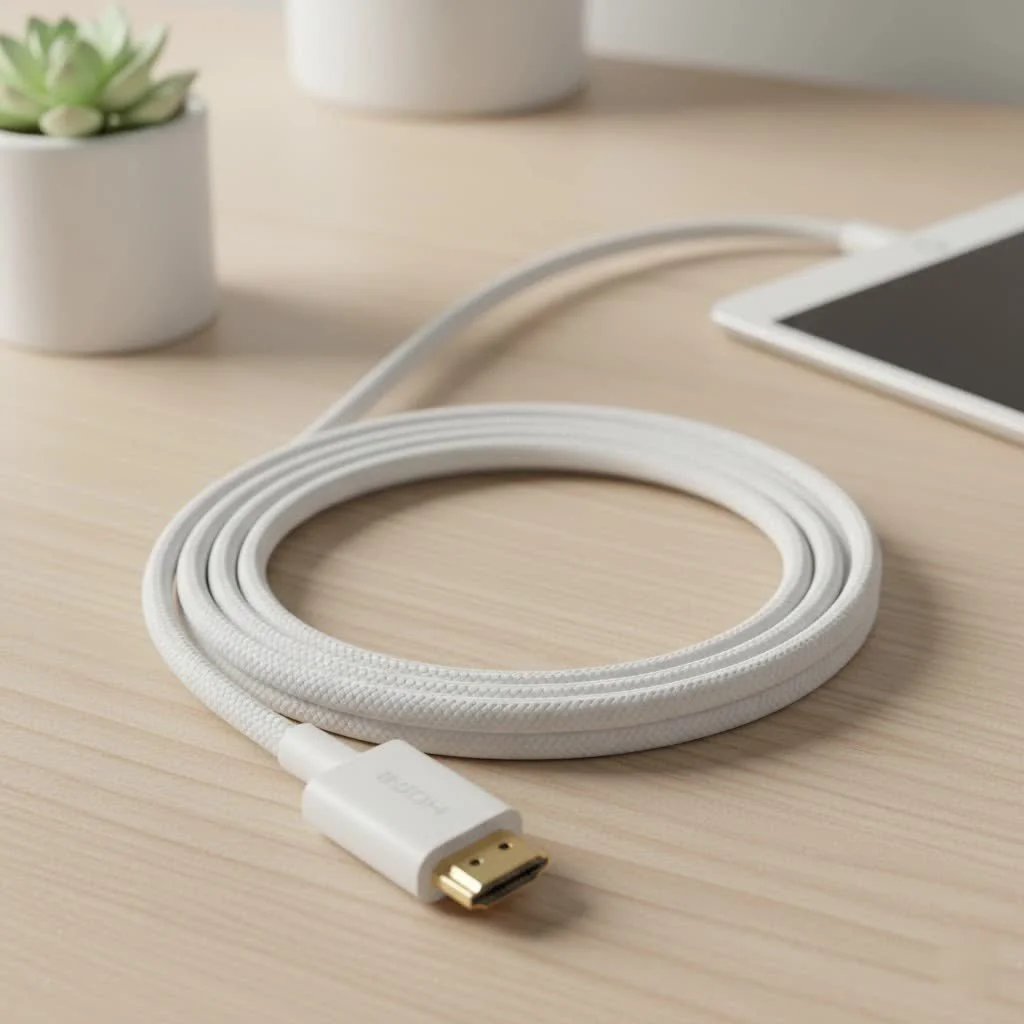
Welcome to Iecfl Tech, your definitive source for demystifying home entertainment technology. Today, we’re cutting through the marketing jargon and technical noise to give you the straight scoop on HDMI cables. Whether you’re setting up a new 8K television or just want to ensure your PlayStation 5 is running at peak performance, this guide will make you an expert. For browse all hdmi cables articles on this site.
What Really Defines a High Quality HDMI Cable?
Let’s clear up the biggest misconception right away: a high price tag and flashy gold-plated connectors do not automatically equal a high quality HDMI cable. The quality of a digital cable is determined by one primary factor: its ability to transmit a massive amount of data without errors. This capability is defined by its certified bandwidth.
Think of it like a highway. A basic cable is a two-lane road, fine for older 1080p traffic. A modern, high-quality cable is a multi-lane superhighway, capable of handling the immense data streams of 4K at 120Hz, 8K video, and uncompressed audio simultaneously. The quality is determined by its construction and its adherence to the standards set by the official HDMI Licensing Administrator.
“I’ve seen countless home theater setups underperform simply because of a mismatched or low-spec cable,” says David Chen, a professional home theater installer with over 15 years of experience. “A great system is only as strong as its weakest link, and often, that link is the HDMI cable.”
A Journey Through HDMI Versions: From 1.4 to 2.1
The evolution of HDMI is marked by different version numbers, each unlocking new capabilities. The version number applies to the ports on your devices (TV, console, etc.), and the cable needs to have the corresponding bandwidth to support those features.
HDMI 1.4: The Old Guard
Introduced in 2009, HDMI 1.4 was the workhorse for the 1080p era. It was the first to support 4K, but only at a choppy 30Hz, and it introduced the Audio Return Channel (ARC). While still functional for older devices, it’s a bottleneck for any modern 4K setup.
HDMI 2.0: The 4K Revolution
|
Our Picks for the Best HDMI Cable in 2026
As an Amazon Associate I earn from qualifying purchases.
|
||
| Num | Product | Action |
|---|---|---|
| 1 | Highwings Long HDMI Cable 15 FT, 4K 8K 10K HDMI 2.1 Cord Ultra High Speed [in-Wall CL3 Rated, 8K@60Hz 4K@120Hz Video 48Gbps], Fit, Durable, Flexible, eARC, HDCP, Compatible for Ethernet SoundBar |
![Check Highwings Long HDMI Cable 15 FT, 4K 8K 10K HDMI 2.1 Cord Ultra High Speed [in-Wall CL3 Rated, 8K@60Hz 4K@120Hz Video 48Gbps], Fit, Durable, Flexible, eARC, HDCP, Compatible for Ethernet SoundBar on Amazon](https://iecfl.com/wp-content/plugins/amazon-tables/assets/images/buy.png)
|
| 2 | Highwings Long HDMI Cable 20 FT, 10K 8K 4K Ultra HD High Speed 2.1 HDMI Cable 48Gbps Braided Cord-4K@120Hz 8K@60Hz, DTS:X, HDCP 2.2&2.3, Dynamic HDR 10 Compatible with Roku TV/PS5/HDTV/Blu-ray |
|
| 3 | Highwings 8K@60 HDMI Cable 10FT/3M, 48Gbps 2.1 High Speed HDMI Braided Nylon 4K120 144Hz RTX 3090 eARC HDR10 4:4:4 HDCP 2.2&2.3 Compatible for PS5, PS4, UHD TV and PC |
|
| 4 | Highwings High Speed 8K 60Hz HDMI Cable 3.3FT/1M, 2.1 48Gbps HDMI Braided Cable-4K@120Hz 7680P,DTS:X,HDCP 2.2 & 2.3, HDR 10,eARC,Dynamic HDR,Compatible for Laptop, Monitor, Roku TV |
|
| 5 | 10K 8K HDMI 2.1 Cable 2-Pack 6.6FT, Highwings Certified 48Gbps Ultra High Speed Slim HDMI Cord,Support 4K@120Hz 8K@60Hz, HDCP 2.2&2.3, Dynamic HDR,eARC,DTS:X, Compatible with Roku TV/HDTV/PS5/Blu-ray |
|
| 6 | Anker HDMI Cable 8K@60Hz, 6FT Ultra HD 4K@120Hz HDMI Cord,48 Gbps Certified Ultra High-Speed,Compatible with PlayStation 5,Xbox,Samsung TVs,and More |
|
| 7 | Highwings 4K HDMI Cable 6.6FT/2m - High-Speed HDMI 2.0 Quality Cord 4K@60Hz, Braided Nylon & Gold Connectors, HDR, Ethernet, ARC, 3D, HDCP 2.2, Compatible for PS-5/4/3/ HDTV/Monitor/DVD/Streaming |
|
| 8 | 15 Pack of 10 Foot hdmi Cables |
|
| 9 | Short HDMI Cable 1 FT 2-Pack, 8K HDMI 2.1 48Gbps Ultra High Speed Braided HDMI Cords, 1 Foot HDMI Cable for Camera, Field Monitor, External Recorder, Laptop, PC |
|
| 10 | Highwings 8K 10K 4K HDMI Cable 48Gbps 6.6FT/2M, Certified Ultra High Speed HDMI Cable Braided Cord-4K@120Hz 8K@60Hz, DTS:X, HDCP 2.2 & 2.3, HDR 10 Compatible with Roku TV/PS5/HDTV/Blu-ray |
|
Arriving in 2013, HDMI 2.0 was built for the 4K era. With a significant bandwidth jump to 18 Gbps, it made 4K at a smooth 60Hz possible, which became the standard for 4K Blu-ray players and streaming devices. It also brought better color support with HDR (High Dynamic Range).
HDMI 2.1: The Game Changer for 8K and Gaming
The latest and greatest standard is HDMI 2.1. It represents a massive leap, boosting bandwidth to an incredible 48 Gbps. This superhighway is essential for cutting-edge features that define the modern entertainment experience:
- 8K resolution at 60Hz
- 4K resolution at 120Hz, a holy grail for gamers.
- Enhanced Audio Return Channel (eARC) for uncompressed, object-based audio like Dolby Atmos.
- Advanced gaming features like Variable Refresh Rate (VRR) and Auto Low Latency Mode (ALLM).
Decoding HDMI Cable Speed Classes
To simplify things, HDMI cables are categorized by speed certification rather than version numbers. This tells you exactly what the cable is built to handle.
- Standard HDMI Cable: Largely obsolete. Designed for 720p and 1080i signals. Avoid these.
- High-Speed HDMI Cable: The long-time standard, certified to handle 10.2 Gbps. It’s sufficient for 1080p and can even handle 4K at 30Hz. Many older cables in your home are likely this type.
- Premium High-Speed HDMI Cable: This is the certified standard for the full HDMI 2.0 experience. It guarantees 18 Gbps of bandwidth, ensuring reliable 4K at 60Hz with HDR. For any 4K TV, this should be your minimum standard.
- Ultra High-Speed HDMI Cable: This is the only cable certified to handle the full 48 Gbps bandwidth of HDMI 2.1. If you own a PS5, Xbox Series X, a high-end PC with an RTX 30/40 series GPU, or an 8K TV, you absolutely need this cable to use all their features.
How to Choose the Right High Quality HDMI Cable
Choosing the right cable is about matching the cable’s capabilities to your source device and your display. Here’s a simple breakdown.
For Your 4K TV and Streaming
If you’re primarily watching movies and TV shows from a 4K Blu-ray player, Apple TV 4K, or your TV’s built-in apps, a Premium High-Speed Certified cable is perfect. It provides all the bandwidth you need for a pristine 4K image at 60 frames per second with vibrant HDR.
For Next-Gen Gaming (PS5, Xbox Series X, PC)
For gamers, the choice is clear: you need an Ultra High-Speed Certified HDMI cable. This is non-negotiable if you want to experience 4K gaming at a buttery-smooth 120Hz. It’s also the only way to get critical gaming features like VRR, which eliminates screen tearing, and ALLM, which automatically puts your TV in game mode.
For Your Home Theater and Soundbar
To get the best possible sound from your system, especially if you have a Dolby Atmos-capable soundbar or AV receiver, you need to pay attention to eARC. This HDMI 2.1 feature requires the higher bandwidth of an Ultra High-Speed Certified cable to pass uncompressed audio from your TV back to your audio device.
The Great HDMI Cable Myth: Do You Need to Spend a Fortune?
This is the most common point of confusion. You walk into a store and see HDMI cables ranging from $5 to $100. Is the expensive one ten times better?
Absolutely not.
An HDMI cable transmits a digital signal—it’s a stream of ones and zeros. The cable either delivers the data stream perfectly, or it fails. There is no in-between where an expensive cable produces a “sharper” or “brighter” image. A certified $10 cable will produce the exact same picture and sound quality as a certified $100 cable of the same length.
What you should pay for is certification, not marketing gimmicks. The HDMI Licensing Administrator, Inc. has a certification program.
- Premium High-Speed cables have a label you can scan to verify authenticity.
- Ultra High-Speed cables have an even more robust label with a hologram and QR code.
Always look for this official certification. It’s your guarantee that the cable meets the required specifications for bandwidth and build quality.
Frequently Asked Questions (FAQ)
Do all HDMI cables support 4K?
No. While some older High-Speed cables might handle 4K at 30Hz, you need a cable certified as Premium High-Speed for reliable 4K at 60Hz. For 4K at 120Hz, an Ultra High-Speed cable is mandatory.
Is a more expensive HDMI cable better?
Generally, no. As long as a cable has the official certification for the speed you need (e.g., Ultra High-Speed), it will perform identically to a more expensive one of the same length. You are paying for build quality and certification, not magical picture improvements.
How long can an HDMI cable be before it loses signal?
For passive cables, signal degradation (known as “sparkles” or signal dropouts) can begin to occur over 15-25 feet, especially with high-bandwidth 4K/8K signals. For longer runs, you should look for an “active” optical HDMI cable, which can run for hundreds of feet without loss.
Do I need a new HDMI cable for my PS5 or Xbox Series X?
Yes, to get the most out of these consoles, you absolutely need an Ultra High-Speed HDMI cable. The cable that comes in the box is certified for this, but if you need a replacement or a longer one, ensure it has the Ultra High-Speed certification to support 4K@120Hz and VRR.
What is the difference between ARC and eARC?
ARC (Audio Return Channel) allows your TV to send audio back to your soundbar or receiver with the same HDMI cable. However, it has limited bandwidth for compressed audio. eARC (Enhanced ARC) is a feature of HDMI 2.1 that has much higher bandwidth, allowing it to transmit uncompressed, high-resolution audio formats like Dolby TrueHD and Dolby Atmos.
Your Connection to Perfection
The world of HDMI doesn’t have to be confusing. By ignoring the marketing hype and focusing on the official certifications, you can easily find the perfect link for your entertainment setup. Your high-end equipment deserves a cable that can keep up with its demands. Upgrading to the correct high quality hdmi cable is one of the easiest and most affordable ways to guarantee you’re getting the stunning picture and immersive sound you paid for. Check your connections, verify your needs, and unlock the true power of your system.
Get our weekly buyer guide
Practical specs, not advice. Unsubscribe anytime.
I got a new cable based on the recommendations for OLED screens, and while the picture is great, the cable itself is a bit stiff. It was hard to route behind my entertainment center without putting too much strain on the port. The performance is there, but the physical design could be better for tight spaces.
Finally, someone explains the real difference in HDMI cables without all the confusing jargon! I was about to buy an overpriced ‘audiophile’ cable, but this guide clarified what to look for to get the best sound from my soundbar setup. My movies sound incredible now, truly immersive.
I always thought an HDMI cable was just an HDMI cable, but after reading this, I realized how wrong I was! I upgraded to a certified Ultra High Speed cable for my new 8K TV, and the difference in picture clarity is actually noticeable. My old cable was definitely bottlenecking the display. Thanks for the detailed breakdown!
This guide really helped me understand why my PlayStation 5 wasn’t looking as sharp as I expected on my 4K TV. I swapped out my old cable for one that supports HDMI 2.1, and now the gaming experience is so much smoother. I appreciate the advice on not needing to spend a fortune, just making an informed choice.