Ever run an HDMI cable across a large room to a projector or a wall-mounted TV, only to be met with a flickering screen, strange visual artifacts, or worse, no signal at all? If this sounds familiar, you’ve likely encountered the fundamental limitation of standard, or “passive,” HDMI cables: signal degradation over distance. For pristine audio and video, especially with high-bandwidth 4K or 8K content, you need a smarter solution. This is where the Active Hdmi Cable comes into play, acting as the unsung hero for long-distance high-fidelity setups.
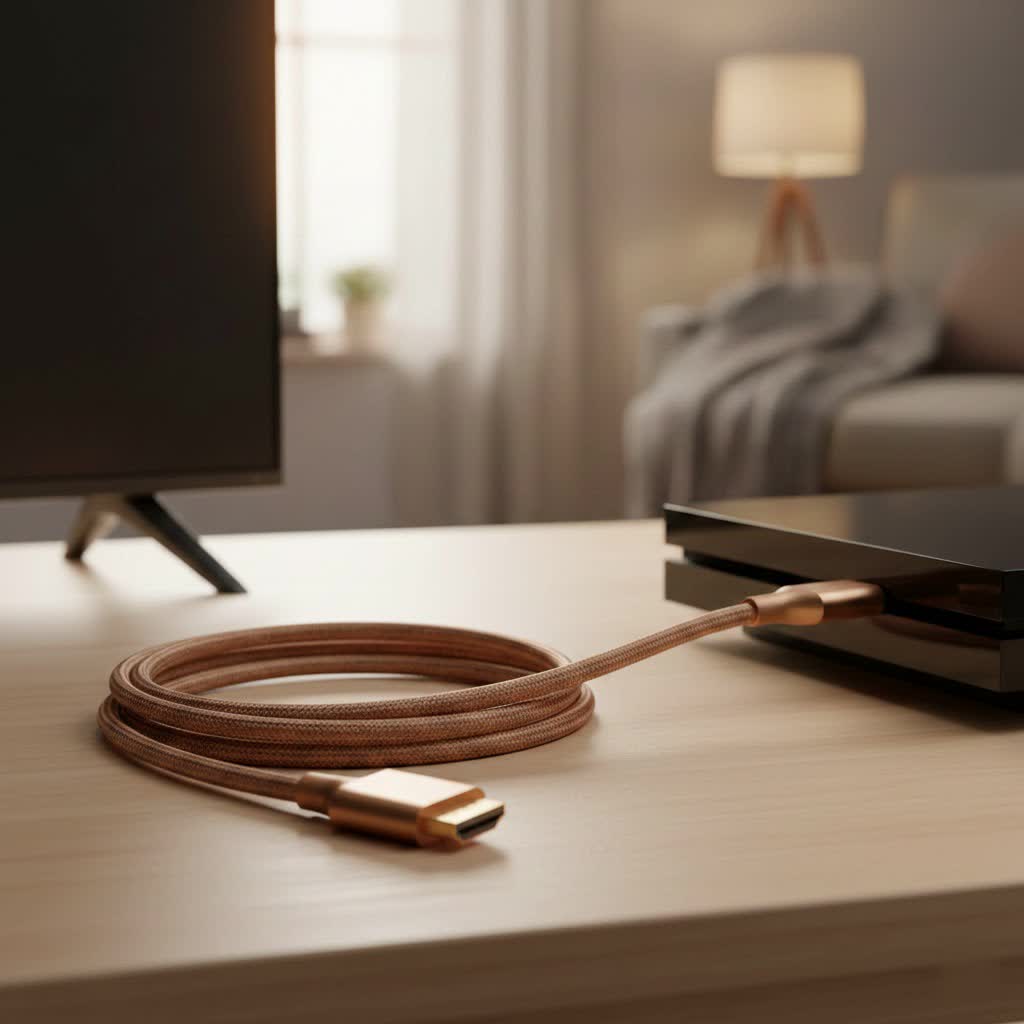
What Exactly Is an Active HDMI Cable?
An active HDMI cable is a type of HDMI cable that contains integrated electronics—a small chipset—within one of its connectors. This chipset acts as a signal booster or equalizer, actively regenerating and strengthening the audio/video signal as it travels along the length of the wire. This allows the signal to travel much farther than it could with a conventional, passive cable without losing integrity.
Think of it like this: a passive cable is like shouting across a long hall. The farther away the listener is, the fainter and more garbled your voice becomes. An active HDMI cable is like having a small repeater in the middle of the hall that listens to what you said and shouts it again with the same initial volume and clarity.
“In custom installations, we almost exclusively use active HDMI cables for any run over 15 feet,” says James Miller, a professional AV technician with over a decade of experience. “For 4K and 8K signals, it’s not just a recommendation; it’s a necessity to guarantee a perfect, stable picture for the client.”
The key difference lies in this internal processing. A passive cable is simply a set of wires connecting two devices, relying entirely on the strength of the source device’s output. An active HDMI cable takes that signal, cleans it up, and boosts it to ensure it arrives at the display in perfect condition.
How Do Active HDMI Cables Actually Work?
The magic inside an active HDMI cable is its built-in processing chip. This chip requires a small amount of power to function, which it typically draws directly from the 5V pin within the HDMI port of your source device (like a Blu-ray player or gaming console).
Because of this internal circuitry, these cables are directional. They have a designated “Source” end that must be plugged into your output device and a “Display” end that must be connected to your TV, monitor, or projector.
- Source Connector: This end contains the equalization circuitry that cleans up the incoming signal. It’s designed to be plugged into your PS5, Xbox, PC, or AV receiver.
- Display Connector: This end ensures the signal is perfectly timed and shaped for your screen’s input.
|
Our Picks for the Best HDMI Cable in 2026
As an Amazon Associate I earn from qualifying purchases.
|
||
| Num | Product | Action |
|---|---|---|
| 1 | Highwings Long HDMI Cable 15 FT, 4K 8K 10K HDMI 2.1 Cord Ultra High Speed [in-Wall CL3 Rated, 8K@60Hz 4K@120Hz Video 48Gbps], Fit, Durable, Flexible, eARC, HDCP, Compatible for Ethernet SoundBar |
![Check Highwings Long HDMI Cable 15 FT, 4K 8K 10K HDMI 2.1 Cord Ultra High Speed [in-Wall CL3 Rated, 8K@60Hz 4K@120Hz Video 48Gbps], Fit, Durable, Flexible, eARC, HDCP, Compatible for Ethernet SoundBar on Amazon](https://iecfl.com/wp-content/plugins/amazon-tables/assets/images/buy.png)
|
| 2 | Anker HDMI Cable 8K@60Hz, 6FT Ultra HD 4K@120Hz HDMI Cord,48 Gbps Certified Ultra High-Speed,Compatible with PlayStation 5,Xbox,Samsung TVs,and More |
|
| 3 | 10K 8K HDMI 2.1 Cable 2-Pack 6.6FT, Highwings Certified 48Gbps Ultra High Speed Slim HDMI Cord,Support 4K@120Hz 8K@60Hz, HDCP 2.2&2.3, Dynamic HDR,eARC,DTS:X, Compatible with Roku TV/HDTV/PS5/Blu-ray |
|
| 4 | Short HDMI Cable 1 FT 2-Pack, 8K HDMI 2.1 48Gbps Ultra High Speed Braided HDMI Cords, 1 Foot HDMI Cable for Camera, Field Monitor, External Recorder, Laptop, PC |
|
| 5 | Highwings 4K HDMI Cable 6.6FT/2m - High-Speed HDMI 2.0 Quality Cord 4K@60Hz, Braided Nylon & Gold Connectors, HDR, Ethernet, ARC, 3D, HDCP 2.2, Compatible for PS-5/4/3/ HDTV/Monitor/DVD/Streaming |
|
| 6 | 15 Pack of 10 Foot hdmi Cables |
|
| 7 | Highwings 8K 10K 4K HDMI Cable 48Gbps 6.6FT/2M, Certified Ultra High Speed HDMI Cable Braided Cord-4K@120Hz 8K@60Hz, DTS:X, HDCP 2.2 & 2.3, HDR 10 Compatible with Roku TV/PS5/HDTV/Blu-ray |
|
| 8 | Highwings 8K@60 HDMI Cable 10FT/3M, 48Gbps 2.1 High Speed HDMI Braided Nylon 4K120 144Hz RTX 3090 eARC HDR10 4:4:4 HDCP 2.2&2.3 Compatible for PS5, PS4, UHD TV and PC |
|
| 9 | Highwings High Speed 8K 60Hz HDMI Cable 3.3FT/1M, 2.1 48Gbps HDMI Braided Cable-4K@120Hz 7680P,DTS:X,HDCP 2.2 & 2.3, HDR 10,eARC,Dynamic HDR,Compatible for Laptop, Monitor, Roku TV |
|
| 10 | Highwings Long HDMI Cable 20 FT, 10K 8K 4K Ultra HD High Speed 2.1 HDMI Cable 48Gbps Braided Cord-4K@120Hz 8K@60Hz, DTS:X, HDCP 2.2&2.3, Dynamic HDR 10 Compatible with Roku TV/PS5/HDTV/Blu-ray |
|
If you plug them in backward, the booster won’t be in the right place to do its job, and you will likely get no signal at all. This is the most common installation error with active cables.
When Should You Use an Active HDMI Cable?
While not necessary for every situation, an active cable becomes essential under specific circumstances where a passive cable would fail.
For Long Cable Runs
The primary reason to choose an active HDMI cable is for long-distance connections. A general rule of thumb is:
- Passive Cables: Reliable up to about 15 feet (around 5 meters) for high-bandwidth 4K HDR signals.
- Active Cables: Can maintain a perfect signal for 50 feet, 100 feet, or even more, depending on the cable’s quality and type (some are copper, while others are fiber optic hybrids).
This makes them ideal for home theaters with ceiling-mounted projectors, multi-room AV distribution, or large conference room setups.
For High-Bandwidth 4K and 8K Signals
Modern signals carry an immense amount of data. A 4K signal at 120Hz with HDR, as found on the PlayStation 5 and Xbox Series X, requires the full 48Gbps bandwidth of HDMI 2.1. This much data is very susceptible to degradation. An active cable ensures every bit of that data makes it to the screen, preventing issues like “sparkles” (digital noise), color banding, or frequent signal dropouts.
For Thinner and More Flexible Installations
Because the built-in booster does the heavy lifting, the copper wires inside an active cable can often be thinner and more flexible than those in a heavy-gauge passive cable designed for similar performance. This makes them easier to route through walls, conduit, or around tight corners.
Choosing the Right Active HDMI Cable
Not all active cables are created equal. Here’s a quick checklist to guide your purchase:
- Check the HDMI Version: To future-proof your setup, opt for an HDMI 2.1 certified cable, even if your current gear is HDMI 2.0. This ensures you’re ready for 8K video, 4K at 120Hz, and features like eARC and Variable Refresh Rate (VRR).
- Verify the Certification: Look for the “Ultra High Speed HDMI Cable” certification hologram on the packaging. This is the only way to guarantee a cable has been tested to meet the full 48Gbps specification for HDMI 2.1.
- Measure Twice, Buy Once: Carefully measure the distance you need to cover and add a little extra for slack. It’s better to have a slightly longer cable than one that’s too short.
- Consider Active Optical Cables (AOC): For extreme distances (over 50 feet), an Active Optical Cable is the ultimate solution. These cables use fiber optics to transmit the signal as light, making them immune to electromagnetic interference and capable of much longer runs than active copper cables.
Potential Downsides to Consider
While incredibly useful, active cables have a few considerations:
- Cost: The added electronics make them more expensive than their passive counterparts.
- Directionality: You must install them correctly. Always check the labels on the connectors before plugging them in.
- Power: In very rare cases, a source device might not provide enough power over its HDMI port to run the active cable’s chipset, which could lead to instability. However, this is uncommon with modern devices.
Frequently Asked Questions (FAQ)
Are active HDMI cables better than passive cables?
For short distances (under 15 feet), a high-quality passive cable works perfectly fine and is more cost-effective. For longer distances or to guarantee performance with the highest bandwidth signals (4K@120Hz, 8K), an active HDMI cable is objectively better as it actively preserves the signal quality.
Can I use an active HDMI cable for a short run?
Yes, you can. It won’t cause any harm, but it’s generally overkill and not cost-effective. A passive cable is sufficient for short connections, such as connecting a Blu-ray player to a TV on the same media stand.
Do all active HDMI cables need external power?
Most active copper HDMI cables draw sufficient power from the HDMI port itself and do not need an external power adapter. However, some very long cables or HDMI extenders/repeaters might require a separate USB connection for power. Active Optical Cables often have this requirement.
Are active HDMI cables good for gaming?
Absolutely. In fact, they are highly recommended for gamers whose console or PC is far from their 4K 120Hz TV or monitor. An active HDMI 2.1 cable ensures you get the stable, high-bandwidth connection needed for features like VRR and Auto Low Latency Mode (ALLM) without signal drops.
How can I tell if an HDMI cable is active?
The most reliable way is to check the connectors. They are almost always labeled with “Source” and “Display” (or “TV”) to indicate the correct orientation. The connectors on an active cable may also be slightly larger or bulkier to house the internal chipset.
The Final Connection
In the world of high-performance audio and video, the cable connecting your devices is just as important as the devices themselves. While a simple passive cable is fine for basic setups, an active HDMI cable is the definitive solution for overcoming distance and ensuring every pixel and sound wave arrives as the creator intended. By understanding when and why you need one, you can eliminate frustrating signal problems and unlock the full, breathtaking potential of your home entertainment system.
