Getting a new Roku is exciting. You’re unboxing a world of endless entertainment, from blockbuster movies to your favorite TV shows. But in that box, alongside the remote and the player, is a small, often overlooked component: the Roku Hdmi Cable. It’s easy to think any old cable will do, but that tiny wire is the crucial bridge between your Roku and your TV. Using the wrong one can bottleneck your entire experience, leaving you with a fuzzy picture, strange errors, or worse, no signal at all.
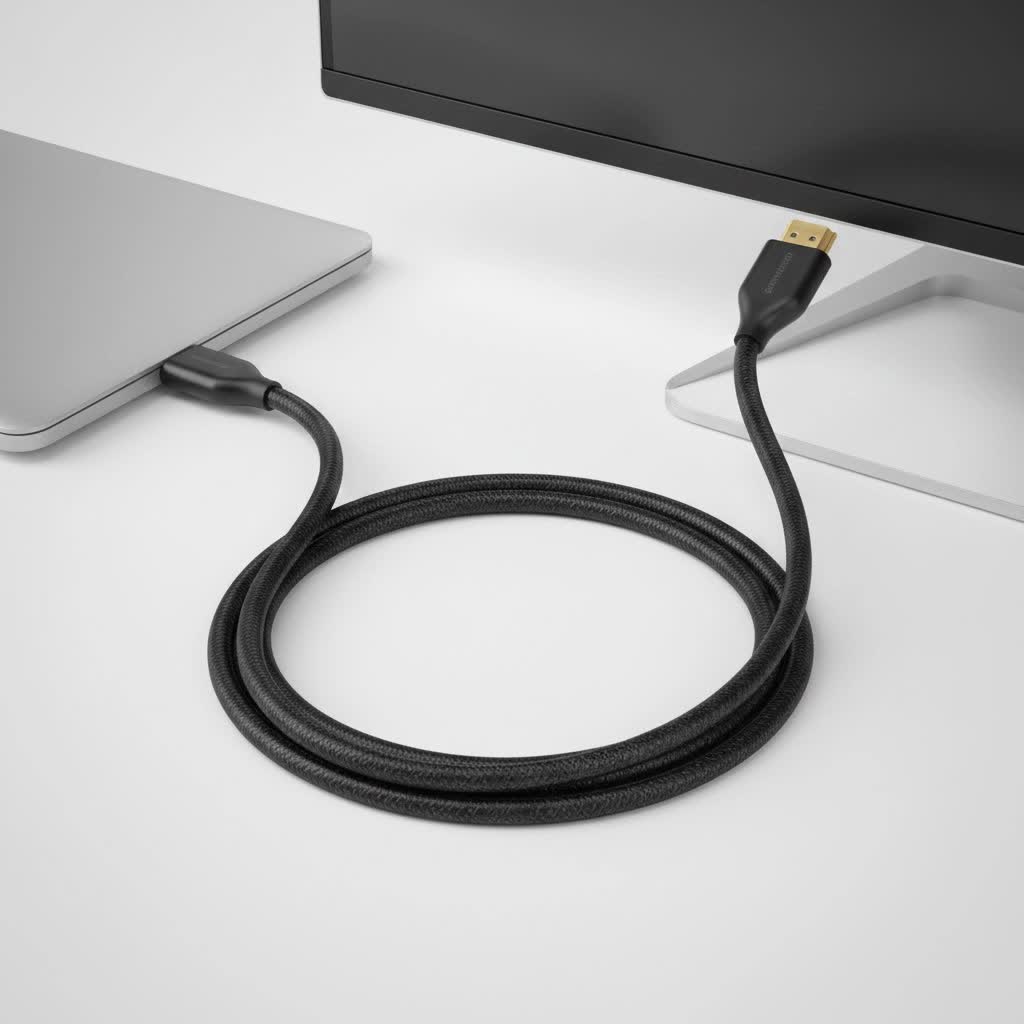
Choosing the right HDMI cable isn’t about spending a fortune on gold-plated connectors or fancy branding. It’s about understanding what your specific Roku model needs to deliver the stunning 4K HDR picture quality it’s capable of. This guide will demystify the world of HDMI for Roku users, helping you ensure you’re getting the pixel-perfect streaming experience you paid for.
Why Your Roku HDMI Cable is a Big Deal
Think of an HDMI cable like a highway. The data for your video and audio—all those pixels, colors, and sounds—are the cars. An older, less capable cable is like a single-lane country road. It’s fine for a few cars (standard definition video), but it gets hopelessly jammed when you try to send a fleet of semi-trucks down it (4K HDR video).
When the data highway is too small, you get traffic jams. In the streaming world, this translates to:
- Sparkles or “snow” on the screen: These are data dropouts, where the signal isn’t stable.
- A black or flickering screen: The connection between the Roku and TV is failing intermittently.
- The infamous HDCP “purple screen” error: A copy protection handshake fails, often due to a poor connection.
- Missing features: You might not be able to access 4K resolution, HDR, or specific audio formats like Dolby Atmos.
A proper Roku HDMI cable ensures the highway is wide enough for all the data to pass through smoothly, giving you a stable, high-quality picture.
Matching the Cable to Your Roku Model
Not all Rokus are created equal, and their HDMI needs vary. Using a 10-year-old cable with a brand-new Roku Ultra is a recipe for frustration. Here’s a simple breakdown of what you need.
For Roku Express, Express+, and HD Models
These devices typically stream at 720p or 1080p (Full HD). The data requirements for these resolutions are relatively low.
- What you need: A Standard HDMI cable or a High-Speed HDMI cable will work perfectly. The one included in the box is usually sufficient. There is no benefit to using a more advanced or expensive cable for these models.
|
Our Picks for the Best HDMI Cable in 2026
As an Amazon Associate I earn from qualifying purchases.
|
||
| Num | Product | Action |
|---|---|---|
| 1 | Anker HDMI Cable 8K@60Hz, 6FT Ultra HD 4K@120Hz HDMI Cord,48 Gbps Certified Ultra High-Speed,Compatible with PlayStation 5,Xbox,Samsung TVs,and More |

|
| 2 | Highwings 8K 10K 4K HDMI Cable 48Gbps 6.6FT/2M, Certified Ultra High Speed HDMI Cable Braided Cord-4K@120Hz 8K@60Hz, DTS:X, HDCP 2.2 & 2.3, HDR 10 Compatible with Roku TV/PS5/HDTV/Blu-ray |
|
| 3 | 15 Pack of 10 Foot hdmi Cables |
|
| 4 | 10K 8K HDMI 2.1 Cable 2-Pack 6.6FT, Highwings Certified 48Gbps Ultra High Speed Slim HDMI Cord,Support 4K@120Hz 8K@60Hz, HDCP 2.2&2.3, Dynamic HDR,eARC,DTS:X, Compatible with Roku TV/HDTV/PS5/Blu-ray |
|
| 5 | Highwings High Speed 8K 60Hz HDMI Cable 3.3FT/1M, 2.1 48Gbps HDMI Braided Cable-4K@120Hz 7680P,DTS:X,HDCP 2.2 & 2.3, HDR 10,eARC,Dynamic HDR,Compatible for Laptop, Monitor, Roku TV |
|
| 6 | Highwings 4K HDMI Cable 6.6FT/2m - High-Speed HDMI 2.0 Quality Cord 4K@60Hz, Braided Nylon & Gold Connectors, HDR, Ethernet, ARC, 3D, HDCP 2.2, Compatible for PS-5/4/3/ HDTV/Monitor/DVD/Streaming |
|
| 7 | Highwings Long HDMI Cable 20 FT, 10K 8K 4K Ultra HD High Speed 2.1 HDMI Cable 48Gbps Braided Cord-4K@120Hz 8K@60Hz, DTS:X, HDCP 2.2&2.3, Dynamic HDR 10 Compatible with Roku TV/PS5/HDTV/Blu-ray |
|
| 8 | Highwings Long HDMI Cable 15 FT, 4K 8K 10K HDMI 2.1 Cord Ultra High Speed [in-Wall CL3 Rated, 8K@60Hz 4K@120Hz Video 48Gbps], Fit, Durable, Flexible, eARC, HDCP, Compatible for Ethernet SoundBar |
|
| 9 | Short HDMI Cable 1 FT 2-Pack, 8K HDMI 2.1 48Gbps Ultra High Speed Braided HDMI Cords, 1 Foot HDMI Cable for Camera, Field Monitor, External Recorder, Laptop, PC |
|
| 10 | Highwings 8K@60 HDMI Cable 10FT/3M, 48Gbps 2.1 High Speed HDMI Braided Nylon 4K120 144Hz RTX 3090 eARC HDR10 4:4:4 HDCP 2.2&2.3 Compatible for PS5, PS4, UHD TV and PC |
|
For Roku Streaming Stick 4K, 4K+, and Roku Ultra
These are Roku’s powerhouse players, capable of streaming in 4K resolution, often with High Dynamic Range (HDR), including formats like Dolby Vision and HDR10+. This is where the cable choice becomes critical.
- What you need: A Premium High-Speed HDMI cable. This is the minimum requirement to guarantee a reliable 4K HDR signal. These cables are certified to handle the 18Gbps bandwidth required for these advanced formats. The Roku HDMI cable included with these models is a Premium High-Speed cable, but its short length can be a problem.
“I can’t tell you how many service calls I’ve been on where a client’s 4K streaming issues were solved by replacing a cheap, uncertified cable with a Premium High-Speed certified one. It’s the most common and easily fixed problem in modern home theater setups.” – David Chen, Professional AV Installer.
The Secrets Hidden on the Box: Understanding HDMI Features
When you shop for a new Roku HDMI cable, you’ll see a lot of technical jargon. Let’s break down what actually matters for your Roku experience.
Speed Certification: The Only Spec That Matters
Forget about terms like “4K ready” or “gold-plated.” The single most important factor is the official HDMI certification, which guarantees the cable’s bandwidth (the width of our data highway).
- High-Speed HDMI (10.2Gbps): Good for 1080p resolution.
- Premium High-Speed HDMI (18Gbps): The sweet spot for Roku 4K models. This is certified for 4K video at 60 frames per second (4K@60Hz) with HDR.
- Ultra High-Speed HDMI (48Gbps): This is overkill for any current Roku device. It’s designed for 8K video and advanced gaming features like 4K@120Hz, which Rokus do not support. While it will work perfectly, you don’t need to spend the extra money.
Look for the official certification QR code sticker on the packaging. This is your proof that the cable has been tested and meets the promised specifications.
HDCP 2.2: The Digital Handshake
HDCP (High-bandwidth Digital Content Protection) is a form of copy protection. For you to watch protected 4K content from services like Netflix, Disney+, or Apple TV+, both your TV and your Roku need to support HDCP 2.2, and the HDMI cable has to successfully transmit that “handshake.” A poor-quality cable is a common reason for this handshake to fail, resulting in an error message or a purple screen. A certified Premium High-Speed cable ensures this signal is transmitted reliably.
ARC and eARC: Simplifying Your Audio
If you use a soundbar or an AV receiver, ARC (Audio Return Channel) and its successor eARC are game-changers. This feature allows the audio from your TV (including the audio from your Roku connected to the TV) to be sent back down the same HDMI cable to your soundbar. This means you only need one cable running from your soundbar to the ARC-enabled HDMI port on your TV. All modern HDMI cables support ARC.
How to Choose the Right Roku HDMI Cable: A Checklist
Feeling confident? Use this simple checklist when buying your next cable.
- Identify Your Roku: Are you running a 1080p Express or a 4K Ultra? This determines your needs.
- Check the Certification: For a 4K Roku, look for the Premium High-Speed HDMI certification label on the box. Don’t fall for marketing buzzwords.
- Get the Right Length: Measure the distance between your Roku and the TV’s HDMI port. Buy a cable that is slightly longer than you need, but not excessively so. For passive cables, try to stay under 15 feet (about 5 meters) to avoid signal degradation. If you need a longer run, look for an active optical HDMI cable.
- Ignore the Price Hype: An expensive, braided, gold-plated cable will perform identically to a certified, no-frills one. The certification is what counts, not the price tag.
Frequently Asked Questions (FAQ)
Do I need a special 4K HDMI cable for my Roku?
Yes, if you have a Roku model that supports 4K, like the Roku Ultra or Streaming Stick 4K. You should use a cable certified as Premium High-Speed HDMI to ensure you can reliably stream 4K content with HDR.
Is a more expensive Roku HDMI cable better?
Not necessarily. The performance of an HDMI cable is digital—it either works or it doesn’t. A more expensive cable might have a more durable build quality, but it won’t provide a better picture or sound than a cheaper cable with the same Premium High-Speed certification.
How long can a Roku HDMI cable be before the signal degrades?
For standard passive copper cables, it’s best to stay under 15 feet (around 5 meters) for a reliable 4K HDR signal. For longer distances, you should invest in an “active” or “fiber optic” HDMI cable, which boosts the signal to maintain its integrity over longer runs.
What is the best HDMI cable for the Roku Ultra?
The best HDMI cable for the Roku Ultra is any cable that is officially certified as Premium High-Speed HDMI. This guarantees it can handle the 18Gbps bandwidth required for 4K HDR, Dolby Vision, and Dolby Atmos that the Ultra can output.
Can I use any HDMI cable with my Roku?
You can, but it might not work correctly. Using an old Standard HDMI cable with a new Roku 4K player will likely result in a black screen, flickering, or being stuck at a lower resolution. You must match the cable’s capability to your Roku’s output.
The Final Connection
Your Roku is the star of your streaming setup, but the HDMI cable is the unsung hero that makes the magic happen. It’s the final, critical link in a chain that brings vibrant, high-resolution entertainment to your screen. By understanding the simple difference between cable types and prioritizing official certification over marketing fluff, you can ensure your investment in a great streaming player isn’t wasted. Don’t let a subpar wire be the weak link. A quality Roku HDMI cable is a small price to pay for a flawless, buffer-free, and brilliantly clear viewing experience.
