Ever stared at your sleek, modern laptop with its tiny USB-C port and then at your giant TV with its familiar HDMI input, wondering how to bridge the gap? You’re not alone. The solution is simpler than you think: a Type C Cable To Hdmi. This small but mighty cable is the key to unlocking a world of big-screen entertainment, presentations, and gaming directly from your USB-C devices. But not all cables are created equal.
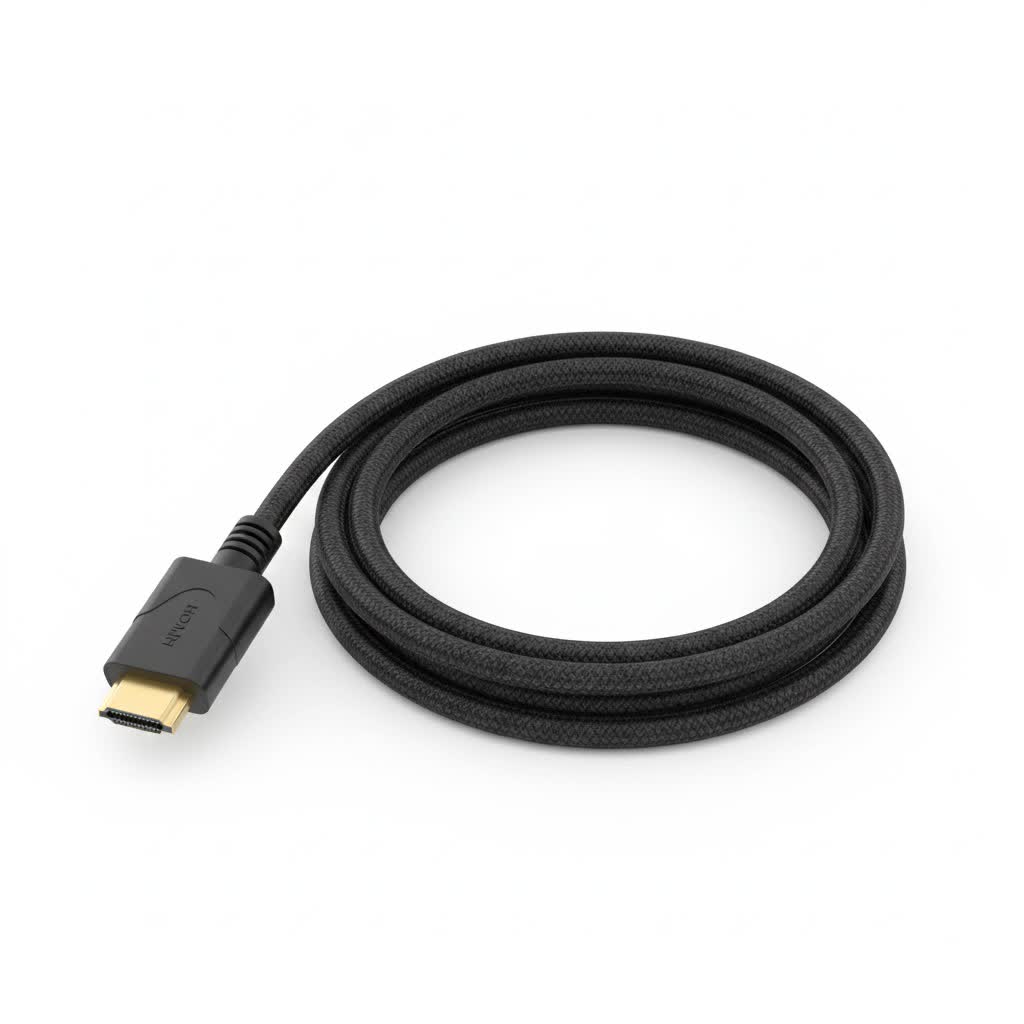
Welcome to Iecfl Tech, your definitive source for understanding HDMI technology. We’re here to cut through the jargon and help you find the perfect cable for your needs. This guide will walk you through everything from the underlying technology to practical tips for choosing and using your adapter, ensuring you make a smart, informed purchase.
What Exactly is a USB-C to HDMI Cable?
At its core, a USB-C to HDMI cable is an adapter that converts the video signal from a device with a USB-C output to a display with an HDMI input. Think of it as a translator, allowing your new MacBook, Android phone, or tablet to speak the same language as your 4K TV, monitor, or projector.
But how does this magic happen? The secret lies in a feature called DisplayPort Alternate Mode (or DP Alt Mode).
“Many people assume any USB-C port can output video, but that’s a common misconception,” explains Alex Rivera, a certified AV technician with over a decade of experience. “The device’s USB-C port must specifically support DP Alt Mode to send a video signal. It’s the first thing I tell my clients to check.”
If your device supports this feature, the USB-C port can transmit high-definition video and audio data, which the cable then converts into the HDMI format your display can understand.
Key Features to Look For When Buying
Choosing a type C cable to HDMI can feel overwhelming with all the technical specifications listed on the packaging. Let’s break down the most important features to ensure you get the performance you’re paying for.
Resolution and Refresh Rate (4K@60Hz is the Sweet Spot)
- Resolution: This determines the clarity and detail of the picture. 4K (3840 x 2160 pixels) is the current standard for modern TVs and monitors.
- Refresh Rate (Hz): This is how many times per second the image on the screen is updated. A higher refresh rate results in smoother motion.
- 30Hz: Fine for watching movies or slideshows, but you’ll notice choppiness and mouse lag when using it as a desktop monitor.
- 60Hz: The gold standard for most uses. It provides a fluid, responsive experience for desktop work, streaming, and casual gaming.
- 120Hz or higher: Primarily for high-end competitive gaming.
|
Our Picks for the Best HDMI Cable in 2026
As an Amazon Associate I earn from qualifying purchases.
|
||
| Num | Product | Action |
|---|---|---|
| 1 | Highwings Long HDMI Cable 20 FT, 10K 8K 4K Ultra HD High Speed 2.1 HDMI Cable 48Gbps Braided Cord-4K@120Hz 8K@60Hz, DTS:X, HDCP 2.2&2.3, Dynamic HDR 10 Compatible with Roku TV/PS5/HDTV/Blu-ray |

|
| 2 | Short HDMI Cable 1 FT 2-Pack, 8K HDMI 2.1 48Gbps Ultra High Speed Braided HDMI Cords, 1 Foot HDMI Cable for Camera, Field Monitor, External Recorder, Laptop, PC |
|
| 3 | Highwings 8K 10K 4K HDMI Cable 48Gbps 6.6FT/2M, Certified Ultra High Speed HDMI Cable Braided Cord-4K@120Hz 8K@60Hz, DTS:X, HDCP 2.2 & 2.3, HDR 10 Compatible with Roku TV/PS5/HDTV/Blu-ray |
|
| 4 | Highwings High Speed 8K 60Hz HDMI Cable 3.3FT/1M, 2.1 48Gbps HDMI Braided Cable-4K@120Hz 7680P,DTS:X,HDCP 2.2 & 2.3, HDR 10,eARC,Dynamic HDR,Compatible for Laptop, Monitor, Roku TV |
|
| 5 | Highwings Long HDMI Cable 15 FT, 4K 8K 10K HDMI 2.1 Cord Ultra High Speed [in-Wall CL3 Rated, 8K@60Hz 4K@120Hz Video 48Gbps], Fit, Durable, Flexible, eARC, HDCP, Compatible for Ethernet SoundBar |
|
| 6 | 15 Pack of 10 Foot hdmi Cables |
|
| 7 | 10K 8K HDMI 2.1 Cable 2-Pack 6.6FT, Highwings Certified 48Gbps Ultra High Speed Slim HDMI Cord,Support 4K@120Hz 8K@60Hz, HDCP 2.2&2.3, Dynamic HDR,eARC,DTS:X, Compatible with Roku TV/HDTV/PS5/Blu-ray |
|
| 8 | Highwings 4K HDMI Cable 6.6FT/2m - High-Speed HDMI 2.0 Quality Cord 4K@60Hz, Braided Nylon & Gold Connectors, HDR, Ethernet, ARC, 3D, HDCP 2.2, Compatible for PS-5/4/3/ HDTV/Monitor/DVD/Streaming |
|
| 9 | Highwings 8K@60 HDMI Cable 10FT/3M, 48Gbps 2.1 High Speed HDMI Braided Nylon 4K120 144Hz RTX 3090 eARC HDR10 4:4:4 HDCP 2.2&2.3 Compatible for PS5, PS4, UHD TV and PC |
|
| 10 | Anker HDMI Cable 8K@60Hz, 6FT Ultra HD 4K@120Hz HDMI Cord,48 Gbps Certified Ultra High-Speed,Compatible with PlayStation 5,Xbox,Samsung TVs,and More |
|
For most people, a cable that supports 4K at 60Hz is the perfect balance of performance and price.
High Dynamic Range (HDR)
HDR dramatically expands the range of color and contrast, making the picture more vibrant and lifelike. If you have an HDR-capable laptop and TV, getting a cable that supports HDR10 or Dolby Vision is a must to get the best possible picture quality when streaming content from services like Netflix or Disney+.
HDCP 2.2 Compliance
High-bandwidth Digital Content Protection (HDCP) is a form of copy protection to prevent the illegal copying of digital content. To stream 4K content from protected sources like Blu-ray players, Apple TV, or streaming apps, your entire connection chain—device, cable, and display—must be HDCP 2.2 compliant. A non-compliant cable will result in a black screen or a lower-resolution picture.
Build Quality and Length
Don’t overlook the physical construction of the cable.
- Connectors: Look for sturdy, gold-plated connectors that resist corrosion and ensure a snug fit.
- Cable: A braided nylon jacket adds durability and prevents tangling compared to standard plastic sheathing.
- Length: A 6-foot (1.8-meter) cable is versatile for most desk or living room setups. Avoid excessively long cables unless necessary, as they can sometimes lead to signal degradation.
How to Choose the Right Type C Cable to HDMI for Your Device
The ideal cable depends entirely on what you plan to connect. Here’s a simple breakdown for common scenarios.
For Laptops (MacBook, Dell XPS, etc.)
Most modern laptops, especially premium models, feature a USB-C port with DP Alt Mode.
- Your Goal: A seamless second-screen experience for productivity or streaming.
- What to Buy: A reliable 4K@60Hz cable. This will give you a crisp, fluid desktop experience without any frustrating lag. If you’re a creative professional working with video or photos, ensure it supports HDR.
For Smartphones and Tablets (Samsung, iPad Pro)
Connecting your phone to a TV is a fantastic way to share photos or watch movies on a big screen. However, compatibility is critical here.
- Compatibility Check: Not all USB-C phones support video output. Samsung’s high-end Galaxy S/Note series (with DeX mode), the latest iPad Pro, and some other flagship Androids do. Phones like Google’s Pixel series do not support it. Always check your device’s specifications before buying a cable.
- What to Buy: A 4K@30Hz cable is often sufficient for media viewing. However, if you plan to use a feature like Samsung DeX, which turns your phone into a desktop-like experience, a 4K@60Hz cable is highly recommended.
For Gaming (Nintendo Switch, Steam Deck)
For portable gaming consoles, using a USB-C to HDMI cable can be a bit different.
- Nintendo Switch: The Switch requires its official dock (or a compatible third-party dock) to output video to a TV. A direct type C cable to HDMI will not work.
- Steam Deck: The Steam Deck, on the other hand, works beautifully with a direct cable or a USB-C hub with an HDMI port, making it a great portable big-screen gaming machine. A 4K@60Hz cable will handle anything the Deck can throw at it.
Troubleshooting: When Your USB-C to HDMI Cable Isn’t Working
So you’ve plugged everything in, and… nothing. Don’t panic. Here’s a quick checklist to run through common issues.
- Confirm Device Compatibility: This is the number one issue. Double-check that your device’s USB-C port supports DisplayPort Alt Mode. A quick search for “[Your Device Model] + video output” should give you the answer.
- Check All Connections: Ensure the cable is securely plugged into both the device and the display. Sometimes a loose connection is all it takes to fail.
- Select the Correct HDMI Input: Your TV has multiple HDMI ports. Use your TV remote to cycle through the inputs (HDMI 1, HDMI 2, etc.) until you land on the one the cable is connected to.
- Update Your Drivers: For laptop users, outdated graphics drivers can cause display issues. Visit the manufacturer’s website (Intel, NVIDIA, AMD) to ensure your drivers are up to date.
- Restart Everything: The classic tech support advice still works wonders. Unplug everything, restart your source device and your display, and then plug it all back in.
Frequently Asked Questions (FAQ)
Q: Will any USB-C to HDMI cable charge my device at the same time?
A: No, a standard USB-C to HDMI cable is for video and audio signals only. To charge your device while displaying video, you will need a USB-C hub or multiport adapter that has an HDMI port, a USB-C Power Delivery (PD) pass-through port, and other ports.
Q: Is there a difference between a USB-C to HDMI cable and an adapter?
A: Functionally, they do the same thing. A cable is an all-in-one solution. An adapter is a small dongle with a female HDMI port, requiring you to use a separate HDMI cable. Cables are simpler and have fewer connection points that could fail, while adapters can be more versatile if you already own HDMI cables of various lengths.
Q: Do I need a special cable for HDMI 2.1 features?
A: Yes. HDMI 2.1 offers features like 4K@120Hz and 8K resolution. To use these, you need a device that outputs an HDMI 2.1 signal via its USB-C port and a cable specifically rated as “Ultra High Speed” that supports 48Gbps bandwidth. For most current devices, a “High Speed” cable supporting 18Gbps (for 4K@60Hz) is sufficient.
Q: Can I connect my HDMI source (like a PlayStation 5) to a USB-C monitor?
A: No, not with this type of cable. These cables are unidirectional, meaning they only work from a USB-C source to an HDMI display. To go the other way (HDMI to USB-C), you would need a different type of active adapter.
Q: Does a more expensive cable mean better picture quality?
A: Not necessarily. As long as a cable is certified to meet the specifications (e.g., 4K@60Hz), it will deliver the correct digital signal. Higher prices often reflect better build quality, more durable materials (like braiding), or a stronger brand reputation, but two certified cables should produce an identical picture.
The Final Connection
Choosing the right type C cable to HDMI is about matching the technology to your specific needs. By understanding the importance of DP Alt Mode, focusing on key specs like 4K resolution and a 60Hz refresh rate, and verifying your device’s compatibility, you can confidently bridge the gap between your portable devices and your big screen. Don’t just buy a cable; invest in a seamless, high-quality viewing experience.
