In the world of home entertainment, we’re constantly chasing the perfect picture and sound. You’ve invested in a stunning 8K TV or a high-refresh-rate gaming monitor, but what happens when the signal just can’t make the journey from your device to the screen? This is where a Fiber Hdmi Cable becomes more than just an accessory—it becomes a necessity. While standard copper cables have served us well, they have a critical weakness: signal degradation over long distances. If you’re tired of dropouts, sparkling pixels, or bandwidth limitations, you’ve come to the right place.
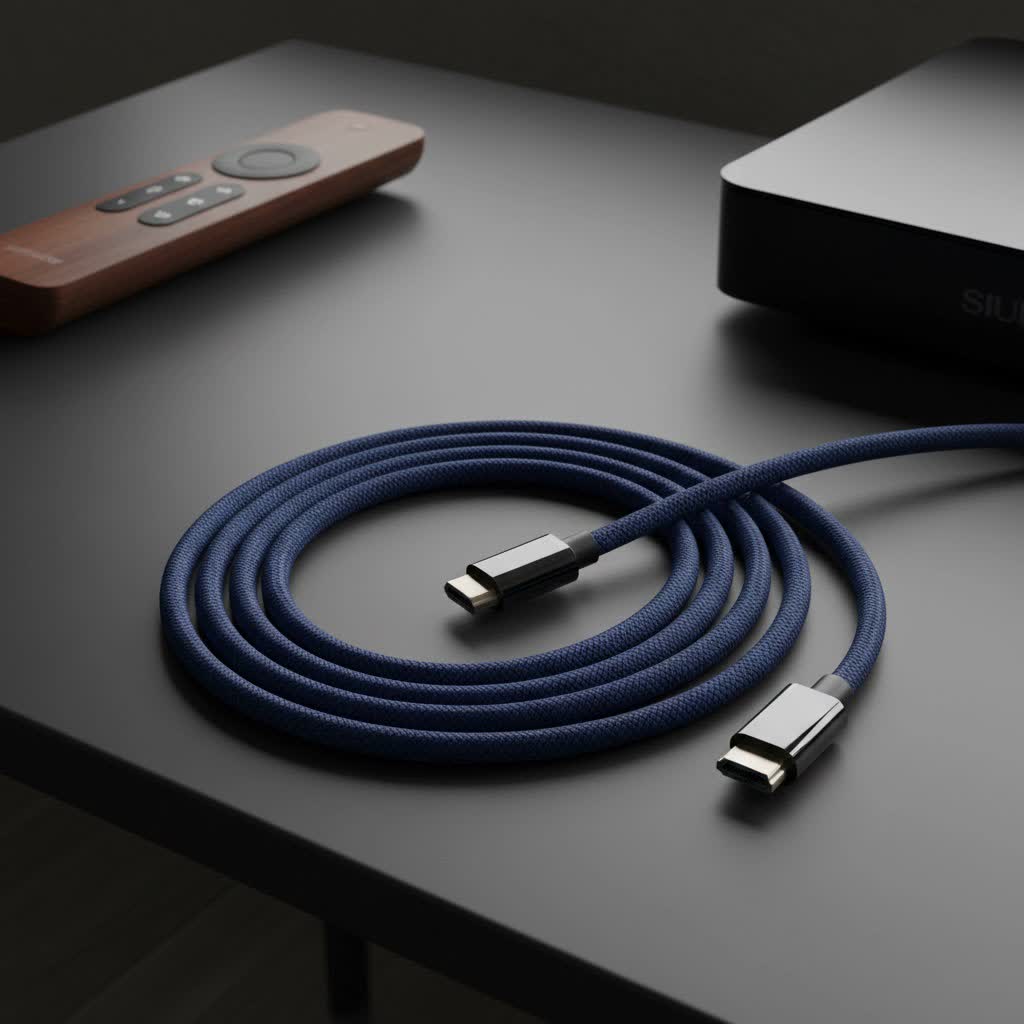
Welcome to Iecfl Tech, your authoritative source for all things HDMI. Today, we’re diving deep into the world of fiber optic technology to show you how it’s revolutionizing high-fidelity connections.
What Exactly is a Fiber HDMI Cable?
At its core, a fiber HDMI cable, often called an AOC (Active Optical Cable), does the same job as its copper counterpart: it transmits high-definition video and audio from a source (like a gaming console, Blu-ray player, or PC) to a display (like a TV or projector). The magic lies in how it does it.
Instead of sending electrical signals down copper wires, a fiber HDMI cable converts the HDMI signal into pulses of light. These light pulses travel along incredibly thin glass fibers and are then converted back into an HDMI signal at the other end. Think of it as the difference between sending a message with a garden hose versus a laser beam—one is susceptible to interference and losing pressure over distance, while the other is precise, incredibly fast, and resilient.
This conversion process requires tiny chips in the connector heads, which is why these cables are “active” and need a small amount of power, which they conveniently draw directly from the HDMI port itself.
When Do You Absolutely Need a Fiber HDMI Cable?
Many people wonder if this advanced technology is overkill for their setup. While a standard high-quality copper cable works perfectly fine for short distances (typically under 15 feet), there are specific scenarios where fiber optic is the only reliable choice.
- For Long Cable Runs: This is the primary reason to upgrade. Copper HDMI cables start to experience significant signal loss after about 25 feet (8 meters), especially with high-bandwidth 4K or 8K signals. For runs of 50, 100, or even 300 feet, a fiber HDMI cable is essential to maintain perfect signal integrity. This is common for home theater projectors, multi-room AV setups, and large conference rooms.
- For Uncompromised 8K and 4K@120Hz: The latest standards, like HDMI 2.1, require a massive 48Gbps of bandwidth to deliver features like 8K resolution at 60Hz and 4K at 120Hz. Over long distances, copper cables struggle to carry this much data without errors. Fiber optic cables handle the full 48Gbps bandwidth with ease, ensuring you get every pixel and every frame you paid for.
- In High-Interference Environments: Electrical signals in copper cables are vulnerable to electromagnetic interference (EMI) and radio frequency interference (RFI) from nearby power cords, appliances, or wireless devices. This can cause screen flickering, audio dropouts, and other annoying issues. Since fiber optic cables use light, they are completely immune to EMI and RFI, delivering a pristine, stable signal in any environment.
“For any run over 50 feet, especially for a new 8K TV or projector, a fiber HDMI cable isn’t a luxury—it’s a necessity. You’re preserving the full quality of the signal you paid for, which a copper cable simply can’t guarantee at that length.”
— Jason Miller, Certified Home Theater Installation Expert
The Core Advantages of Going Fiber Optic
Let’s break down the key benefits that make these cables a game-changer for high-performance AV setups.
Unmatched Signal Integrity Over Distance
|
Our Picks for the Best HDMI Cable in 2026
As an Amazon Associate I earn from qualifying purchases.
|
||
| Num | Product | Action |
|---|---|---|
| 1 | 10K 8K HDMI 2.1 Cable 2-Pack 6.6FT, Highwings Certified 48Gbps Ultra High Speed Slim HDMI Cord,Support 4K@120Hz 8K@60Hz, HDCP 2.2&2.3, Dynamic HDR,eARC,DTS:X, Compatible with Roku TV/HDTV/PS5/Blu-ray |

|
| 2 | 15 Pack of 10 Foot hdmi Cables |
|
| 3 | Highwings Long HDMI Cable 15 FT, 4K 8K 10K HDMI 2.1 Cord Ultra High Speed [in-Wall CL3 Rated, 8K@60Hz 4K@120Hz Video 48Gbps], Fit, Durable, Flexible, eARC, HDCP, Compatible for Ethernet SoundBar |
|
| 4 | Highwings High Speed 8K 60Hz HDMI Cable 3.3FT/1M, 2.1 48Gbps HDMI Braided Cable-4K@120Hz 7680P,DTS:X,HDCP 2.2 & 2.3, HDR 10,eARC,Dynamic HDR,Compatible for Laptop, Monitor, Roku TV |
|
| 5 | Short HDMI Cable 1 FT 2-Pack, 8K HDMI 2.1 48Gbps Ultra High Speed Braided HDMI Cords, 1 Foot HDMI Cable for Camera, Field Monitor, External Recorder, Laptop, PC |
|
| 6 | Highwings Long HDMI Cable 20 FT, 10K 8K 4K Ultra HD High Speed 2.1 HDMI Cable 48Gbps Braided Cord-4K@120Hz 8K@60Hz, DTS:X, HDCP 2.2&2.3, Dynamic HDR 10 Compatible with Roku TV/PS5/HDTV/Blu-ray |
|
| 7 | Anker HDMI Cable 8K@60Hz, 6FT Ultra HD 4K@120Hz HDMI Cord,48 Gbps Certified Ultra High-Speed,Compatible with PlayStation 5,Xbox,Samsung TVs,and More |
|
| 8 | Highwings 4K HDMI Cable 6.6FT/2m - High-Speed HDMI 2.0 Quality Cord 4K@60Hz, Braided Nylon & Gold Connectors, HDR, Ethernet, ARC, 3D, HDCP 2.2, Compatible for PS-5/4/3/ HDTV/Monitor/DVD/Streaming |
|
| 9 | Highwings 8K@60 HDMI Cable 10FT/3M, 48Gbps 2.1 High Speed HDMI Braided Nylon 4K120 144Hz RTX 3090 eARC HDR10 4:4:4 HDCP 2.2&2.3 Compatible for PS5, PS4, UHD TV and PC |
|
| 10 | Highwings 8K 10K 4K HDMI Cable 48Gbps 6.6FT/2M, Certified Ultra High Speed HDMI Cable Braided Cord-4K@120Hz 8K@60Hz, DTS:X, HDCP 2.2 & 2.3, HDR 10 Compatible with Roku TV/PS5/HDTV/Blu-ray |
|
As mentioned, this is the killer feature. A fiber optic cable can transmit a flawless, uncompressed 4K or 8K signal over hundreds of feet with zero loss. No boosters, no repeaters, no compromises.
Thinner, Lighter, and More Flexible
The glass fibers inside are much thinner than copper wires, making the overall cable significantly lighter and more pliable. This makes it far easier to route through walls, conduit, or tight spaces in an entertainment center where a thick, stiff copper cable would be a nightmare to manage.
Full Support for HDMI 2.1 Features
A high-quality fiber HDMI cable is built to handle everything the latest HDMI 2.1 specification can throw at it. This includes:
- Resolutions: 8K@60Hz and 4K@120Hz
- High Dynamic Range (HDR): Dynamic HDR formats like Dolby Vision and HDR10+
- Audio: Enhanced Audio Return Channel (eARC) for uncompressed sound formats like Dolby Atmos and DTS:X
- Gaming: Variable Refresh Rate (VRR), Auto Low Latency Mode (ALLM), and Quick Frame Transport (QFT) for a smooth, lag-free experience.
Are There Any Downsides? What to Consider
While fiber HDMI technology is impressive, it’s not without its own set of considerations. Being aware of them will help you make an informed decision.
The Cost Factor
There’s no getting around it: fiber HDMI cables are more expensive than their copper counterparts, especially at shorter lengths. The active electronics in the connectors add to the cost. However, when you factor in the cost of high-quality long-run copper cables plus potential signal boosters, the price of fiber often becomes competitive and provides a far more reliable result.
Directionality: A One-Way Street
This is the most critical thing to remember during installation. Because of the signal conversion chips, these cables are directional. One end is labeled “Source” (for your PS5, AV receiver, etc.) and the other is labeled “Display” (for your TV or projector). If you plug them in backward, they simply will not work. Always double-check the labels before running the cable through a wall.
Durability Concerns
The glass fibers within the cable are more fragile than copper wire. While modern cables are well-protected with durable sheathing like Kevlar, they cannot tolerate sharp bends or kinks. A bend radius of 90 degrees or more can permanently damage the internal fibers. You need to be more careful during installation, but once in place, they are perfectly robust for everyday use.
How to Choose the Right Fiber HDMI Cable
Navigating the market can be tricky, but here’s a simple checklist to ensure you get a cable that meets your needs.
- Verify the HDMI Version: Look for a cable explicitly certified for HDMI 2.1. This ensures it can handle the 48Gbps bandwidth required for the latest features. Don’t settle for older HDMI 2.0 versions unless your needs are strictly limited to 4K@60Hz.
- Check the CL Rating for In-Wall Use: If you plan to run the cable inside a wall or ceiling, it must have a CL2 or CL3 rating. This means its jacket is fire-resistant and safe for in-wall installation according to building codes.
- Confirm eARC Support: While most modern fiber HDMI cables support it, double-check that eARC is listed as a feature if you plan on sending high-resolution audio from your TV back to a soundbar or AV receiver.
- Buy the Right Length: Measure your intended cable path carefully and then add a few extra feet for slack. Unlike copper, you can’t easily connect two fiber cables together, so it’s better to have a little extra length than to be too short.
Fiber HDMI Cable vs. Traditional Copper
| Feature | Fiber HDMI Cable | Copper HDMI Cable |
|---|---|---|
| Max Effective Length | 300+ feet (100+ meters) | ~25 feet (8 meters) for 4K/8K |
| Bandwidth | Consistently high (up to 48Gbps) | Degrades significantly with length |
| EMI/RFI Immunity | 100% Immune | Susceptible to interference |
| Thickness & Weight | Thin and lightweight | Thicker and heavier |
| Directionality | Yes, must be installed correctly | No, works in either direction |
| Cost | Higher | Lower, especially for short lengths |
| Best For | Long runs, 8K, projectors, gaming | Short connections, standard setups |
Frequently Asked Questions (FAQ)
1. Do fiber HDMI cables support ARC and eARC?
Yes, most high-quality modern fiber HDMI cables fully support both ARC and eARC. This allows you to transmit uncompressed, high-fidelity audio like Dolby Atmos back from your TV to your sound system. Always check the product specifications to be sure.
2. Are fiber optic HDMI cables good for gaming?
They are excellent for gaming. Their ability to deliver the full 48Gbps bandwidth of HDMI 2.1 ensures you can take full advantage of features like 4K@120Hz, VRR, and ALLM, especially if your gaming console is located far from your display.
3. Can I bend a fiber HDMI cable?
You can bend them, but not sharply. They are not as tolerant of tight kinks as copper cables. Avoid any bends tighter than a 90-degree angle to prevent damaging the internal glass fibers. Gentle, sweeping curves are perfectly fine.
4. Do fiber HDMI cables need external power?
No, they do not require an external power adapter. The active electronics inside the connector heads draw a very small amount of power directly from the 5V supply provided by the HDMI ports on your source and display devices.
5. Is a fiber HDMI cable worth it for a short run, like 6 feet?
For short distances under 15 feet, a certified Ultra High Speed copper HDMI cable is more than sufficient and much more cost-effective. A fiber HDMI cable offers no significant performance benefit at these lengths and is not necessary.
The Final Verdict
The transition to 8K resolutions and high-refresh-rate 4K gaming has pushed traditional copper HDMI cables to their absolute limit. While they remain the standard for short, simple connections, they are no longer the best tool for every job.
For anyone serious about home theater, especially those with projectors or complex AV setups requiring long cable runs, a fiber HDMI cable is the definitive solution. It is a future-proof investment that guarantees a flawless, full-bandwidth signal, free from interference and degradation, no matter the distance. By choosing the right cable, you ensure that your high-end equipment performs exactly as its creators intended, delivering the breathtaking audio and video experience you deserve.
