So, you’re setting up your dream home theater, connecting a gaming PC to your big-screen TV, or wiring a conference room. You’ve measured the distance, and it’s clear a standard six-foot cord won’t cut it. You need a 25 Ft Hdmi Cable. But as you browse online, a wave of questions hits you: Will a cable that long degrade the signal? Can it handle 4K or even 8K? What’s the deal with “active” versus “passive” cables?
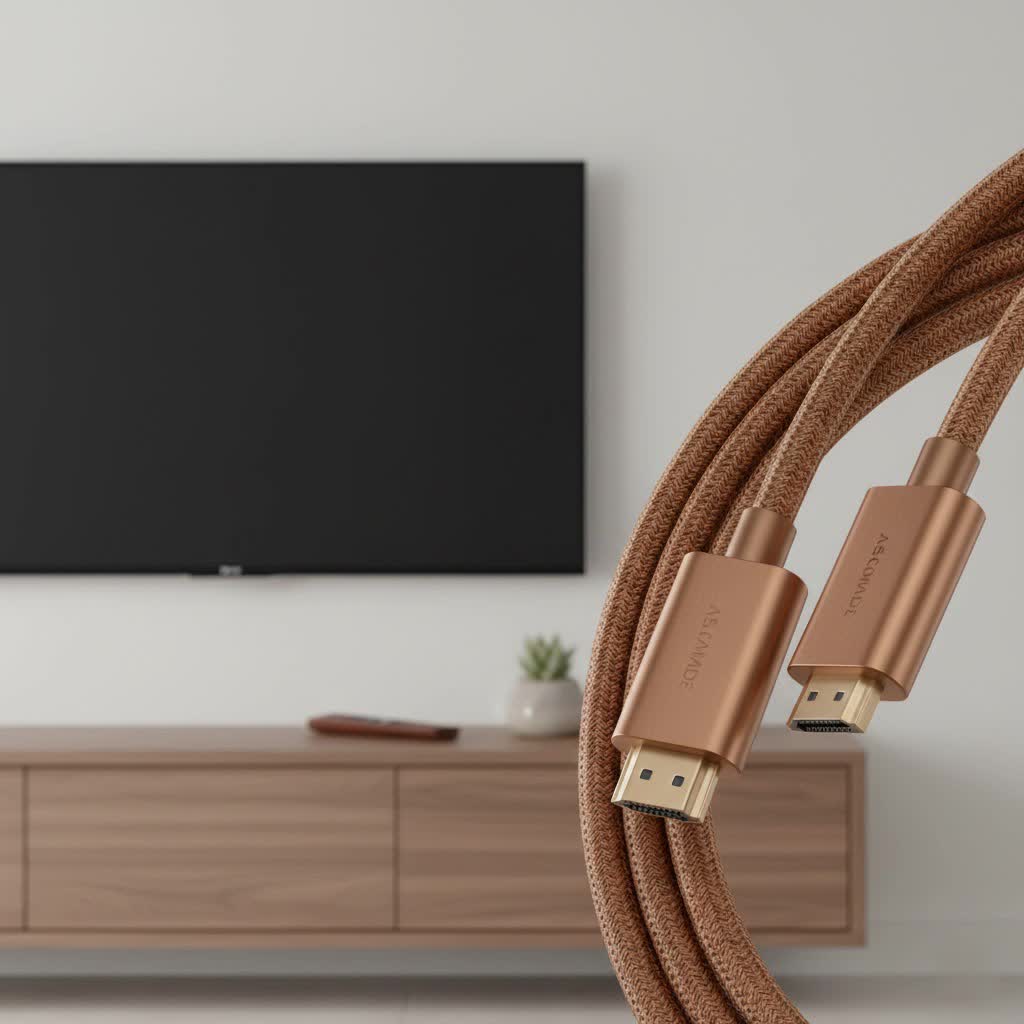
You’ve come to the right place. At Iecfl Tech, we live and breathe this stuff. A long HDMI cable run is a common scenario, but it introduces variables that don’t exist with shorter cables. Getting it wrong can lead to frustrating signal dropouts, a fuzzy picture, or features like HDR failing to work. This guide will walk you through everything you need to know to choose the perfect 25 ft HDMI cable for your needs, ensuring a flawless, high-fidelity connection every time.
Does HDMI Cable Length Really Matter?
Yes, it absolutely does. While digital signals are more resilient than their old analog counterparts, they are not immune to degradation over long distances. An HDMI cable transmits an enormous amount of data at incredibly high speeds. The longer the cable, the more resistance the signal encounters, a phenomenon known as attenuation.
For a standard, passive HDMI cable, the 15-foot mark is generally considered a safe maximum for reliable, high-bandwidth signals like 4K at 60Hz. Once you venture into the 25-foot territory, the quality and construction of the cable become critically important. A poorly made 25 ft HDMI cable might fail to transmit a stable 4K signal, resulting in issues like:
- “Sparkles” or “snow”: Tiny, flickering white pixels on the screen.
- Signal dropouts: The picture and sound cutting out intermittently.
- HDCP errors: A handshake failure between your source and display, often preventing content from playing.
- Inability to support advanced features: Your TV might not recognize an HDR or high refresh rate signal.
This is why simply buying the cheapest long cable you can find is often a recipe for disappointment. For a 25-foot run, you need to be more selective.
Passive, Active, or Fiber Optic: Choosing Your Cable Type
When shopping for a 25 ft HDMI cable, you’ll encounter three main types. Understanding the difference is key to making the right choice.
1. Passive HDMI Cables
This is the standard type of cable you’re familiar with. It’s a simple, bidirectional copper wire that transmits the signal without any electronic assistance.
- Best for: Less demanding signals like 1080p.
- Pros: Inexpensive, simple, and readily available.
- Cons: Prone to signal degradation at 25 feet, especially for 4K 60Hz and above. Success is highly dependent on the quality of the copper wiring and shielding.
|
Our Picks for the Best HDMI Cable in 2026
As an Amazon Associate I earn from qualifying purchases.
|
||
| Num | Product | Action |
|---|---|---|
| 1 | Highwings 8K@60 HDMI Cable 10FT/3M, 48Gbps 2.1 High Speed HDMI Braided Nylon 4K120 144Hz RTX 3090 eARC HDR10 4:4:4 HDCP 2.2&2.3 Compatible for PS5, PS4, UHD TV and PC |

|
| 2 | Highwings High Speed 8K 60Hz HDMI Cable 3.3FT/1M, 2.1 48Gbps HDMI Braided Cable-4K@120Hz 7680P,DTS:X,HDCP 2.2 & 2.3, HDR 10,eARC,Dynamic HDR,Compatible for Laptop, Monitor, Roku TV |
|
| 3 | Highwings 4K HDMI Cable 6.6FT/2m - High-Speed HDMI 2.0 Quality Cord 4K@60Hz, Braided Nylon & Gold Connectors, HDR, Ethernet, ARC, 3D, HDCP 2.2, Compatible for PS-5/4/3/ HDTV/Monitor/DVD/Streaming |
|
| 4 | Highwings Long HDMI Cable 15 FT, 4K 8K 10K HDMI 2.1 Cord Ultra High Speed [in-Wall CL3 Rated, 8K@60Hz 4K@120Hz Video 48Gbps], Fit, Durable, Flexible, eARC, HDCP, Compatible for Ethernet SoundBar |
|
| 5 | Highwings Long HDMI Cable 20 FT, 10K 8K 4K Ultra HD High Speed 2.1 HDMI Cable 48Gbps Braided Cord-4K@120Hz 8K@60Hz, DTS:X, HDCP 2.2&2.3, Dynamic HDR 10 Compatible with Roku TV/PS5/HDTV/Blu-ray |
|
| 6 | 10K 8K HDMI 2.1 Cable 2-Pack 6.6FT, Highwings Certified 48Gbps Ultra High Speed Slim HDMI Cord,Support 4K@120Hz 8K@60Hz, HDCP 2.2&2.3, Dynamic HDR,eARC,DTS:X, Compatible with Roku TV/HDTV/PS5/Blu-ray |
|
| 7 | 15 Pack of 10 Foot hdmi Cables |
|
| 8 | Highwings 8K 10K 4K HDMI Cable 48Gbps 6.6FT/2M, Certified Ultra High Speed HDMI Cable Braided Cord-4K@120Hz 8K@60Hz, DTS:X, HDCP 2.2 & 2.3, HDR 10 Compatible with Roku TV/PS5/HDTV/Blu-ray |
|
| 9 | Short HDMI Cable 1 FT 2-Pack, 8K HDMI 2.1 48Gbps Ultra High Speed Braided HDMI Cords, 1 Foot HDMI Cable for Camera, Field Monitor, External Recorder, Laptop, PC |
|
| 10 | Anker HDMI Cable 8K@60Hz, 6FT Ultra HD 4K@120Hz HDMI Cord,48 Gbps Certified Ultra High-Speed,Compatible with PlayStation 5,Xbox,Samsung TVs,and More |
|
For a 25 ft HDMI cable to work reliably as a passive cable carrying a 4K HDR signal (requiring 18 Gbps bandwidth), it must be exceptionally well-made with thick-gauge copper conductors and robust shielding to prevent interference.
2. Active (or “Booster”) HDMI Cables
An active HDMI cable looks just like a passive one but contains a small, powered chip integrated into one of the connector heads. This chip acts as a signal booster, amplifying the data to ensure it successfully completes its long journey down the copper wire.
- Best for: Reliably transmitting 4K 60Hz (HDMI 2.0) signals over 25 feet.
- Pros: Ensures a stable, strong signal over longer distances where passive cables might fail.
- Cons: It is a directional cable. You must plug the correct end into the source (e.g., PS5, Blu-ray player) and the other into the display (TV, projector). They are also slightly more expensive than passive cables.
“For any installation over 20 feet, I almost always recommend an active cable for peace of mind,” notes James Caldwell, a professional home theater installer. “It’s a small price to pay to avoid the headache of troubleshooting a flickering screen after you’ve already run the cable through a wall.”
3. Fiber Optic HDMI Cables
For the ultimate in long-distance performance, fiber optic HDMI cables are the gold standard. These cables convert the electrical HDMI signal into pulses of light, which travel down flexible optical fibers. A chip in the other connector then converts the light back into an electrical signal for the display.
- Best for: Very long runs (25 feet and beyond), and demanding 4K 120Hz or 8K 60Hz (HDMI 2.1) signals.
- Pros: Virtually immune to signal degradation and electromagnetic interference (EMI). Can carry the highest bandwidth signals (48 Gbps for HDMI 2.1) over hundreds of feet without issue. They are also much thinner and more flexible than thick copper cables.
- Cons: The most expensive option. They are also directional, just like active cables.
What HDMI Version Do You Need for a 25 ft Cable?
The cable’s performance is defined by its bandwidth certification, often associated with an HDMI version number. Here’s what you need to look for.
High-Speed HDMI (HDMI 2.0 / 18 Gbps)
This is the minimum you should consider for a modern setup. A certified High-Speed 25 ft HDMI cable is rated for 18 Gbps bandwidth, which is enough for:
- 4K resolution at 60Hz
- High Dynamic Range (HDR10, Dolby Vision)
- Wide Color Gamut (WCG)
- ARC (Audio Return Channel)
For most users with a 4K TV, a streaming box, or a Blu-ray player, a high-quality active High-Speed cable is the sweet spot for a 25-foot run.
Ultra High-Speed HDMI (HDMI 2.1 / 48 Gbps)
If you’re a serious gamer with a PlayStation 5, Xbox Series X, or a high-end PC, or you’re future-proofing for an 8K TV, you need an Ultra High-Speed certified cable. This certification guarantees 48 Gbps of bandwidth, unlocking features like:
- 4K resolution at 120Hz
- 8K resolution at 60Hz
- Variable Refresh Rate (VRR) for smoother gaming
- Auto Low Latency Mode (ALLM)
- eARC (Enhanced Audio Return Channel) for uncompressed audio formats like Dolby Atmos.
At 25 feet, achieving a stable 48 Gbps signal with a passive copper cable is extremely difficult. For this use case, a fiber optic HDMI 2.1 cable is strongly recommended to ensure you get the performance you paid for.
In-Wall Installation? Check for a CL Rating
If your project involves running the 25 ft HDMI cable inside a wall or ceiling, you must use a cable with the proper safety rating. Look for cables marked as CL2 or CL3. This rating indicates that the cable’s outer jacket is made from fire-resistant materials, which is required by most building codes for in-wall installations. Using a non-rated cable inside a wall is a fire hazard and could cause issues with an insurance claim.
Checklist for Buying the Right 25 ft HDMI Cable
Feeling overwhelmed? Use this simple checklist to guide your decision.
- What are you connecting?
- 1080p devices: A well-made passive cable might suffice.
- 4K TV, Streamer, Blu-ray player: Choose an Active High-Speed cable (18 Gbps) for best results.
- PS5, Xbox Series X, High-End PC, 8K TV: You need an Ultra High-Speed cable (48 Gbps). A fiber optic model is the most reliable choice at this length.
- Are you running it inside a wall?
- If yes, you must choose a cable with a CL2 or CL3 rating.
- What is your budget?
- Passive: Cheapest, but risky for 4K.
- Active: Moderately priced, great for 4K 60Hz reliability.
- Fiber Optic: Most expensive, but essential for HDMI 2.1 features and guaranteed performance.
- Double-check the certification.
- Look for official “Ultra High-Speed HDMI Cable” labeling and the QR code hologram on the packaging to ensure it’s a legitimate HDMI 2.1 cable.
The Final Connection
Choosing a 25 ft HDMI cable isn’t as simple as grabbing the longest one off the shelf, but it doesn’t have to be complicated. By understanding the challenges of a long-distance run and matching the cable type—passive, active, or fiber optic—to your specific needs, you can build a clean, reliable, and high-performance AV system. Whether you’re chasing high frame rates in your gaming den or creating an immersive home cinema, the right long HDMI cable is the unsung hero that makes it all possible.
