So, you need to run a video signal across a large room. Whether you’re setting up the ultimate home theater with a ceiling-mounted projector or connecting a gaming PC to your big-screen TV, the humble HDMI cable is your go-to solution. But when the distance stretches to 50 feet, things get complicated. A standard cable from the bargain bin won’t cut it. Choosing the right 50 Ft Hdmi Cable is crucial to avoid signal dropouts, sparkling pixels, and the dreaded black screen of doom.
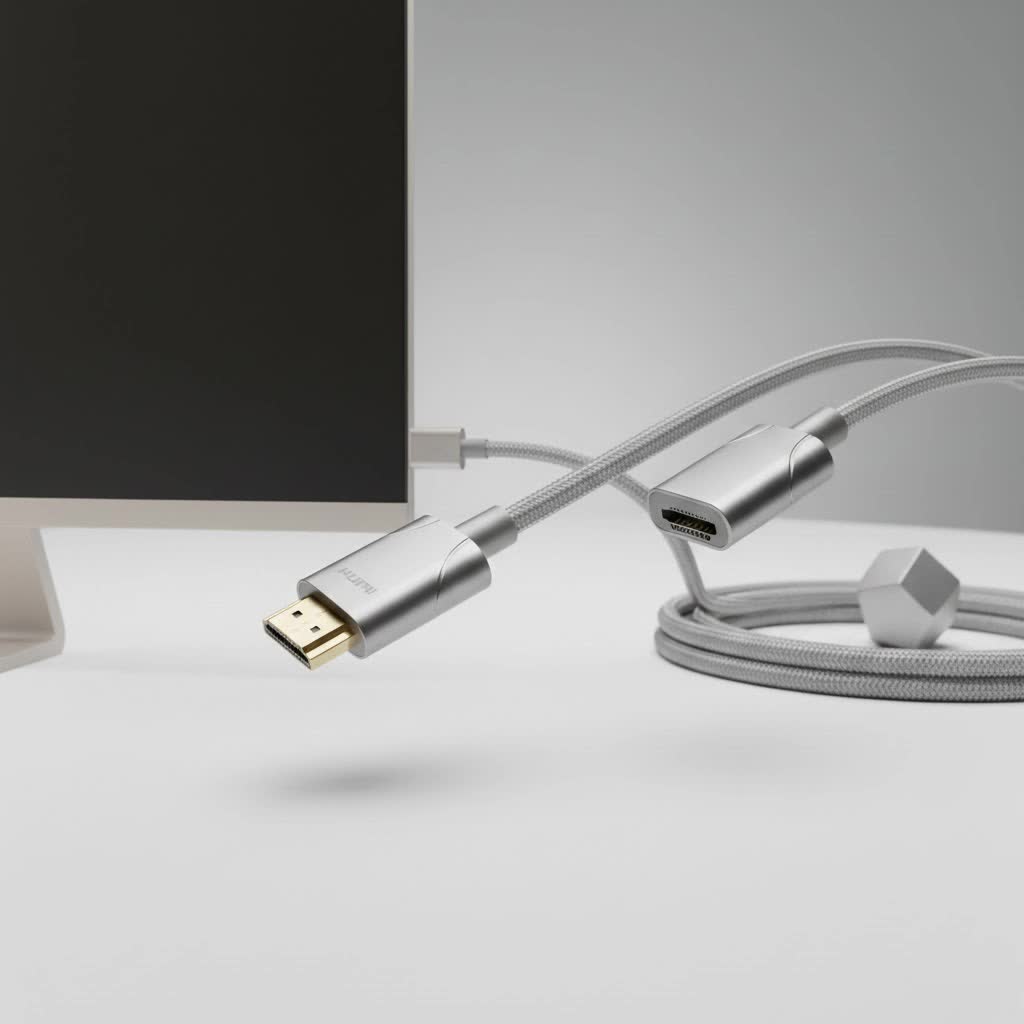
Welcome to Iecfl Tech, your definitive source for all things HDMI. We’re here to demystify the world of long-distance HDMI and guide you to the perfect cable for your needs. Forget the technical jargon and confusing specs; we’ll break it down so you can make an informed decision and get the pristine picture quality you paid for.
Why Distance is the Enemy of HDMI
Before we dive into the types of cables, it’s important to understand why a 50 ft HDMI cable is a special piece of hardware. A standard HDMI cable transmits a massive amount of digital data through copper wires. Over short distances, this works flawlessly. But as the length increases, the signal gets weaker, a phenomenon known as attenuation.
Think of it like shouting to a friend across a quiet room versus shouting across a football field. Over a short distance, your voice is clear. Over a long distance, it becomes faint and distorted. For an HDMI signal, this degradation can manifest in several frustrating ways:
- Sparkles or “Snow”: Random white pixels flickering on the screen.
- HDCP Errors: A “handshake” failure between your source and display, resulting in no picture.
- Intermittent Signal: The picture and sound cutting in and out.
- Lower Resolution: Your 4K device may only be able to output a 1080p signal.
- No Signal at All: The most common and frustrating outcome.
This is why simply buying a longer version of a cheap, standard cable is a recipe for disappointment. For a 50-foot run, you need a cable specifically engineered to maintain signal integrity over distance.
The Three Types of 50 ft HDMI Cables Explained
When you’re shopping for a long HDMI cable, you’ll encounter three main technologies. Each has its own strengths, weaknesses, and ideal use case.
1. Passive Copper HDMI Cables
This is the most basic type of cable, essentially a longer version of the one that came with your TV. It’s made of copper wires and relies on the strength of the source device’s signal to reach the display.
A high-quality passive 50 ft HDMI cable might work for older, less demanding formats like 1080p. However, it’s highly unlikely to reliably support modern, high-bandwidth signals like 4K at 60Hz or HDR. They are the most affordable option, but they are also the biggest gamble.
- Best for: 1080p resolutions, non-critical applications.
- Avoid if: You are running 4K, HDR, or high refresh rate gaming.
|
Our Picks for the Best HDMI Cable in 2026
As an Amazon Associate I earn from qualifying purchases.
|
||
| Num | Product | Action |
|---|---|---|
| 1 | Anker HDMI Cable 8K@60Hz, 6FT Ultra HD 4K@120Hz HDMI Cord,48 Gbps Certified Ultra High-Speed,Compatible with PlayStation 5,Xbox,Samsung TVs,and More |

|
| 2 | Highwings Long HDMI Cable 15 FT, 4K 8K 10K HDMI 2.1 Cord Ultra High Speed [in-Wall CL3 Rated, 8K@60Hz 4K@120Hz Video 48Gbps], Fit, Durable, Flexible, eARC, HDCP, Compatible for Ethernet SoundBar |
|
| 3 | 10K 8K HDMI 2.1 Cable 2-Pack 6.6FT, Highwings Certified 48Gbps Ultra High Speed Slim HDMI Cord,Support 4K@120Hz 8K@60Hz, HDCP 2.2&2.3, Dynamic HDR,eARC,DTS:X, Compatible with Roku TV/HDTV/PS5/Blu-ray |
|
| 4 | Highwings High Speed 8K 60Hz HDMI Cable 3.3FT/1M, 2.1 48Gbps HDMI Braided Cable-4K@120Hz 7680P,DTS:X,HDCP 2.2 & 2.3, HDR 10,eARC,Dynamic HDR,Compatible for Laptop, Monitor, Roku TV |
|
| 5 | Highwings 8K@60 HDMI Cable 10FT/3M, 48Gbps 2.1 High Speed HDMI Braided Nylon 4K120 144Hz RTX 3090 eARC HDR10 4:4:4 HDCP 2.2&2.3 Compatible for PS5, PS4, UHD TV and PC |
|
| 6 | Highwings 4K HDMI Cable 6.6FT/2m - High-Speed HDMI 2.0 Quality Cord 4K@60Hz, Braided Nylon & Gold Connectors, HDR, Ethernet, ARC, 3D, HDCP 2.2, Compatible for PS-5/4/3/ HDTV/Monitor/DVD/Streaming |
|
| 7 | Short HDMI Cable 1 FT 2-Pack, 8K HDMI 2.1 48Gbps Ultra High Speed Braided HDMI Cords, 1 Foot HDMI Cable for Camera, Field Monitor, External Recorder, Laptop, PC |
|
| 8 | 15 Pack of 10 Foot hdmi Cables |
|
| 9 | Highwings 8K 10K 4K HDMI Cable 48Gbps 6.6FT/2M, Certified Ultra High Speed HDMI Cable Braided Cord-4K@120Hz 8K@60Hz, DTS:X, HDCP 2.2 & 2.3, HDR 10 Compatible with Roku TV/PS5/HDTV/Blu-ray |
|
| 10 | Highwings Long HDMI Cable 20 FT, 10K 8K 4K Ultra HD High Speed 2.1 HDMI Cable 48Gbps Braided Cord-4K@120Hz 8K@60Hz, DTS:X, HDCP 2.2&2.3, Dynamic HDR 10 Compatible with Roku TV/PS5/HDTV/Blu-ray |
|
2. Active (Booster) HDMI Cables
Active HDMI cables are a significant step up. They look just like passive cables but have a secret weapon: a small, integrated signal processing chip. This chip acts as a booster, regenerating and strengthening the HDMI signal before it gets too weak. This allows for a reliable transmission of higher bandwidth signals over longer distances.
One critical thing to note is that these cables are directional. They have a designated “Source” end (to plug into your Blu-ray player, console, or PC) and a “Display” end (to plug into your TV or projector). If you plug them in backward, they won’t work.
“I always recommend active cables as the minimum for any 4K run over 25 feet,” notes Johnathan Carter, a professional home theater installer with over a decade of experience. “They offer the best balance of performance and price for most 4K home theater setups. Just double-check the direction before you pull it through a wall.”
- Best for: 4K at 60Hz, HDR content, most home theater and conference room setups.
- Remember: They are directional and must be installed correctly.
3. Fiber Optic HDMI Cables
For the ultimate in performance and reliability, look no further than fiber optic HDMI cables. These are the pinnacle of long-distance HDMI technology. Instead of using copper wires to transmit the signal electrically, they convert the HDMI signal into pulses of light, send it down a fiber optic strand, and then convert it back to an HDMI signal at the other end.
Because light travels with virtually no signal loss or degradation, these cables can handle the most demanding formats with ease. A 50 ft HDMI cable built with fiber optics can flawlessly transmit 4K at 120Hz, 8K at 60Hz, and the full 48Gbps bandwidth required by the latest HDMI 2.1 specification. They are also immune to the electromagnetic interference (EMI) that can plague copper cables.
Like active cables, they are directional. They are also thinner and more flexible than their copper counterparts, making them easier to install.
- Best for: High-end gaming (PS5, Xbox Series X, PC), 8K video, future-proofing your installation, and situations with high EMI.
- Downside: They are the most expensive option, but they guarantee performance.
How to Choose the Right 50 ft HDMI Cable
Now that you know the types, how do you pick the right one? Follow this simple checklist.
1. What is your source and display?
- 1080p Projector or TV: A high-quality passive or basic active cable will likely suffice.
- 4K Blu-ray player or streaming device (e.g., Apple TV 4K): An active HDMI cable certified for 18Gbps is your best bet.
- PlayStation 5, Xbox Series X, or High-End Gaming PC: You absolutely need a fiber optic HDMI 2.1 cable certified for 48Gbps to get 4K at 120Hz.
2. Are you installing it in a wall?
If you plan to run the cable inside a wall or ceiling, you must use a cable with the proper safety rating. Look for cables marked as CL2 or CL3. This rating means the jacket is fire-resistant and safe for in-wall use. Running an unrated cable in your walls is a fire hazard and against electrical code.
3. Check for Certification.
For guaranteed performance, look for cables that are officially certified.
- Premium High-Speed Certified: This certification is for cables that can handle 18Gbps, which is enough for 4K at 60Hz. Look for the official anti-counterfeit label.
- Ultra High-Speed Certified: This is the top-tier certification for HDMI 2.1, guaranteeing 48Gbps bandwidth for 8K video and 4K at 120Hz.
Comparison Table
| Cable Type | Max Resolution (at 50 ft) | Best For | Price | Key Feature |
|---|---|---|---|---|
| Passive Copper | 1080p (4K is a gamble) | Basic HD setups | $ | Inexpensive |
| Active Copper | 4K @ 60Hz HDR | Mainstream 4K home theaters | $$ | Built-in signal booster |
| Fiber Optic | 8K @ 60Hz, 4K @ 120Hz | High-end gaming, future-proofing | $$$ | Flawless signal, EMI immunity |
Frequently Asked Questions (FAQ)
Q: Can a 50 ft HDMI cable really do 4K?
A: Yes, absolutely. However, you must use the right type of cable. For 4K at 60Hz, you need an active copper cable. For 4K at 120Hz, you need a fiber optic HDMI cable. A standard passive cable is not reliable for 4K at this distance.
Q: Do I need to spend a lot of money on a long HDMI cable?
A: You don’t need to buy the most expensive “boutique” brand, but you should avoid the cheapest options. For a 50 ft run, you are paying for the technology inside—like boosters or fiber optics—that ensures a stable signal. Invest in a certified active or fiber optic cable to save yourself the headache of troubleshooting a poor signal later.
Q: What is the maximum length for an HDMI cable?
A: There is no official maximum length in the HDMI specification. However, signal integrity becomes a major issue for passive copper cables beyond about 15-25 feet. With active and fiber optic technology, runs of 50 feet, 100 feet, or even longer are possible with perfect signal quality.
Q: My active HDMI cable isn’t working. What’s wrong?
A: The most common issue is that it’s plugged in backward. Active and fiber optic cables are directional. Check that the end labeled “Source” or with an “input” icon is plugged into your device (e.g., PS5) and the end labeled “Display” or “TV” is plugged into your screen.
The Final Connection
Choosing a 50 ft HDMI cable doesn’t have to be a shot in the dark. By understanding the core challenges of signal loss over distance, you can see why specialized solutions are necessary. For most modern 4K setups, an active HDMI cable provides the perfect blend of performance and value. For elite gamers and those who want to be ready for the 8K future, a fiber optic HDMI cable is a worthwhile investment that guarantees a flawless, uninterrupted experience. Don’t let distance compromise your picture quality—choose the right cable and enjoy your content exactly as it was meant to be seen.
